Gamatronic Electronic Industries Ltd.
76 Power+ Technical Guide
9. TROUBLESHOOTING
The system log (option "4 – HISTORY" on the main menu) can be very useful in determining the cause
of a UPS malfunction. See section
5.4 "Retrieving History (LOG of Events)" on page 62.
The indicator lights on the UPS module's front panel can also signal a malfunction.
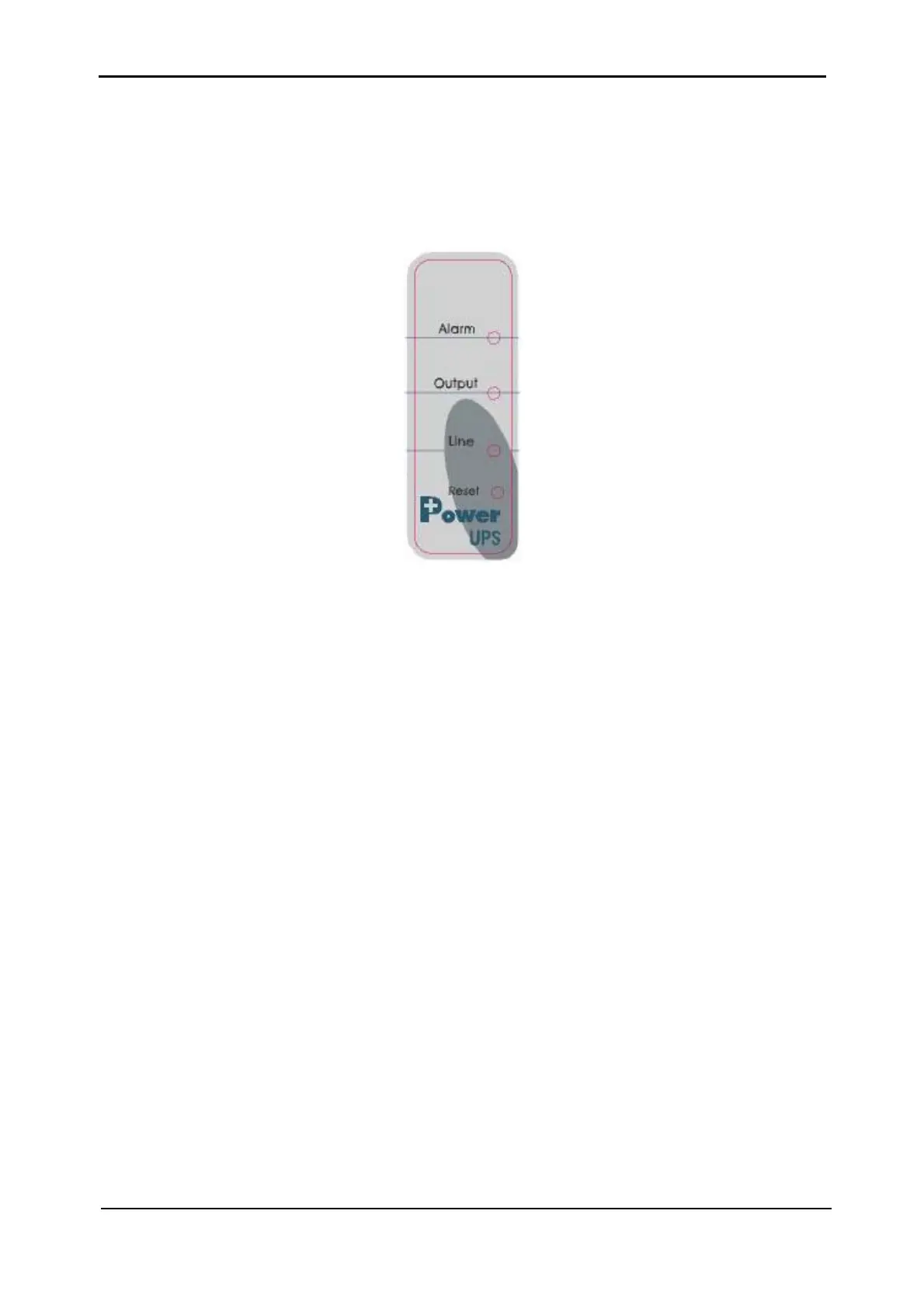
Figure 9-1: UPS module front panel
As shown in Figure 9-1 there are three LEDs on the front panel of each UPS module: Alarm,
Output and Line. The internal buzzer in the UPS module sounds when there is no
communication with the system controller.
These 3 LEDs and the buzzer indicate the status of the UPS module (see
Table 9-1 below).
The alarm LED is red, line and output LEDs are green.
Normal condition is indicated by the green line LED and output LED on, with no beeps from the
buzzer.











 To Next Page