Gamatronic Electronic Industries Ltd.
62 Power+ Technical Guide
5.4 RETRIEVING HISTORY (LOG OF EVENTS)
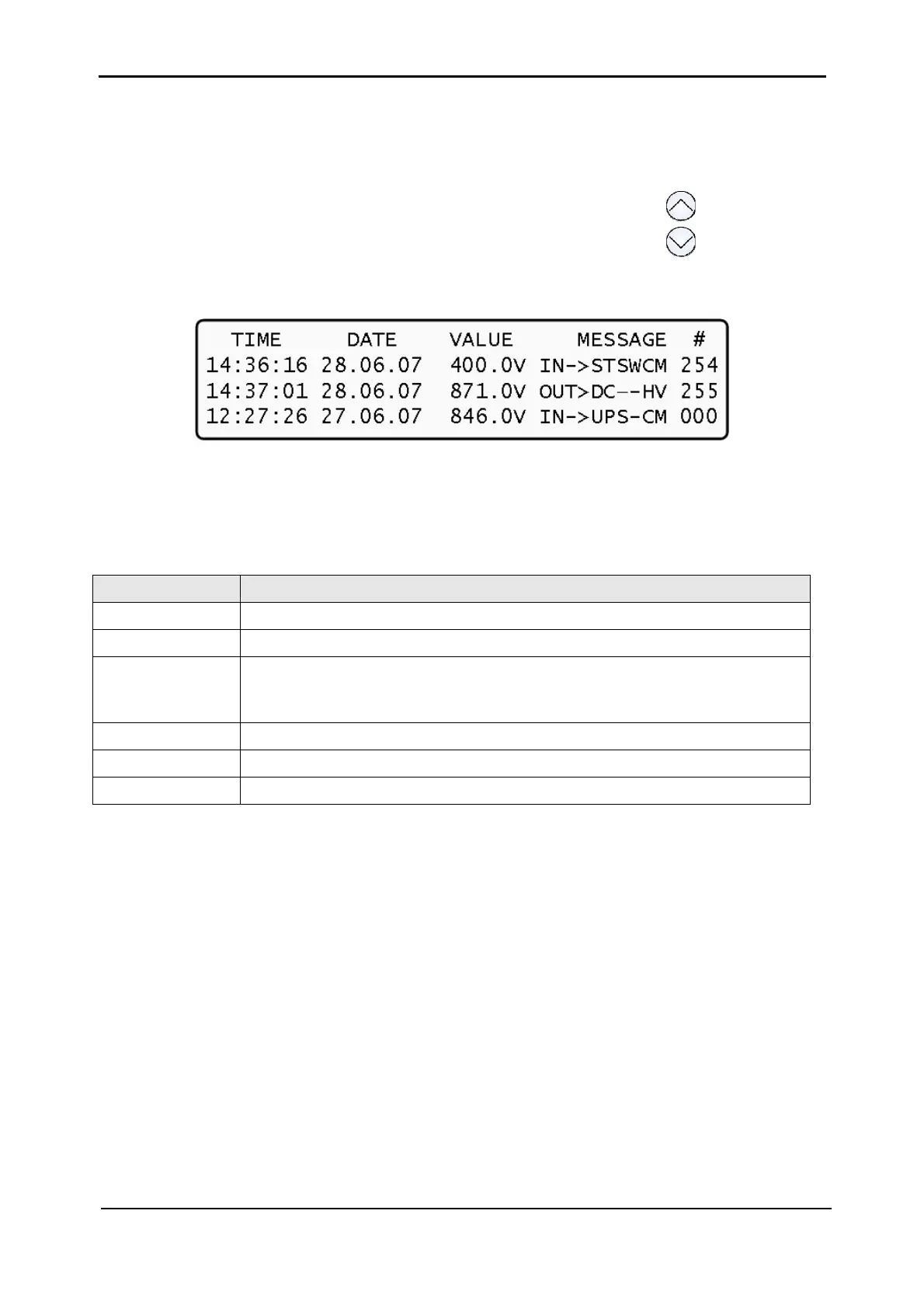
1. Select "4> HISTORY" (Figure 5-1). The last 255 events reserved in the LOG are
displayed, as shown in
Figure 5-18.
2. Navigate the LOG by scrolling using the "up" and "down" arrow keys( ).
Figure 5-18: Log display
Log messages are formatted as described in Table 5-2 below.
Table 5-2: Format of log messages
FIELD DESCRIPTION
Time
HH:MM:SS – time message logged.
Date
YY:MM:DD – date message logged.
Data
Dc voltage between "+" and "-" terminals for all events except LOADBP.
For LOADBP, the field holds the STSW status. See
Table 5-4 below for
interpretation of STSW status codes.
IN or OUT
"IN" = start of event or condition; "OUT" = end of event or condition.
Description
See
Table 5-3 below.
Event number
0 through 255, 255 being the most recent.
Example of a log message:
11:23:56 09.01.28 865 IN -> E.P.O. 254
This message means that at 11:23:56 on January 28
th
2009, Emergency Power Off alarm was
registered as event 254; dc voltage at the time was 865 V being a sum of (V+ -N) and (V- -N).
Table 5-3 below lists the various "description" field values that can appear in a log message.











 To Next Page