Gamatronic Electronic Industries Ltd.
Power+ Technical Guide 59
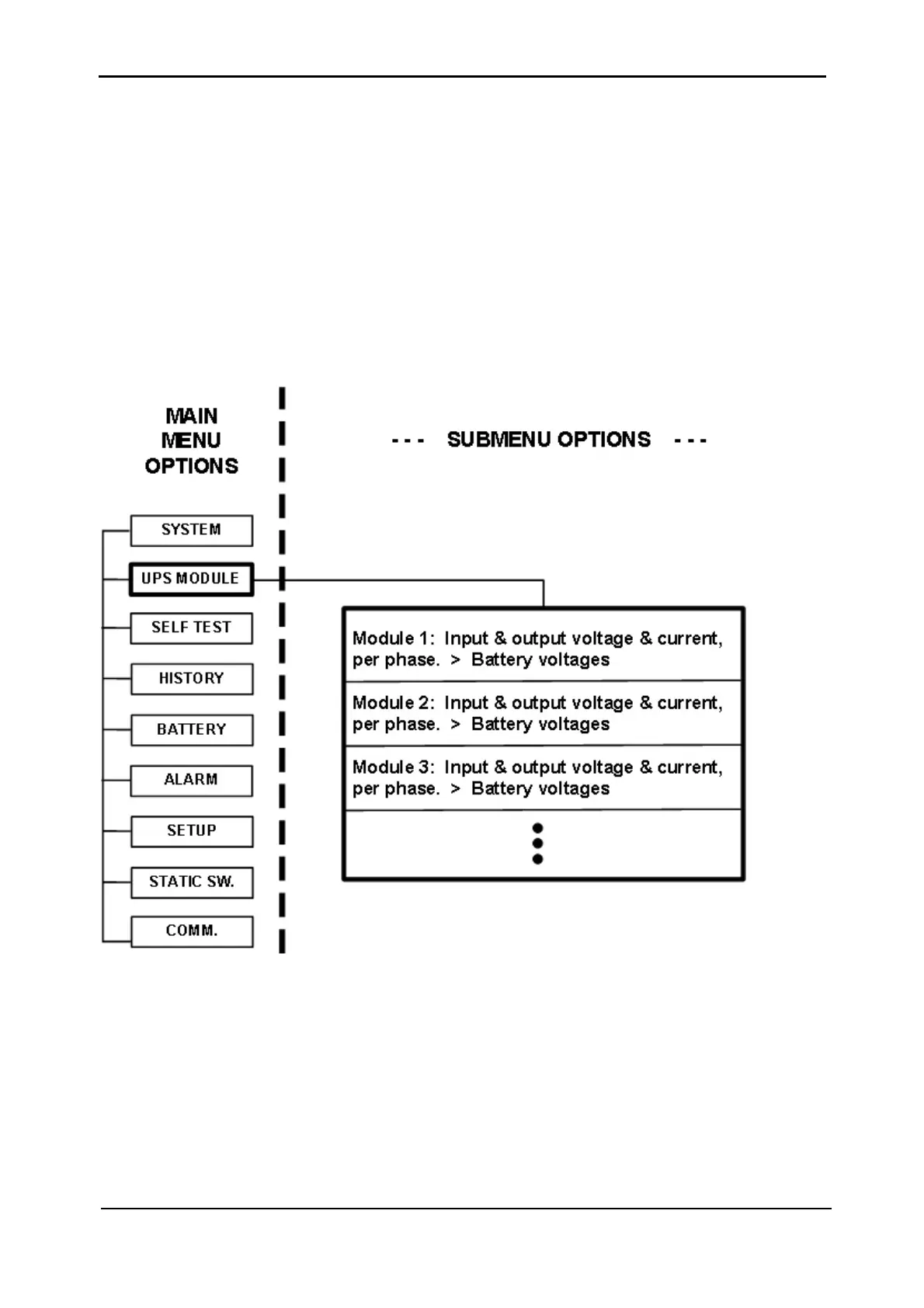
5.2 DISPLAY UPS MODULE DATA
1. From the Main Menu, select option 2 “UPS MODULE”. The message shown in
Figure 5-11) appears.
2. Use the ▼ and ▲ keys to scroll between UPS modules. The display shows the
voltage and current measurements for each module (see
Figure 5-12 on page 60).
3. Scroll ► and ◄ keys to view additional information for the specific module chosen
(see
Figure 5-13 on page 60).
Figure 5-10: Main Menu option 2 (“UPS Module”)











 To Next Page