36 GPSMAP
®
700 Series Owner’s Manual
Where To?
Where To?
Use the Where To? option on the Home screen to search for, and navigate to, nearby fuel, repairs,
and other services, as well as waypoints and routes that you have created.
Marine Services Destinations
The chartplotter contains information about thousands of destinations offering marine services.
Navigating to a Marine Services Destination
CAUTION
The Auto Guidance feature of the BlueChart g2 Vision data card is based on electronic chart
information. That data does not ensure obstacle and bottom clearance. Carefully compare the course
to all visual sightings and avoid any land, shallow water, or other obstacles that may be in your path.
When using Go To, a direct course and a corrected course may pass over land or shallow water. Use
visual sightings and steer to avoid land, shallow water, and other dangerous objects.
NOTE
: Auto Guidance is available with a preprogrammed BlueChart g2 Vision data card.
1. From the Home screen, select
Where To? > Offshore Services.
2. Select the marine service category to which you want to navigate.
The chartplotter shows a list of the 50 nearest locations and the distance and bearing to each.
3. Select a destination.
TIP
: Select or to view additional information or to show the location on a chart.
4. Complete an action:
Select Go To.
Select Route To.
Select Guide To to use Auto Guidance.
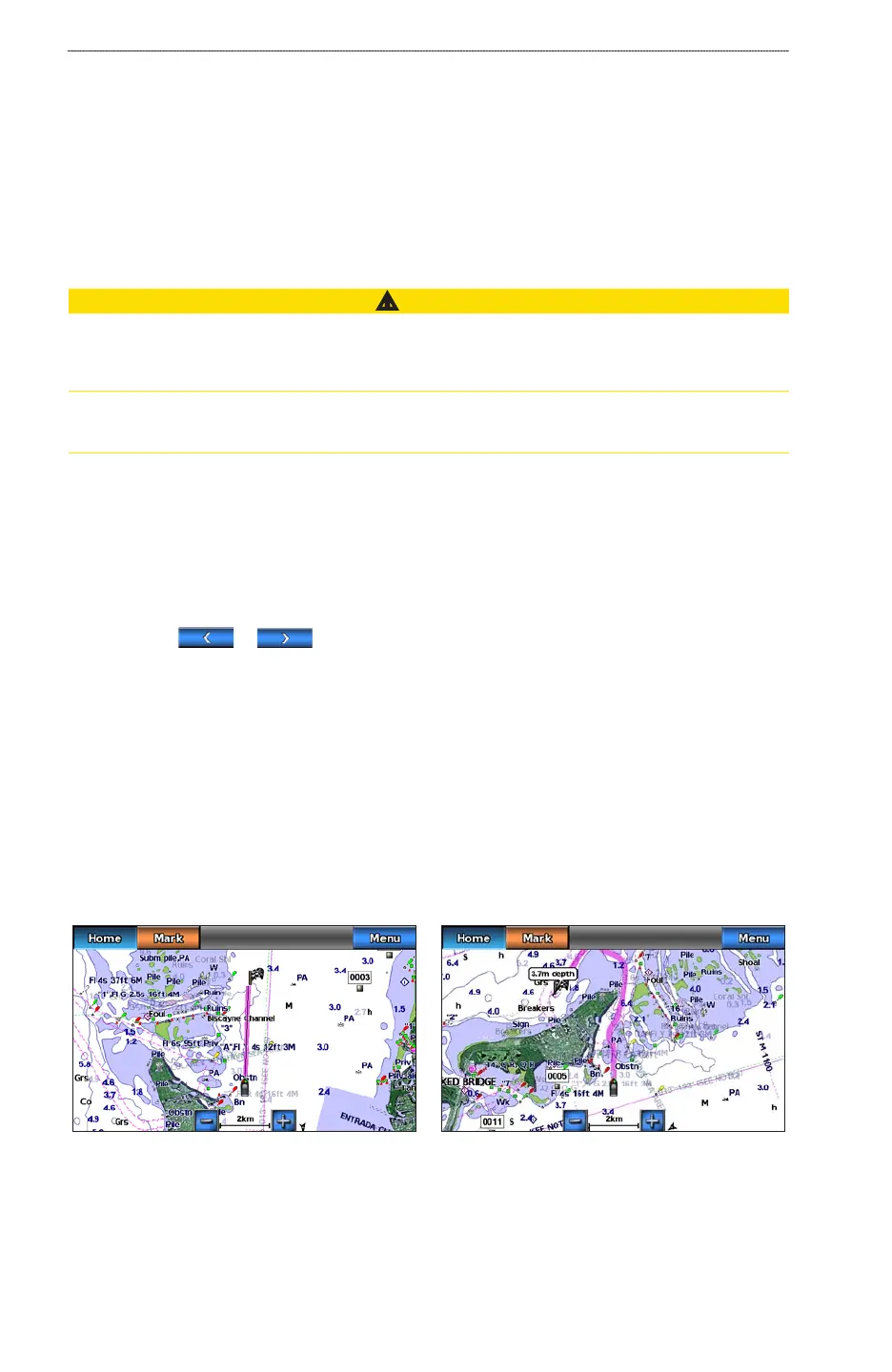
5. Review the course indicated by the magenta line.
NOTE
: When using Auto Guidance, a gray line within any part of the magenta line indicates that
Auto Guidance cannot calculate part of the Auto Guidance line. This is due to the settings for
minimum safe water depth and minimum safe obstacle height (page 50).
6. Follow the magenta line, steering to avoid land, shallow water, and other obstacles.
Guide To ScreenGo To Screen
Stopping Navigation
From Home screen, select Where To? > Stop Navigation.
•
•
•













 To Next Page