82 GPSMAP
®
700 Series Owner’s Manual
Sonar
4. Complete an action:
Select Auto to allow the chartplotter to adjust the depth scale automatically.
Select Up or Down to increase or decrease the range of the depth scale manually.
5. Select
Done.
NOTE: From the sonar screen, you can press or to manually adjust the range of
the depth scale.
Sonar Alarms
Setting the Shallow Water and Deep Water Alarms
1. From the Home screen, select Congure > Alarms > Sonar.
2. Select
Shallow Water > On to set an alarm to sound when the depth is less than the specied
value.
3. Enter the depth that triggers the shallow water alarm.
4. Select
Done.
5. Select
Deep Water > On to set an alarm to sound when the depth is greater than the specied
value.
6. Enter the depth that triggers the deep water alarm.
7. Select
Done.
Setting the Water Temperature Alarm
You can set an alarm to sound when the transducer reports a temperature that is 2°F (1.1°C) above or
below the specied temperature.
1. From the Home screen, select
Congure > Alarms > Sonar > Water Temp > On.
2. Enter a water temperature.
3. Select
Done.
Setting the Fish Alarm
You can set an alarm to sound when the chartplotter detects a suspended target of the specied
symbols.
1. From the Home screen, select
Congure > Alarms > Sonar > Fish.
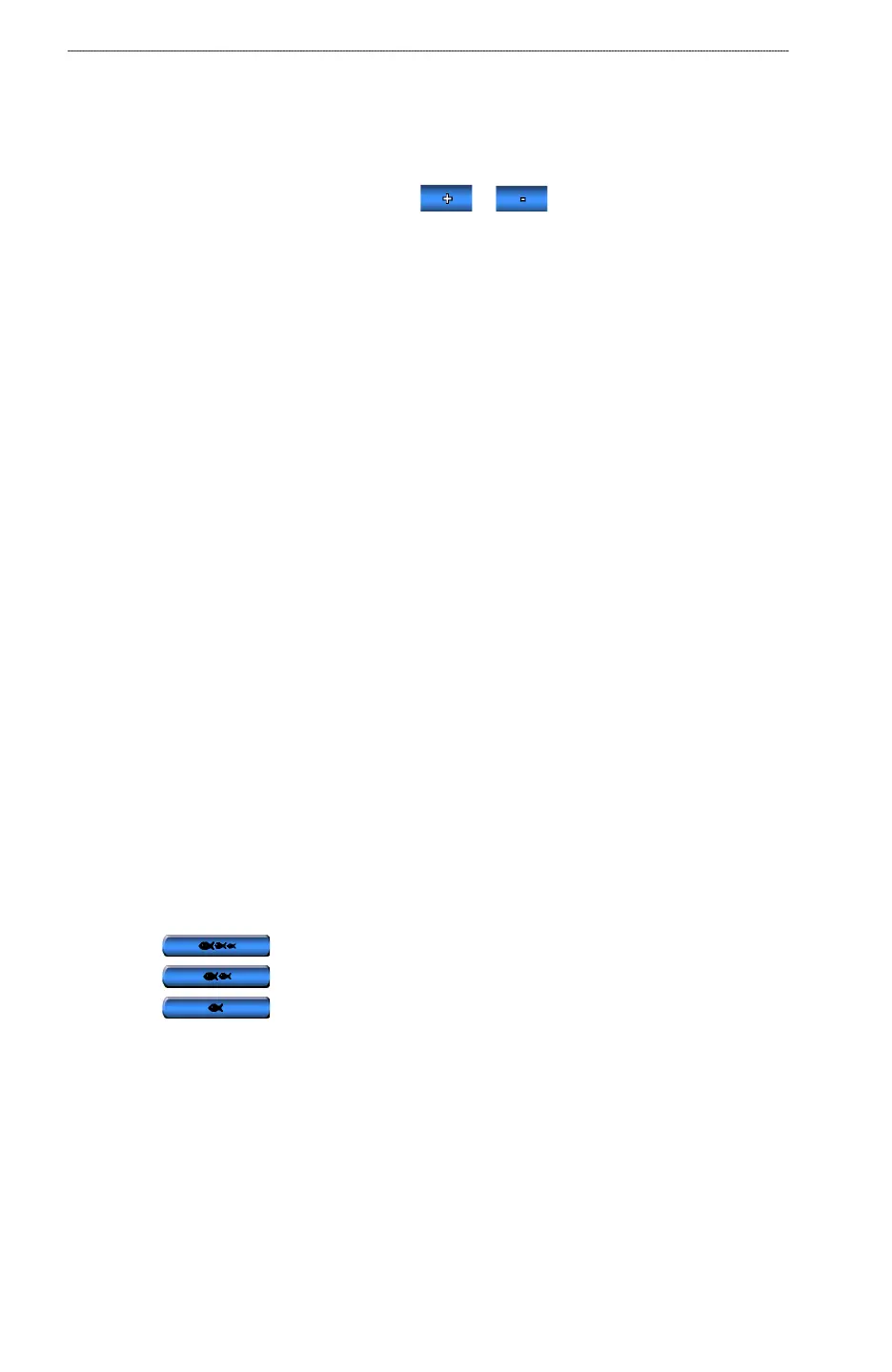
2. Complete an action:
Select to sound an alarm for all sh sizes.
Select to sound an alarm for medium and large sh only.
Select to sound an alarm for large sh only.
•
•
•
•
•













 To Next Page