GPSMAP
®
700 Series Owner’s Manual 45
Almanac, On-boat, and Environmental Data
Synchronizing Fuel Gauge Readings with Fuel Levels
1. From the Home screen, select Information > Dashboard Gauges > Engine > Menu.
2. Complete an action:
Select Fill Up All Tanks when your tanks are full. The fuel level is reset to maximum
capacity. Adjust if necessary.
Select Add Fuel To Boat when you have added less than a full tank. Enter the amount of fuel
added. Select Done. An estimate of the fuel added appears. Adjust if necessary.
Select Set Total Fuel Onboard to specify the total fuel in your tanks. Select Done.
Trip Gauges
Viewing Trip Gauges
Trip gauges show information for odometer, speed, time, and fuel for your present trip.
From the Home screen, select Information > Dashboard Gauges > Trip.
Resetting Trip Gauges
1. From the Home screen, select Information > Dashboard Gauges > Trip > Menu.
2. Complete an action:
Select Reset Trip to set all the readings for the current trip to 0.0.
Select Reset Maximum Speed to set the maximum speed reading to 0.0.
Select Reset Odometer to set the odometer reading to 0.0.
Select Reset All to set all the readings to 0.0.
Compass
Viewing the Compass
While you are navigating to a destination, the compass shows information about the distance you are
off course, the distance to your nal destination, the time to your next waypoint, and the distance to
your next waypoint.
From the Home screen, select Information > Dashboard Gauges > Compass.
Environmental Data
Wind Gauges
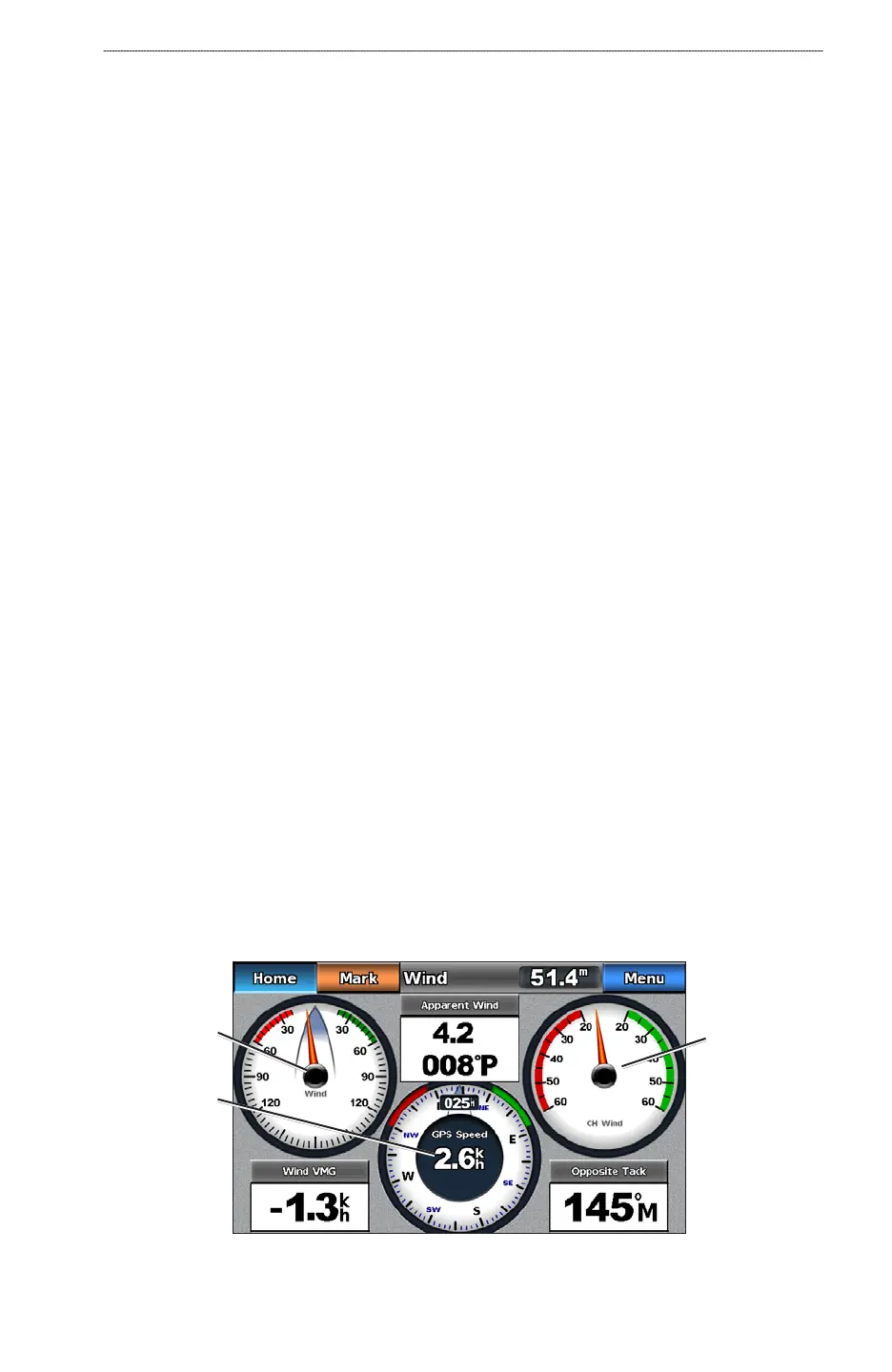
Viewing Wind Gauges
From the Home screen, select Information > Dashboard Gauges > Wind.
Wind gauge
Compass
Close hauled
wind gauge
•
•
•
•
•
•
•













 To Next Page