GPSMAP
®
700 Series Owner’s Manual 3
Getting Started
Viewing System Information
You can view the software version, the basemap version, any supplemental map information (if
applicable), software version for an optional Garmin radar (if applicable), and the unit ID number.
You may need this information to update the system software or to purchase additional map data
information.
From the Home screen, select Congure > System > System Information.
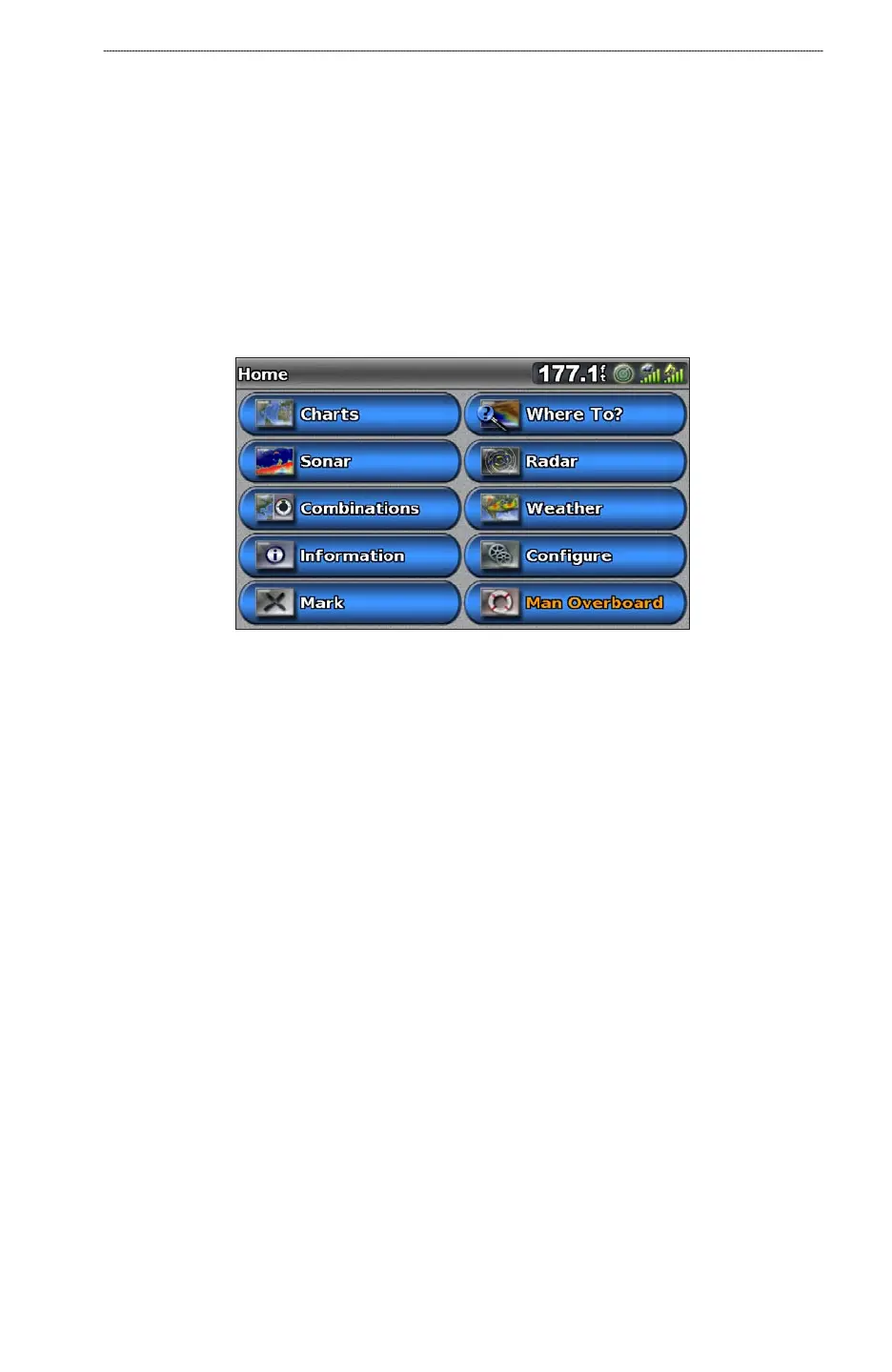
About the Home Screen
You can use the Home screen to access all other screens.
NOTE
: Options on this screen vary based on the chartplotter type and optional connected devices.
Charts—allows you to access the Navigation Chart, Perspective 3D, Mariner’s Eye 3D, Fish Eye
3D, and the Fishing chart.
NOTE
: Mariner’s Eye 3D, Fish Eye 3D, and the Fishing chart are available with a BlueChart g2
Vision data card (page 17).
Sonar—sets up and provides sonar information (only available with an “S” series unit, such as a
GPSMAP 720s) (page 76).
Combinations—sets up the screen to view a split screen displaying chart/chart, chart/sonar,
chart/radar, sonar/radar or sonar/temperature log (page 24).
Information—shows information including tides, currents, celestial data, user data, information
about other boats, and gauges (page 40).
Mark—marks, edits, or deletes your current location as a waypoint or a man overboard location
(page 29).
Where To?—provides navigation features (page 36).
Radar—sets up and shows radar (only available if the chartplotter is connected to a Garmin
marine radar) (page 60).
Weather—(North America only) sets up and shows various weather parameters, including
precipitation, forecast, shing, sea conditions, and visibility (only available if the chartplotter is
connected to a weather module and you have an XM
®
subscription). See the GPSMAP 700 Series
XM WX Satellite Weather
®
and XM Satellite Radio Supplement (North America only).
Congure—allows you to view and edit the settings for your chartplotter and your system
(page 48).
Man Overboard—marks your current location as a waypoint, and sets a course back to the
marked location (page 29).
•
•
•
•
•
•
•
•
•
•













 To Next Page