8 GPSMAP
®
700 Series Owner’s Manual
Charts and 3D Chart Views
4. Complete an action:
Select the button with the station name.
Select Review if more than one item is in the vicinity, and select the button with the station
name.
Tide level
Tide direction
arrow
Detailed
tide station
information
Showing and Conguring Tides and Currents
You can show tide and current information on the Navigation chart or the Fishing chart.
NOTE
: The Fishing chart is available with a preprogrammed BlueChart g2 Vision data card.
1. From the Home screen, select
Charts.
2. Complete an action:
Select Navigation Chart > Menu > Navigation Chart Setup > Tides/Currents.
Select Fishing Chart > Menu > Fishing Chart Setup > Tides/Currents.
3. Complete an action:
Select On to show current station indicators and tide station indicators on the chart.
Select Animated to show animated tide station indicators and animated current direction
indicators on the chart (page 23).
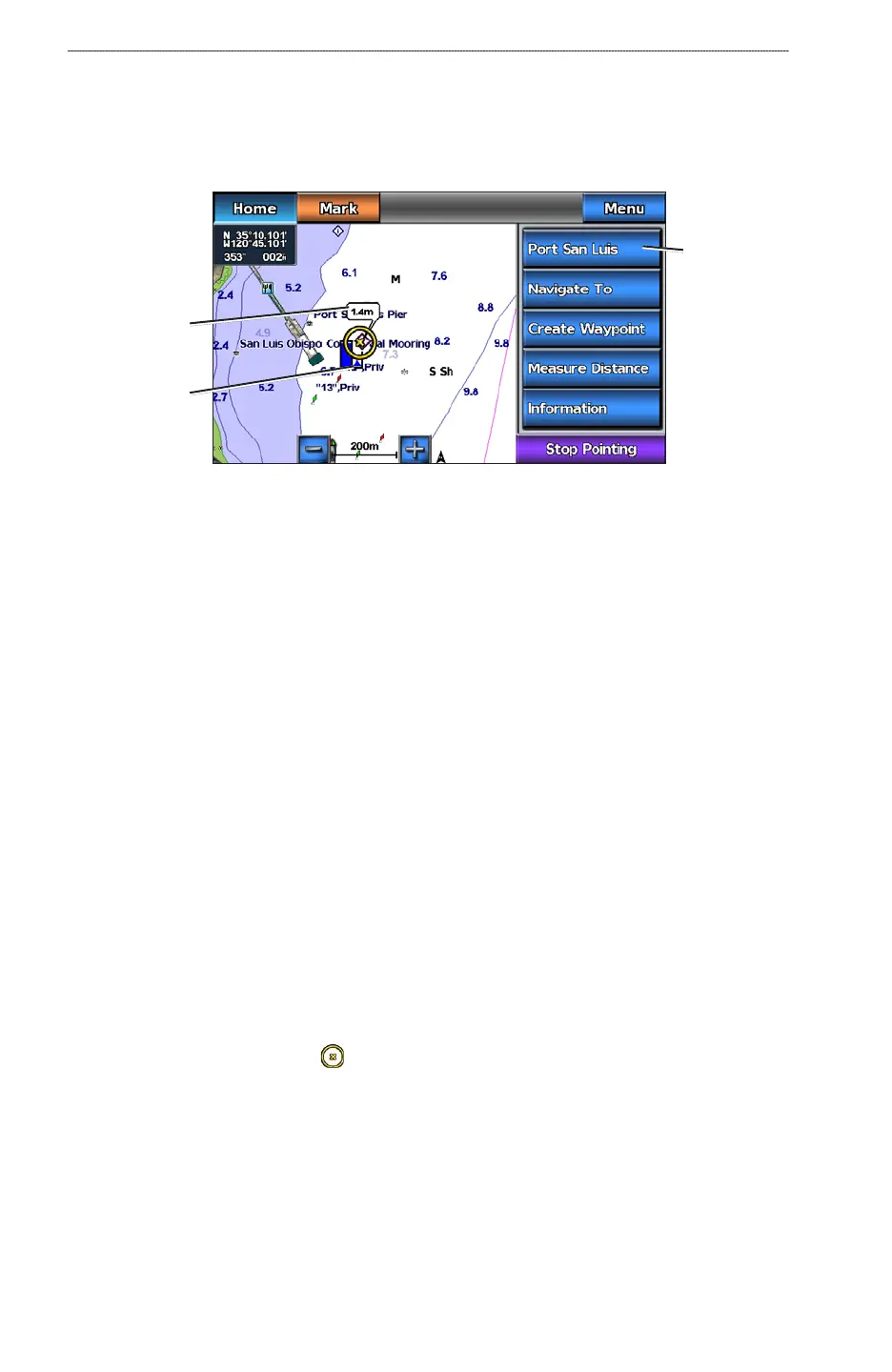
Viewing Details about Navaids
From the Navigation chart, the Fishing chart, Perspective 3D, or Mariner’s Eye 3D, you can view
details about various types of navigation aids, including beacons, lights, and obstructions.
NOTE
: The Fishing chart and Mariner’s Eye 3D are available with a preprogrammed BlueChart g2
Vision data card.
1. From the Home screen, select
Charts.
2. Select
Navigation Chart, Fishing Chart, Perspective 3D, or Mariner’s Eye 3D.
3. Select a navaid with the cursor (
).
An option describing the navaid appears, such as Beacon or Light.
4. Select an option for the navaid.
•
•
•
•
•
•













 To Next Page