GPSMAP
®
700 Series Owner’s Manual 1
Getting Started
Getting Started
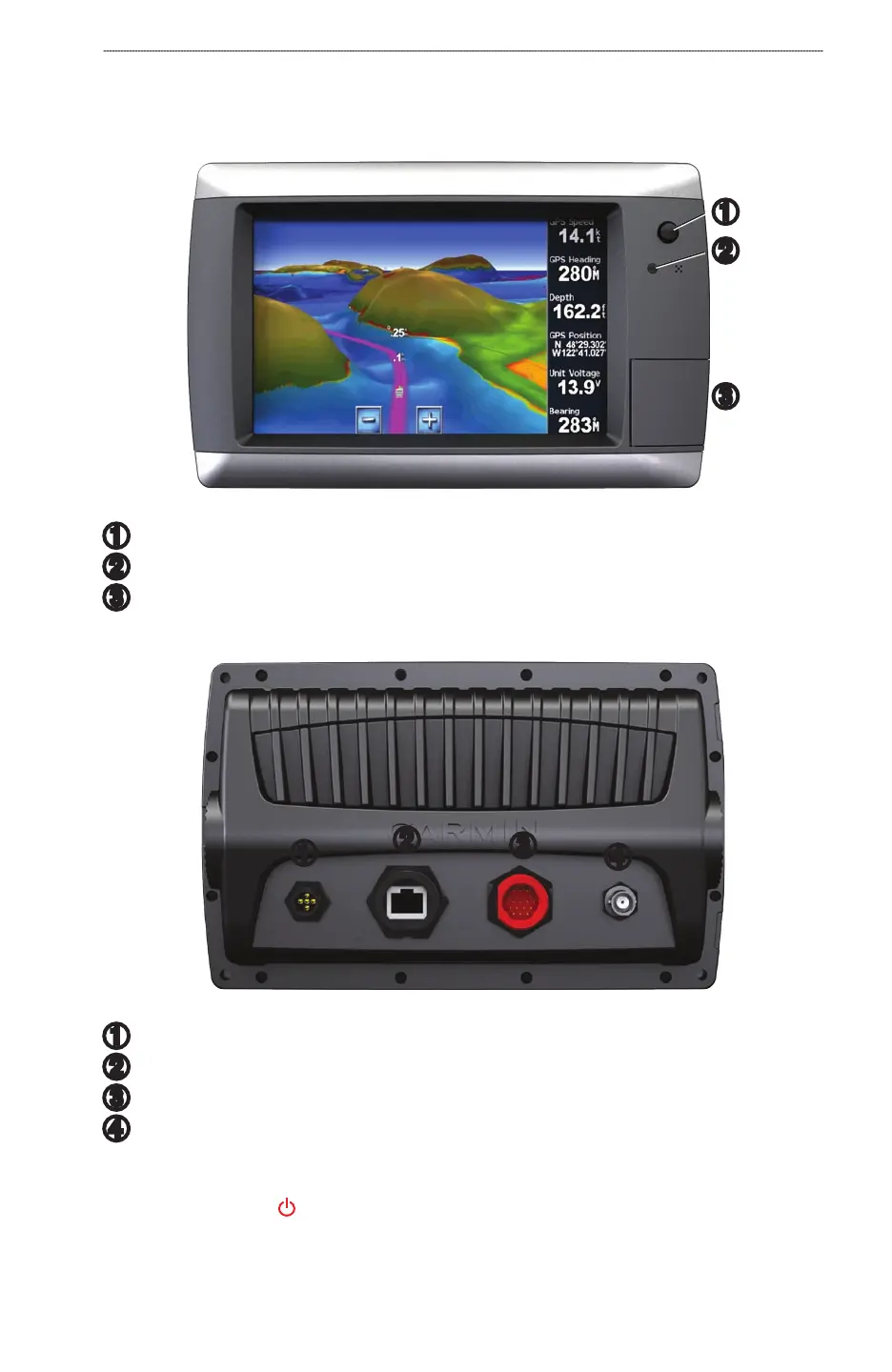
Front and Back Panels
➊
➋
➌
GPSMAP 700 Series Front View
➊
Power key
➋
Automatic backlight sensor
➌
SD card slot
GPSMAP 700 Series Back View
➊
➋
➌
➍
➊
NMEA 2000 connector
➋
Radar port
➌
Power/data connector
➍
External GPS antenna connector
Turning On the Chartplotter
Press and release the Power key.













 To Next Page