GPSMAP
®
700 Series Owner’s Manual 21
Charts and 3D Chart Views
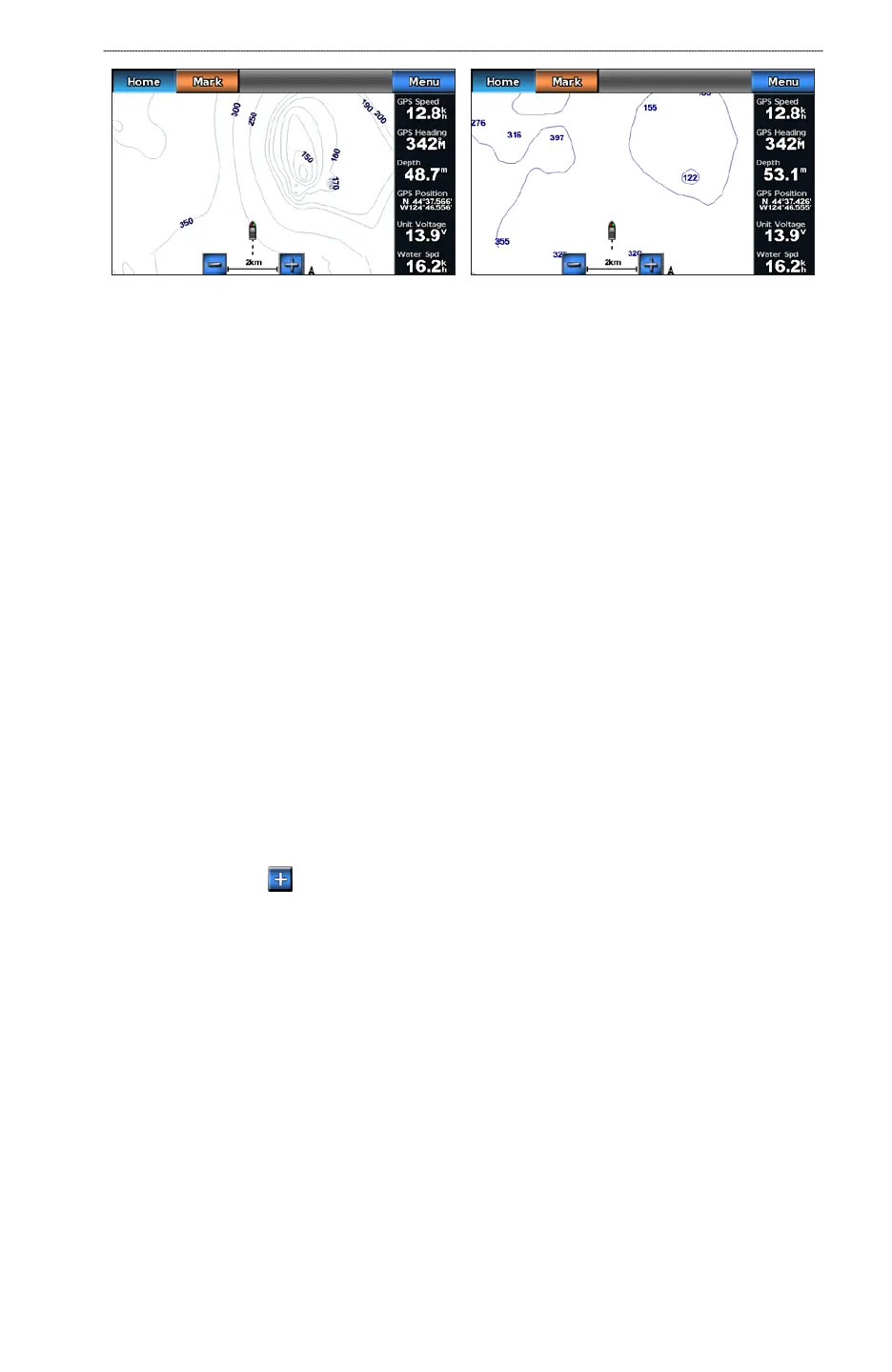
Navigation ChartFishing Chart
The Fishing chart uses detailed bathymetric data on a preprogrammed BlueChart g2 Vision data
card, and is best for offshore deep-sea shing.
Fishing Chart Appearance
Using Waypoints
See “Waypoints” (page 29).
Using Tracks
See “Tracks” (page 33).
Showing Other Vessels
See “Conguring the Appearance of Other Vessels” (page 55).
Showing Navaids
From the Home screen, select Charts > Fishing Chart > Menu > Navaids > On.
Showing Overlay Numbers
See “Overlay Numbers” (page 53).
Showing Satellite Imagery on the Navigation Chart
You can overlay high-resolution satellite images on the land or on both land and sea portions of the
Navigation chart when using a preprogrammed BlueChart g2 Vision data card.
NOTE: When enabled, the high-resolution satellite images are present only at lower zoom levels.
If you cannot see the high-resolution images in your BlueChart g2 Vision region, you can zoom in
further by pressing the button. You also can set the detail level higher by changing the map zoom
detail (page 9).
1. From the Home screen, select
Chart > Navigation Chart > Menu > Navigation Chart Setup >
Photos.













 To Next Page