46 GPSMAP
®
700 Series Owner’s Manual
Almanac, On-boat, and Environmental Data
Selecting True or Apparent Wind for the Wind Gauges
The chartplotter must be connected to the peripheral devices listed below to capture the data shown
on the wind speed graph.
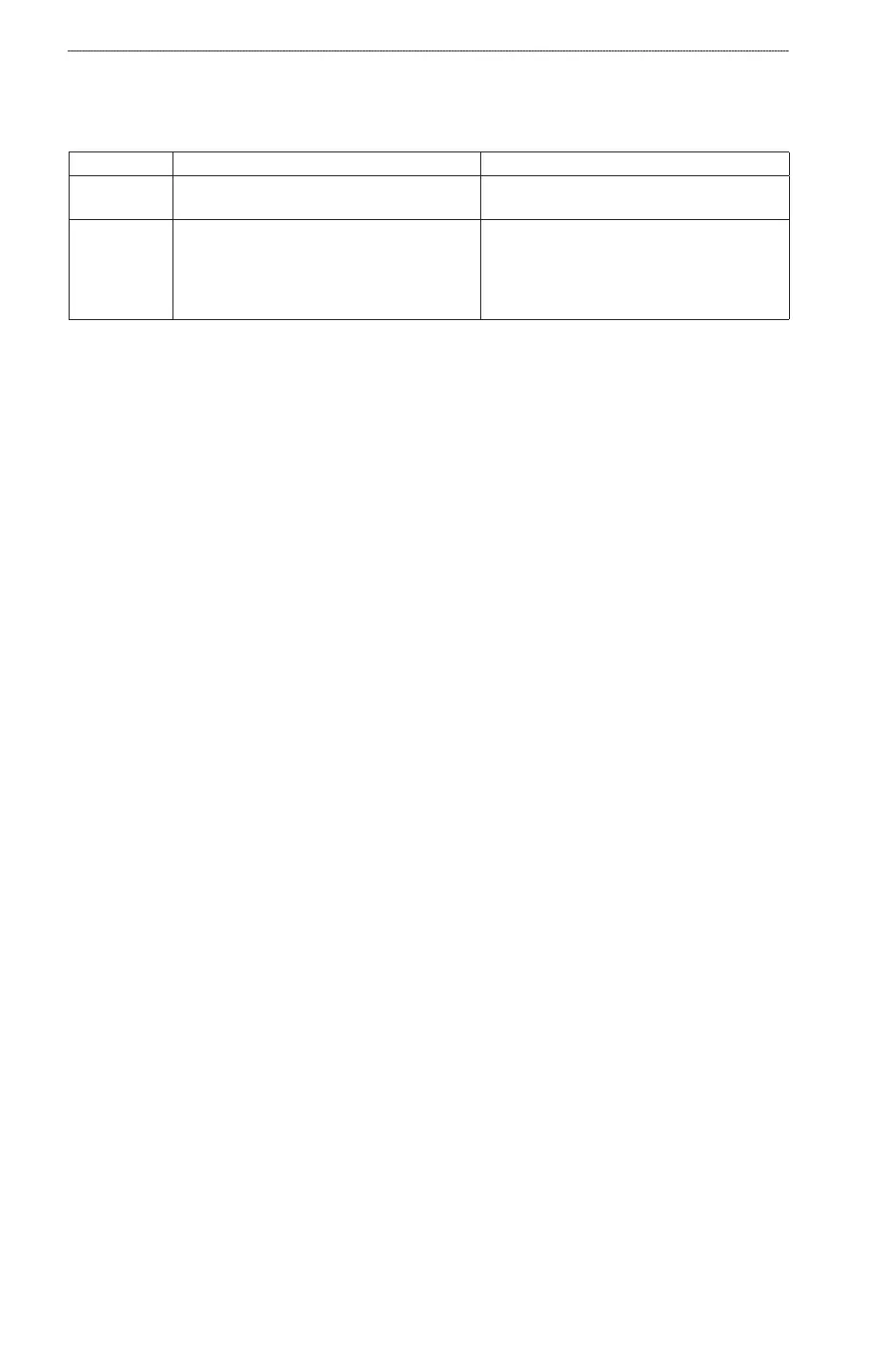
Wind Speed Description Required Sensors
Apparent Wind Shows wind speed data based on the ow of
air experienced while on a boat in motion.
A wind sensor.
True Wind Shows wind speed data based on the ow of
air experienced while on a stationary boat.
For the most accurate data, the VMG Source
setting should be set to Auto
(page 46).
A wind sensor and a water speed sensor; or a
wind sensor and a GPS antenna.
1. From the Home screen, select Information > Dashboard Gauges > Wind > Menu.
2. Select
Show True Wind or Show Apparent Wind.
Conguring the VMG Source
You can specify the source of the velocity made good (VMG) data that is used to calculate true wind
speed. Before you can congure the VMG source, the wind gauge must be set to Show True Wind
(page 46). Water speed is the speed reading from a water-speed sensor, and GPS speed is calculated
from your GPS position.
1. From the Home screen, select
Information > Dashboard Gauges > Wind > Menu > VMG
Source.
2. Complete an action:
Select GPS Speed.
Select Water Speed.
Select Auto to allow your chartplotter to select the source.
Conguring the Wind Speed Source
You can specify whether the vessel speed data displayed on the compass is based on water speed or
GPS speed. Water speed is the speed reading from a water-speed sensor, and GPS speed is calculated
from your GPS position.
From the Home screen, select Information > Dashboard Gauges > Wind > Menu.
2. Complete an action:
Select Speed Display > GPS Speed to display the speed of the vessel based upon GPS
readings.
Select Speed Display > Water Spd to display the speed of the vessel based upon the reading
from a water speed sensor.
Conguring the Heading Source
You can specify the source of the heading displayed on the wind gauge. Magnetic heading is the
heading data received from a heading (or magnetic) sensor, and GPS heading data is calculated by
your chartplotter GPS.
From the Home screen, select Information > Dashboard Gauges > Wind > Menu > Heading
Source.
Selecting the Range of the Close Hauled Wind Gauge
You can specify the range of the close hauled wind gauge for both the upwind scale and the
downwind scale.
•
•
•
•
•
•













 To Next Page