GE MEDICAL SYSTEMS
D
IRECTION 2380207, REVISION 7 LOGIQ™ 5 PRO SERVICE MANUAL
Chapter 8 Replacement Procedures 8 - 25
8-4-5-4 Removal Procedure (cont’d)
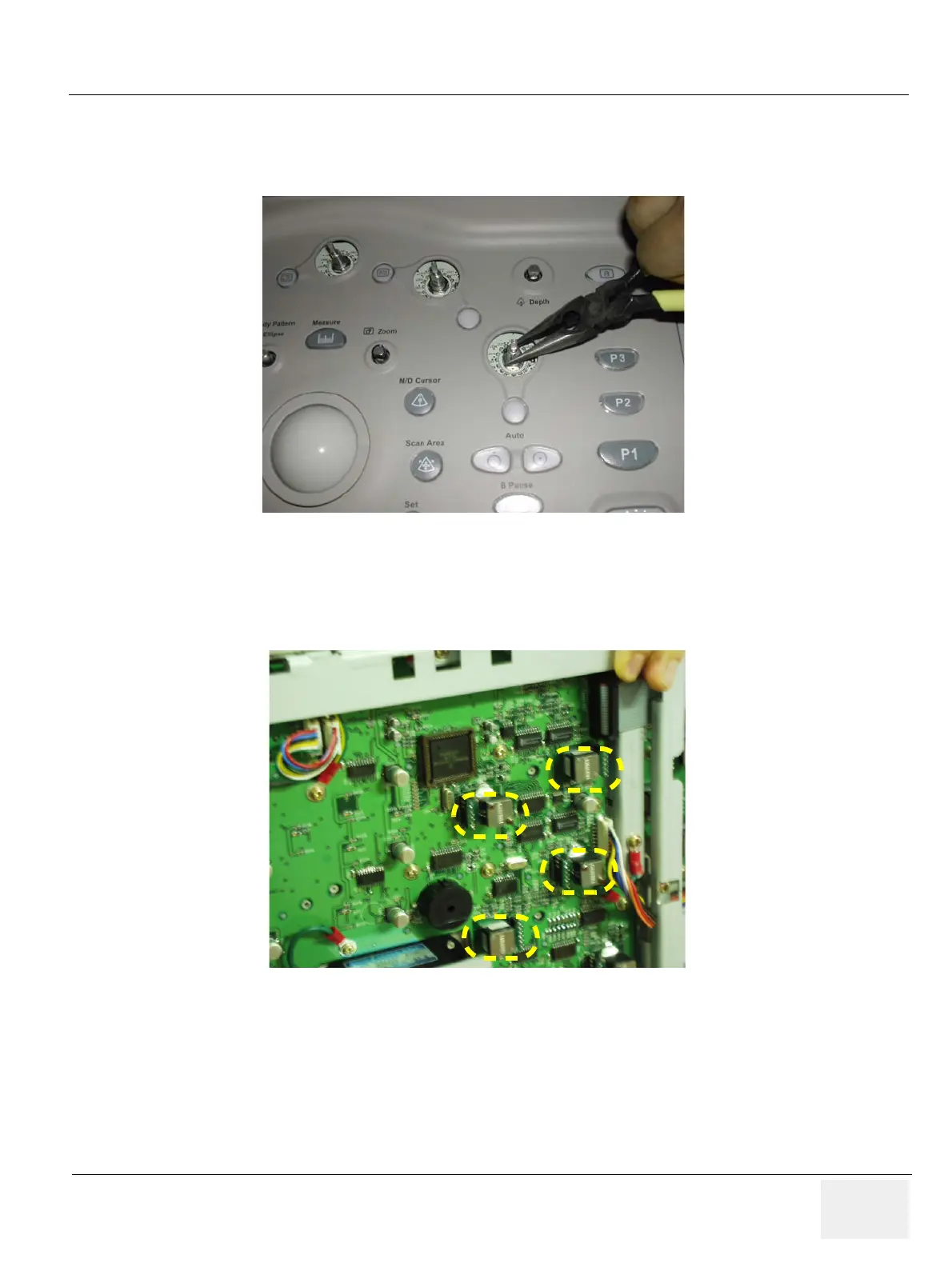
2.) Using longnose, pull out encoder nuts and encoder washers from each encoder. Refer to Figure 8-
25.
3.) Turn the keyboard to back side.
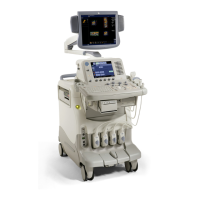
4.) Disconnect each of the encoders from the back side of the keyboard. Refer to Figure 8-26.
Figure 8-25 Pulling Out encoder nuts
Figure 8-26 Removing Encoders
Encoder Assy
back side


 To Next Page