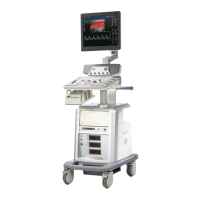
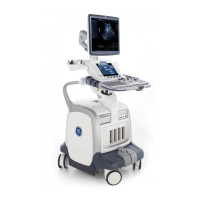
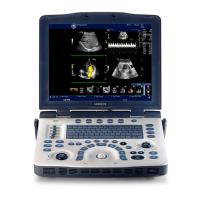
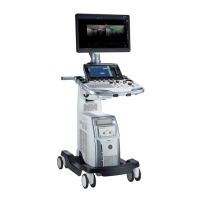
GERAFT LOGIQ P9/P7
D
IRECTION 5604324, REVISION 11 DRAFT (JANUARY 24, 2019) SERVICE MANUAL
8-40 Section 8-3 - System Software - Installation/Upgrade Procedure
8-3-7-3-2 Base and Application Software installation
• Base Image Software Load Procedure
1.) Power ON the scanner.
2.) Wait few moments for USB drive to read USB contents.
3.) The notification screen appears like below.
4) Select [1] Load the complete disk (FULL), and Press [OK] button using the trackball key.
NOTE: If there is no physical keyboard option, use the external keyboard or on-screen menu.
5.) A confirmation window appears, and then Press [Yes] button using the trackball key.
Figure 8-23 The notification screen 1
Figure 8-24 The notification screen 2



 To Next Page