0000010291 25
001
2.4 Control panel
2.4.1 Main menu
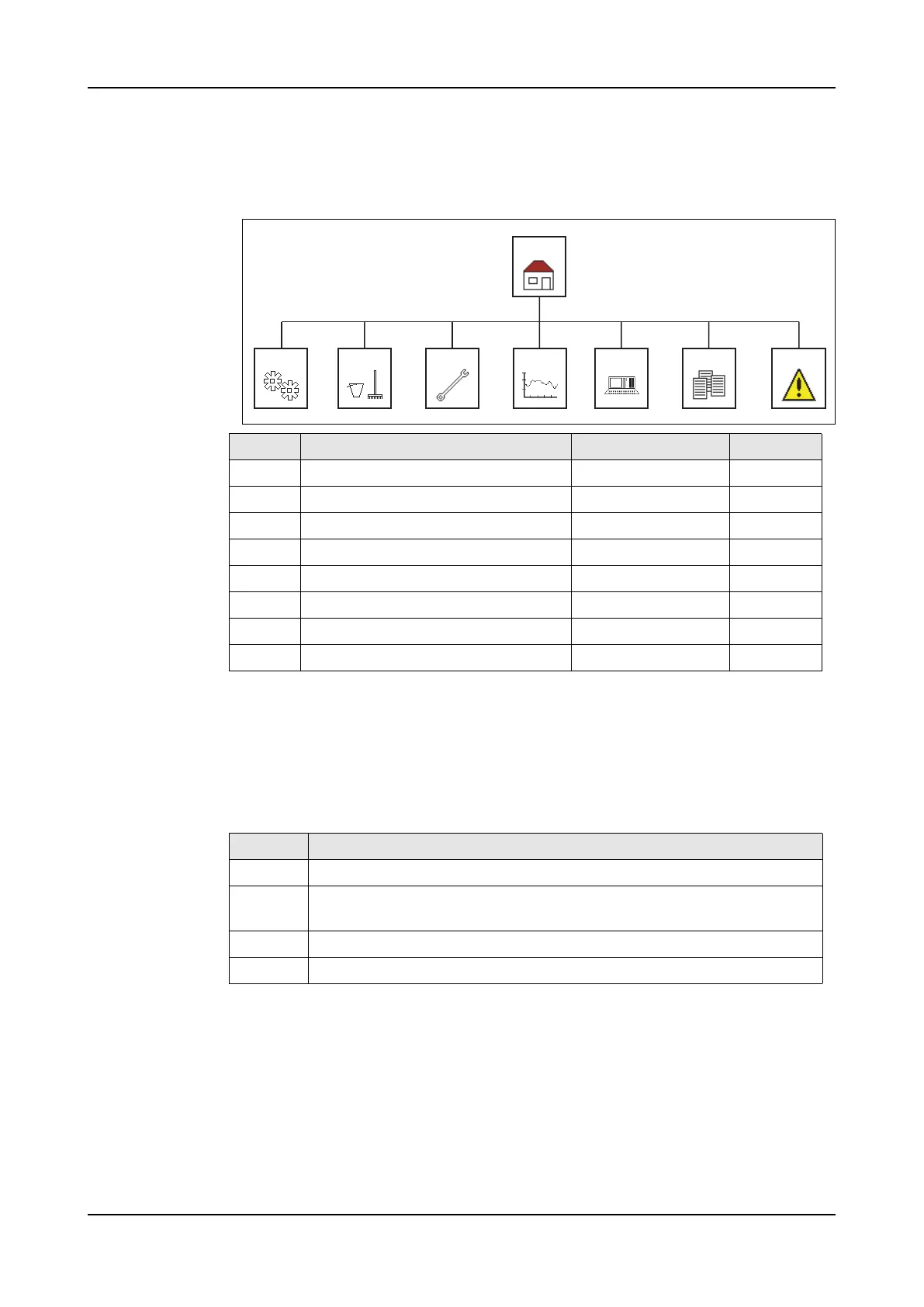
Menu structure
2.4.2 Screen
The screen is arranged in three parts.
– The screen header;
– The central workspace;
– The menu bar at the bottom.
String back-
ground
Screen Title Level See
1 Main Operator 2.4.3
1000 Production Operator 2.4.4
2000 Cleaning Operator 2.4.5
3000 Maintenance Service 2.4.6
4000 Statistics Service 2.4.7
5000 System settings Service 2.4.8
7000 Offline recipe Service 2.4.9
8000 Alarm Operator 2.4.10
1
1000 2000 3000 4000 5000 7000 8000
Colour Explanation
Green The actual state of the item [process values].
Yellow The state of the item, with the possibility to change the item [set
points].
Blue The actual information [calculates values]; A reset function
White General and status information.



 To Next Page