0000010291 53
001
4.4.2 Recipe handling
Load a recipe 1. Go to screen 1100 (Load recipe).
2. Enter a password, if required.
3. Select the recipe to be loaded.
4. Touch the Confirm icon.
Save a recipe 1. Go to screen 1000 (Production 1).
2. Touch the Save icon. On the screen appears ‘Recipe already exist’.
3. Touch Yes to overwrite the existing recipe.
4.4.3 Adjustments during production
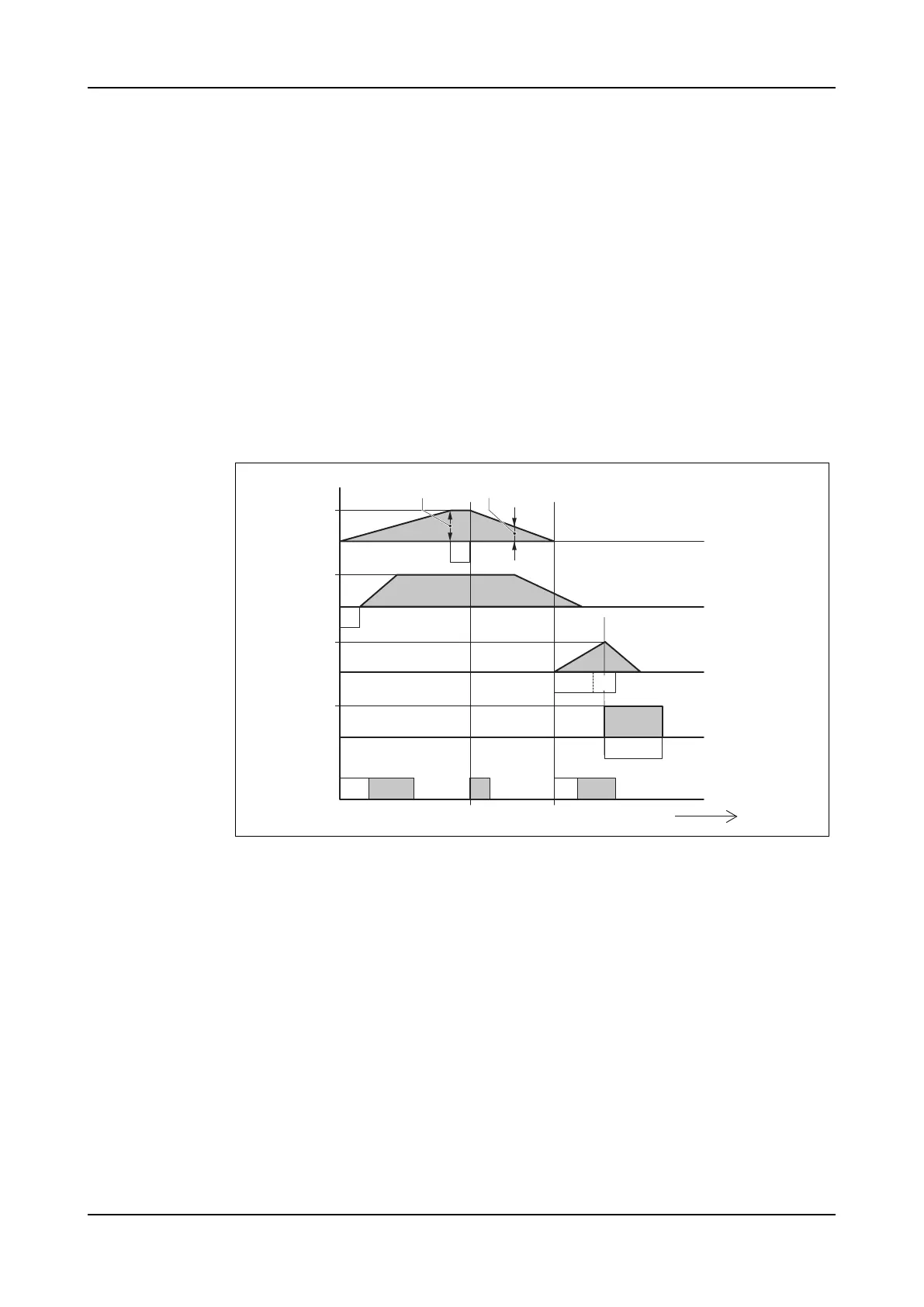
During production, several timing settings can be adjusted to optimize the produc-
tion quality and speed. For information on how to adjust these settings refer to
section 2.4.4 "Production".
1 Form plate in A Filling [s]
2 Form plate out B Press block > delay time [s]
3 Press block down C Knockout > time [s]
4 Press block up D Augers > time [s]
5 Knockout down E Nozzle (front side) delay time [s]
6 Knockout up F Nozzle (front side) [s]
7 Augers on G Nozzle (back side) [s]
8 Augers off H Nozzle (knockout) delay time [s]
9 Nozzles I Nozzle (knockout) [s]
J Air blast > offset [s]
K Form plate > stroke length [mm]
L Form plate > position (press block: up)
[mm]
A
GIH
B
E F
C
J
D
(t)
1
2
3
4
5
6
7
8
9
K L



 To Next Page