0000010291 33
001
2.4.5 Cleaning
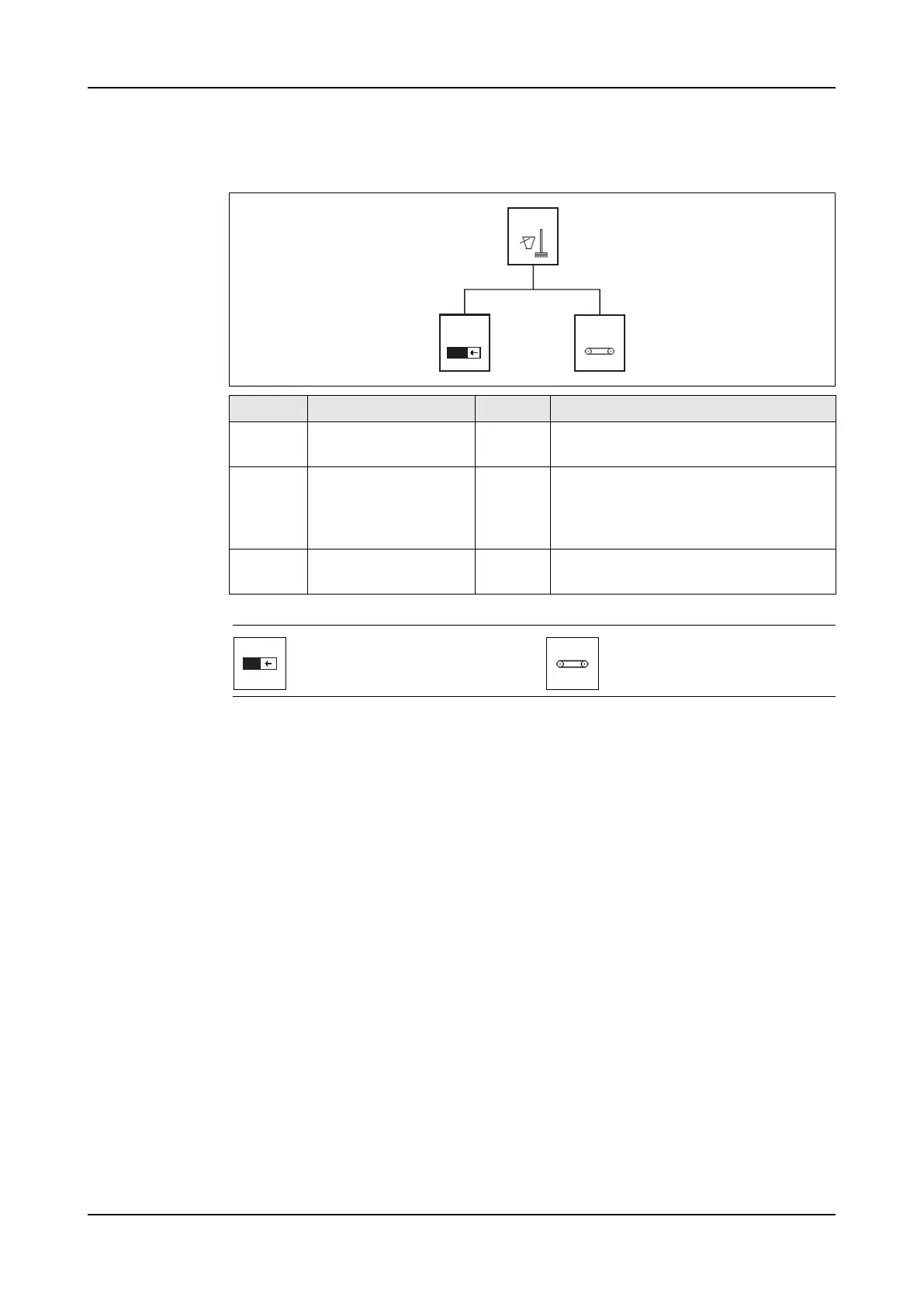
Menu structure
Icons
Screen Title Level Description
2000 Cleaning Opera-
tor
Cleaning selection menu.
2001 Cleaning timer Opera-
tor
The cleaning timer counts back from
30 to 0 seconds. During the count
back time the touch-screen can be
cleaned.
2002 Conveyor Opera-
tor
To move the belt of the conveyor to
clean the belt.
2000
2001
2002
Cleaning timer menu. Go to
screen 2001.
Conveyor belt on/off menu.
Go to screen 2002.



 To Next Page