0000010291 27
001
Central work-
space
The central workspace is unique for every screen. The workspace can contain
these items:
– Icons: Activate a machine function/action or show the condition of a machine
part.
– Strings: Show text or values.
– Illustrations: Show an overview of a machine part. An illustration can contain
a hotspot that gives access to related screens of the machine part.
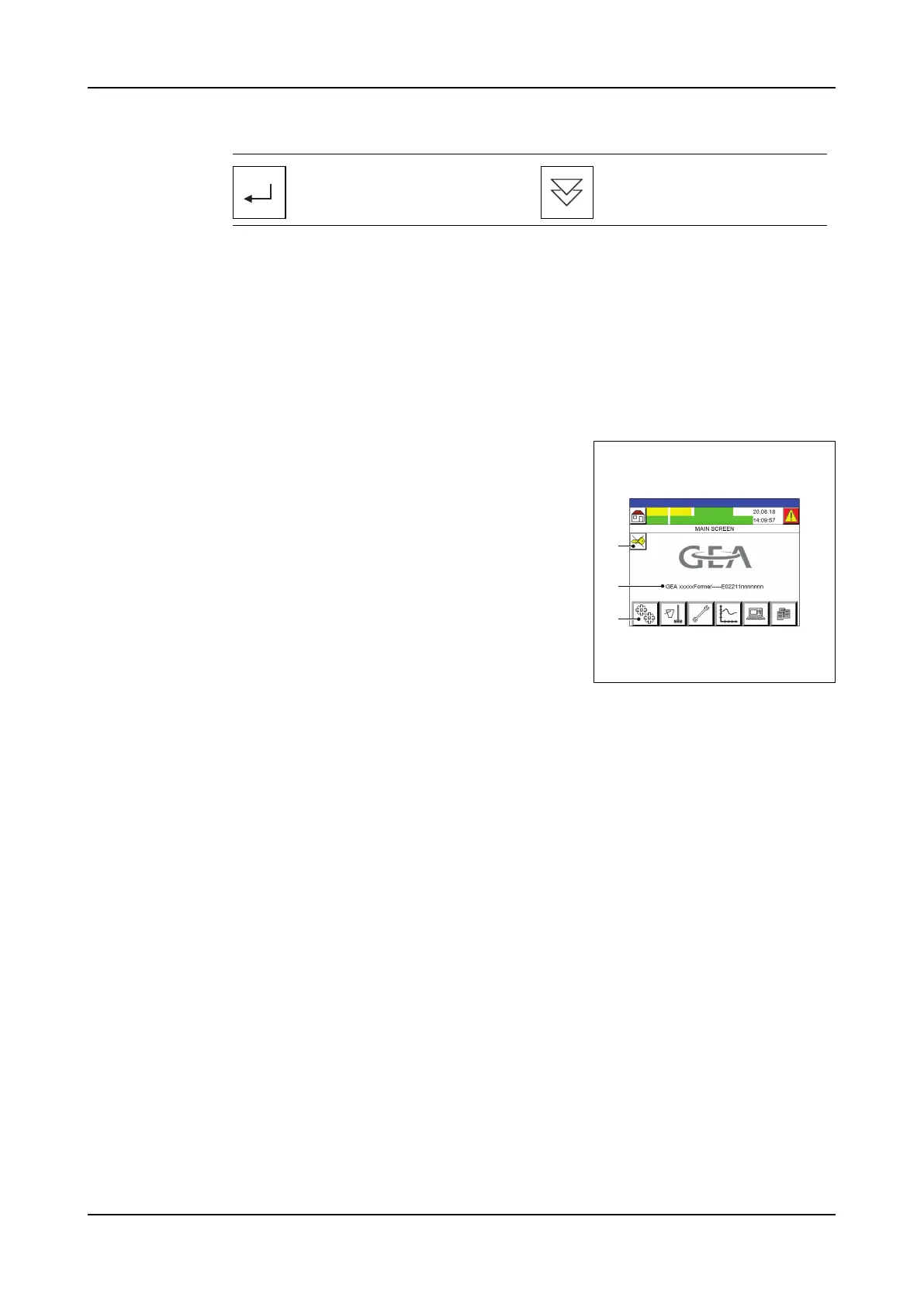
2.4.3 Main (screen 1)
A Logout from the actual level.
B Machine information: Machine type and number.
C Main menu icons: The main screen is the start in
the menu structure.
Select a recipe or acknowl-
edge an alarm.
Scroll screen down.
A
B
C



 To Next Page