0000010291 69
001
6.2.3 Knockout alignment
Knockout align-
ment
Attention!
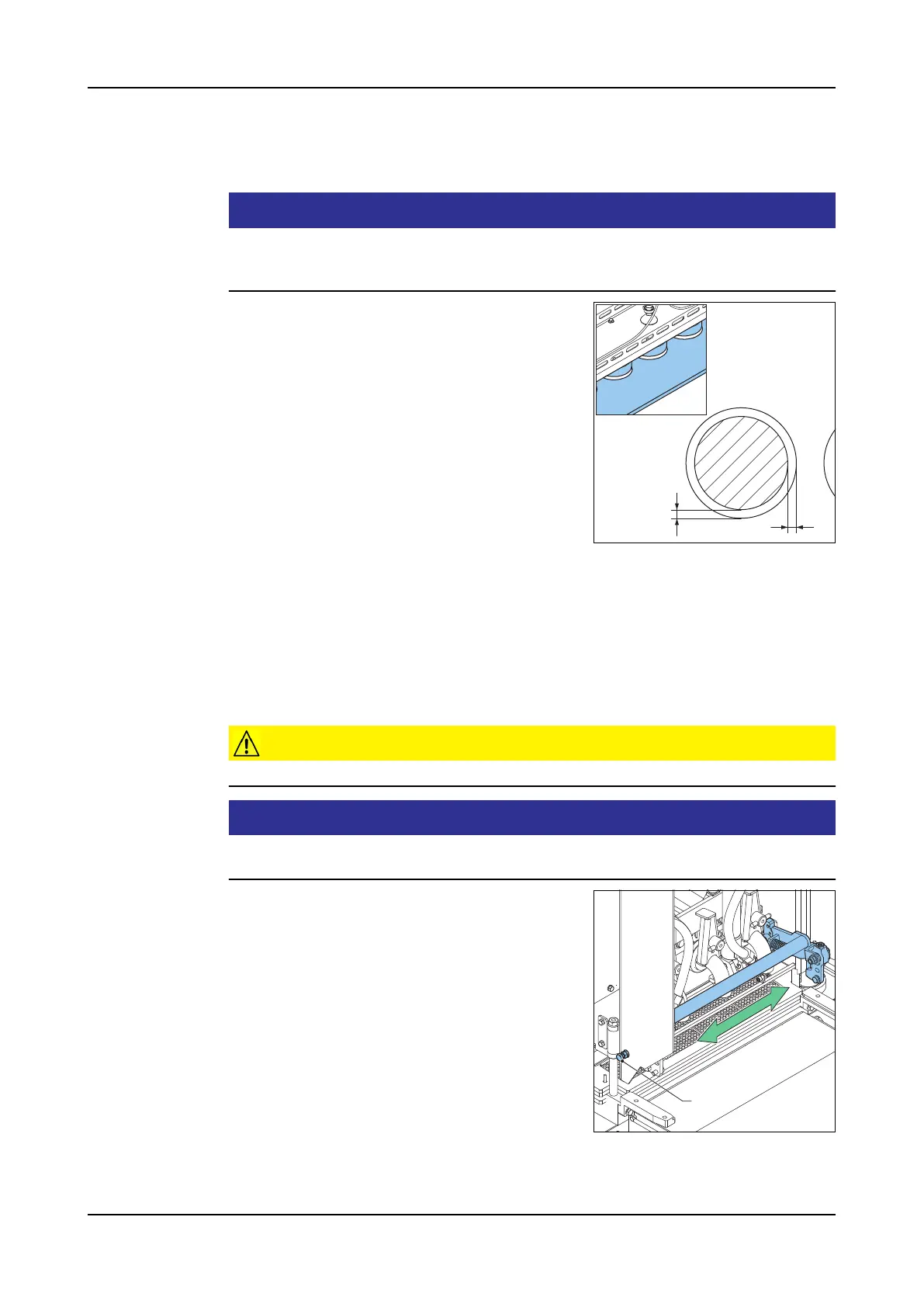
The knockout position is correct when the knockout cups do not touch the
form plate but fall into the holes in the plate. The clearance must be the
same all round.
1. Push the Hydraulics button. The hydraulic
unit starts.
2. Go to screen 1305 (Form plate).
3. Touch the Start icon to set the form plate in
the knockout position.
4. Push the Hydraulics button. The hydraulic
unit stops.
5. Go to screen 1304 (Knockout).
6. Touch the Start icon. The knockout drops
down.
7. Open the front cover. Access to the knockout and form plate.
8. Adjust the alignment of the knockout and form plate. Refer to the next para-
graphs for details.
9. Check the alignment.
10. Close the front cover.
11. Touch the Start icon. The knockout goes up.
Sideways
knockout posi-
tion
Caution!
This adjustment has consequences for the exchange of other tooling sets.
Attention!
Do not tighten the bolts too much. Make sure the knockout can still move up
and down freely but without any play.
1. loosen the lock nuts of the bolts (A) on both
sides of the machine.
2. Use the bolts (A) to centre the knockout in
sideway position.
3. Adjust the bolts until the knockout position is
correct.
4. Tighten the bolts.
5. Tighten the lock nuts.
Form plate posi-
tion
This adjustment has consequences for the exchange of other tooling sets.
x
x
A



 To Next Page