28 0000010291
001
2.4.4 Production
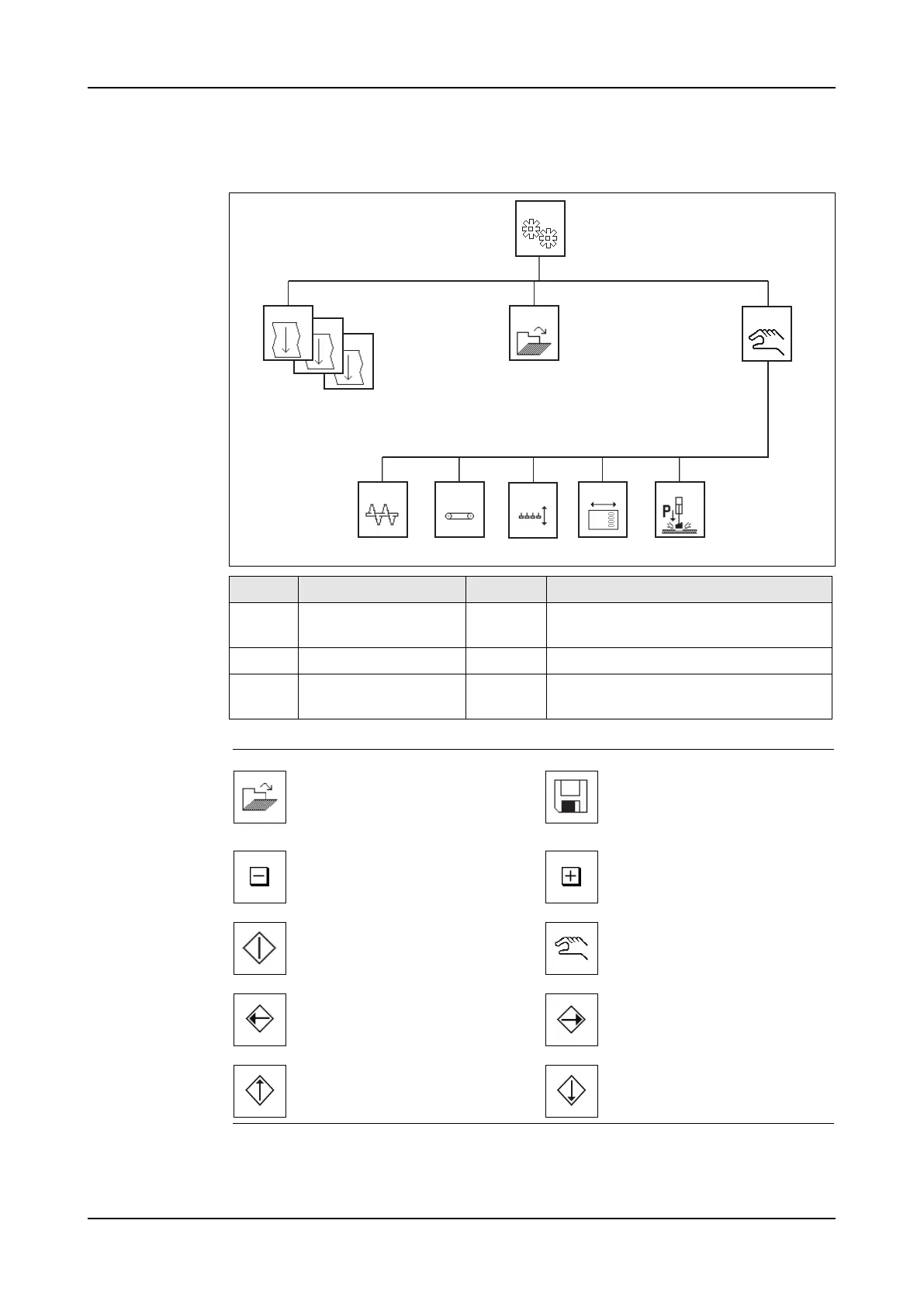
Menu structure
Icons
Screen Title Level Description
1000-
1011
Production Operator To set the production settings. Ex-
plained in this section.
1100 Load recipe Operator To select a recipe.
1300 -
1310
Manual Operator To start a part of the machine manu-
ally.
1011
1000
1300
1001 1100
-
1301 1302 1305 1306
1304
Load recipe menu. Go to
screen 1100.
Save. Saves the machine
settings to a recipe. Pop-up
window: save, save as and
cancel.
Decrease value. Increase value.
Start function.
Manual menu. Go to screen
1300.
Move to left Move to right
Move upwards Move downwards



 To Next Page