0000010291 37
001
2.4.8 System settings
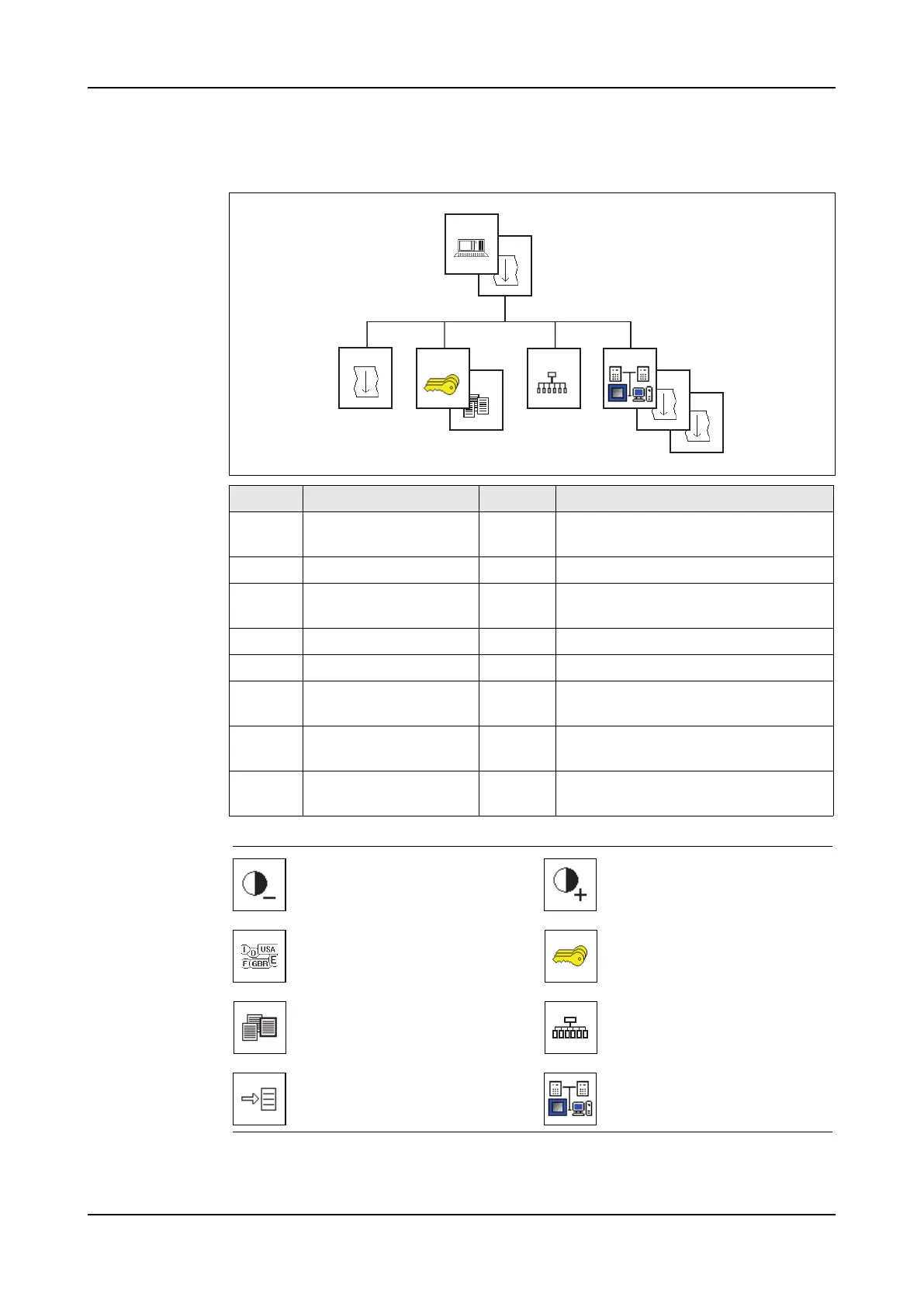
Menu structure
Icons
Screen Title Level Description
5000 System settings 1 Service To change the language, the date
and the time.
5001 System settings 2 Service To change the home shortcut.
5002 System settings 3 Service To change the auto logout time and
the measuring units.
5100 Password levels Service Shows the password levels.
5110 Change passwords Service To change the passwords.
5200 Shortcut Service To use and change the menu short-
cuts.
5300 System communica-
tion ethernet
Service To change the optional network set-
tings.
5301-
5302
System communica-
tion powerlink / can
Service Shows the network settings.
5001
5000
5200
5002
5110
5100
5302
5301
5300
Decrease contrast. Increase contrast.
Select language.
Password levels menu. Go
to screen 5100.
Change passwords. Go to
screen 5110.
Shortcut menu. Go to screen
5200.
System navigation. The
shortcut to a screen.
System communication eth-
ernet menu. Go to screen
5300.



 To Next Page