0000010291 35
001
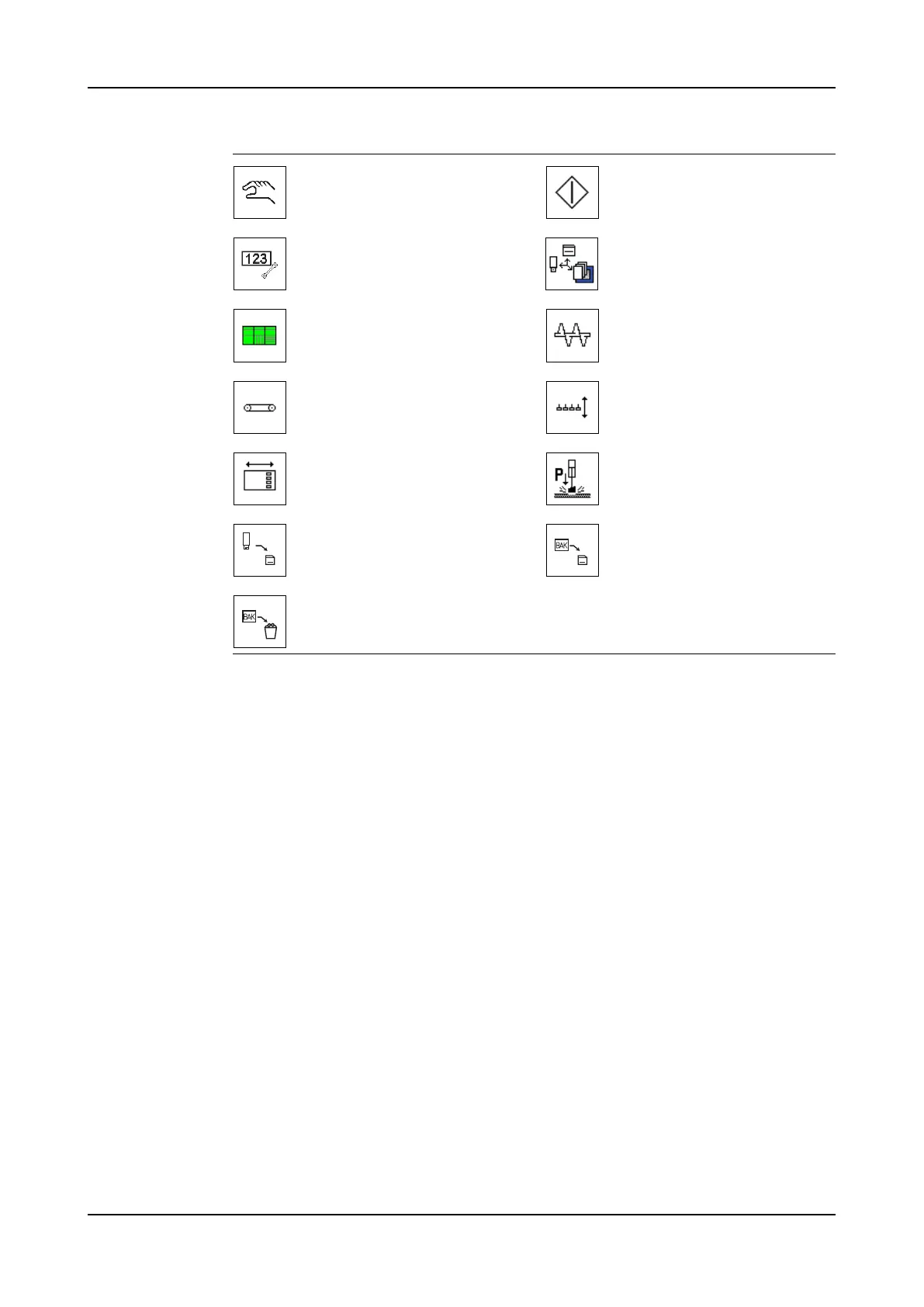
Manual menu. Go to screen
3300.
Start function.
Service settings menu. Go to
screen 3400.
Data backup menu. Go to
screen 3500.
Slave 5 menu. Go to screen
3220.
Augers on/off menu. Go to
screen 1301.
Conveyor on/off menu. Go to
screen 1302.
Knockout up/down menu. Go
to screen 1304.
Form plate in/out menu. Go
to screen 1305.
Press block up/down menu.
Go to screen 1306.
Update software. Restore software.
Delete software.



 To Next Page