page | 89
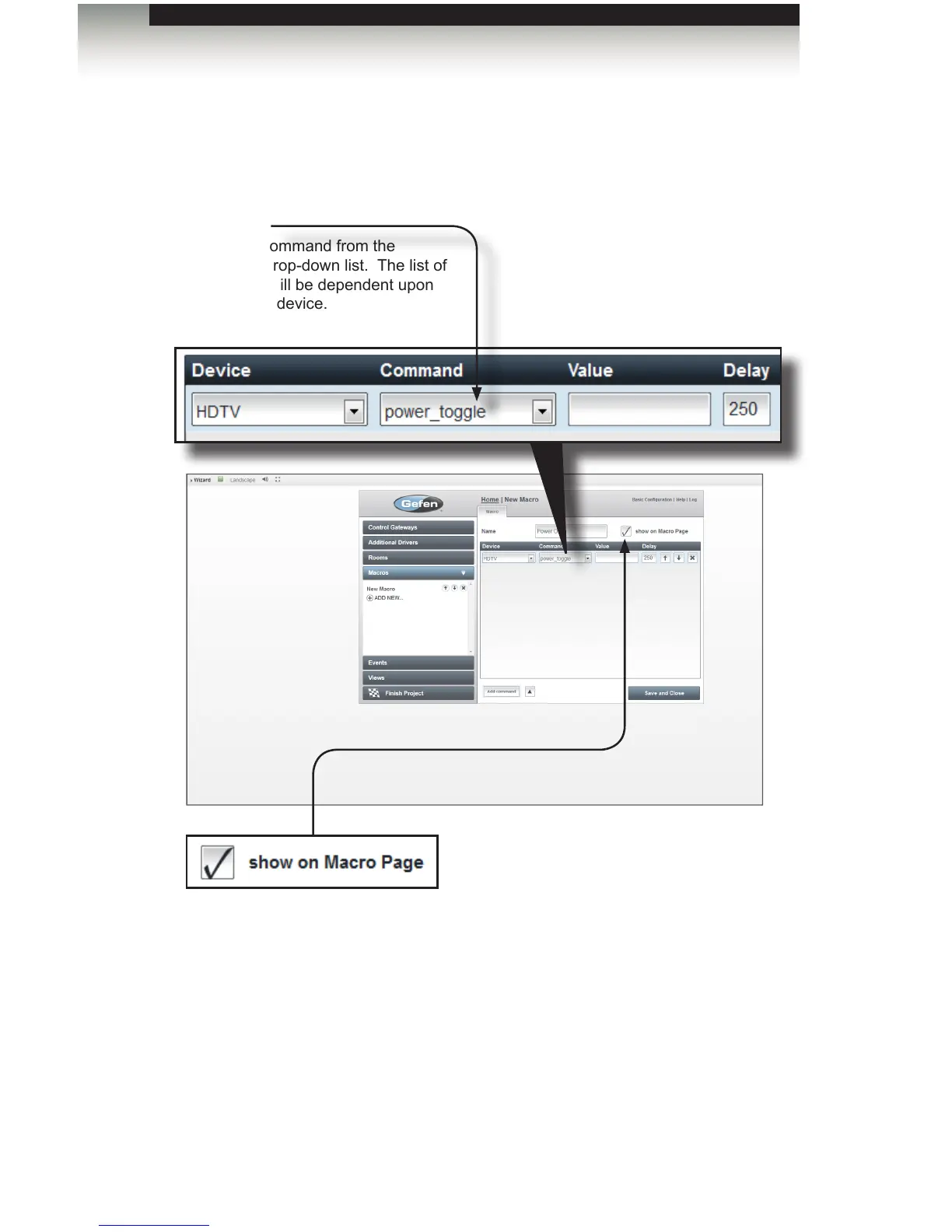
4. Select the device (HDTV) that will receive the command from the Device drop-down
list. In this example, the macro will be received by the HDTV device.
5. Select the command from the Command drop-down list.
6. If the Command needs a “value” (such as “Set_Volume=50%”), enter the value (50)
in the Value eld. If no value is required, leave this box empty. Note that some
Lutron® commands require a value in this box.
Creating Macros
Using the GAVA Wizard
Command
Select the command from the
Command drop-down list. The list of
commands will be dependent upon
the selected device.
show on Macro Page
Check this box if you want the macro to appear on the Macro page.
Uncheck this box to hide macros within Events or Function keys.



 To Next Page