page | 92
11. Repeat steps 2 through 11 to create a “Power OFF” macro.
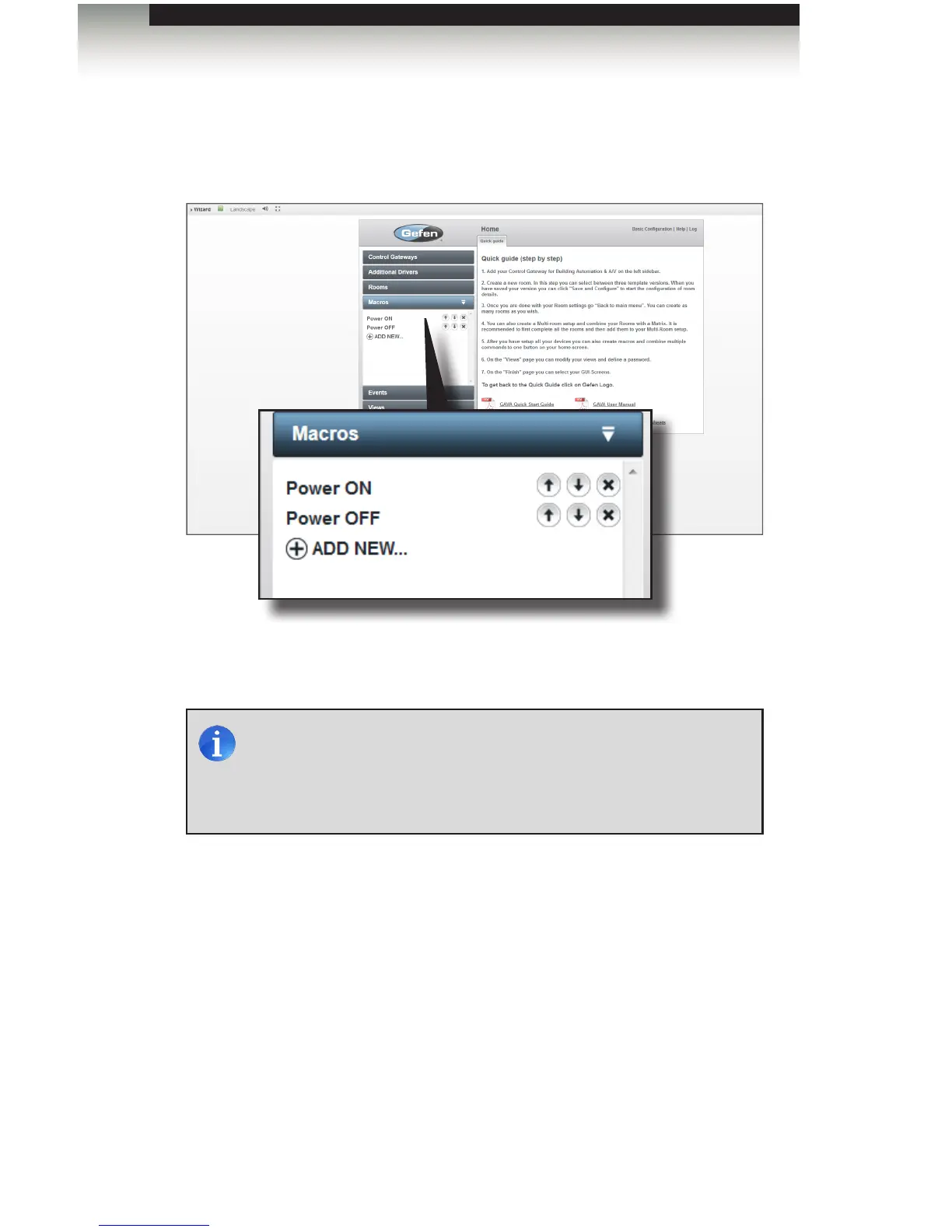
12. After the “Power OFF” macro has been created, both the “Power ON” and “Power
OFF” macros should appear under the Macros tab, as shown below.
13. Click the Save and Close button to save the “Power OFF” macro.
Creating Macros
Using the GAVA Wizard
NOTE: Some devices require a time delay between a “Power ON”
command and any subsequent command. The best way to
accomplish this is to separate the commands with other device
commands. In this way, the macro will be executed within the
shortest time possible. However, delays may be added if necessary.



 To Next Page