page | 91
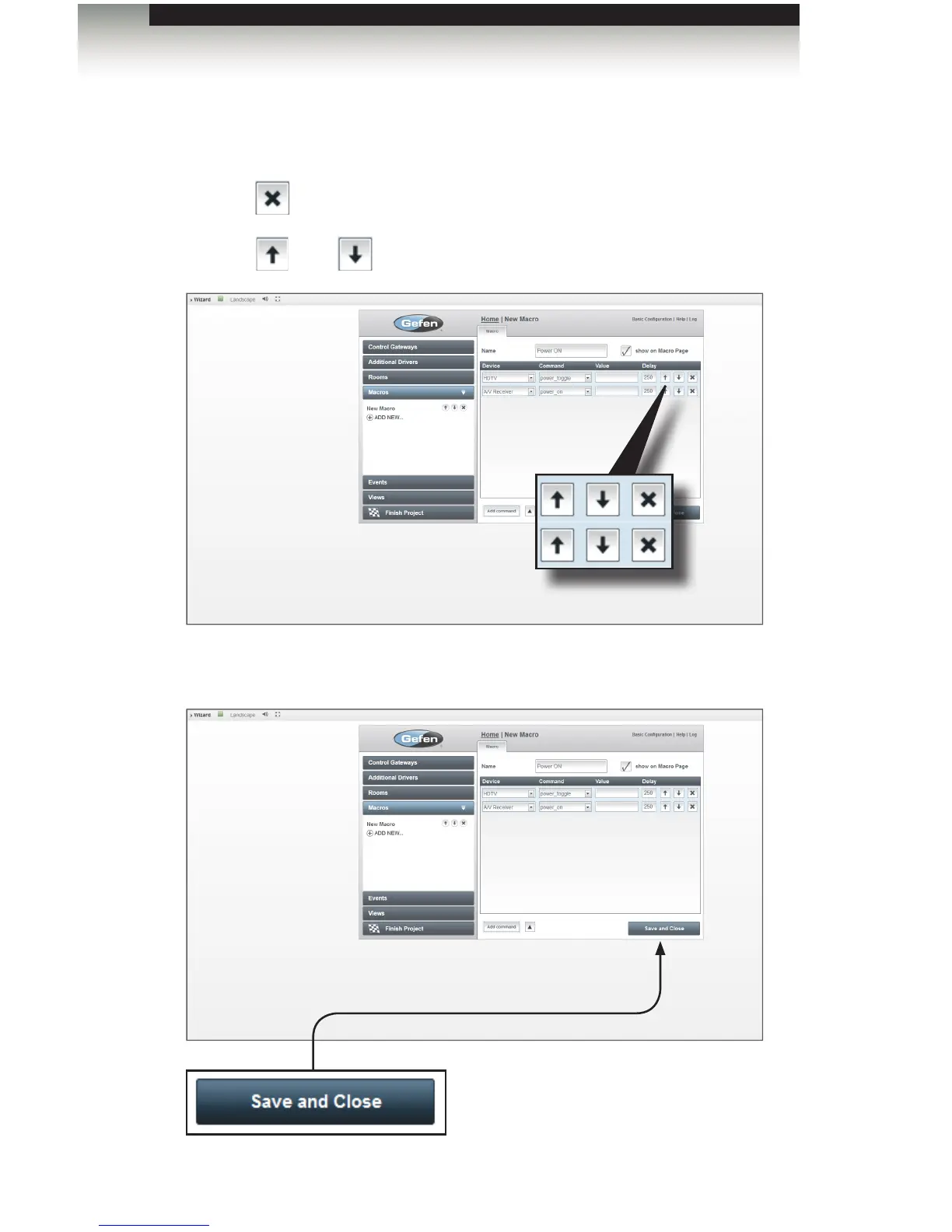
9. Continue to add more devices, as necessary for this macro, using the Add command
button.
• Click the button to remove a device from the macro.
• Click the and buttons to change the order of devices within the macro.
10. Click the Save and Close button to save the “power ON” macro.
Creating Macros
Using the GAVA Wizard
Save and Close
Click this button to save the
macro and close the Macro tab.



 To Next Page