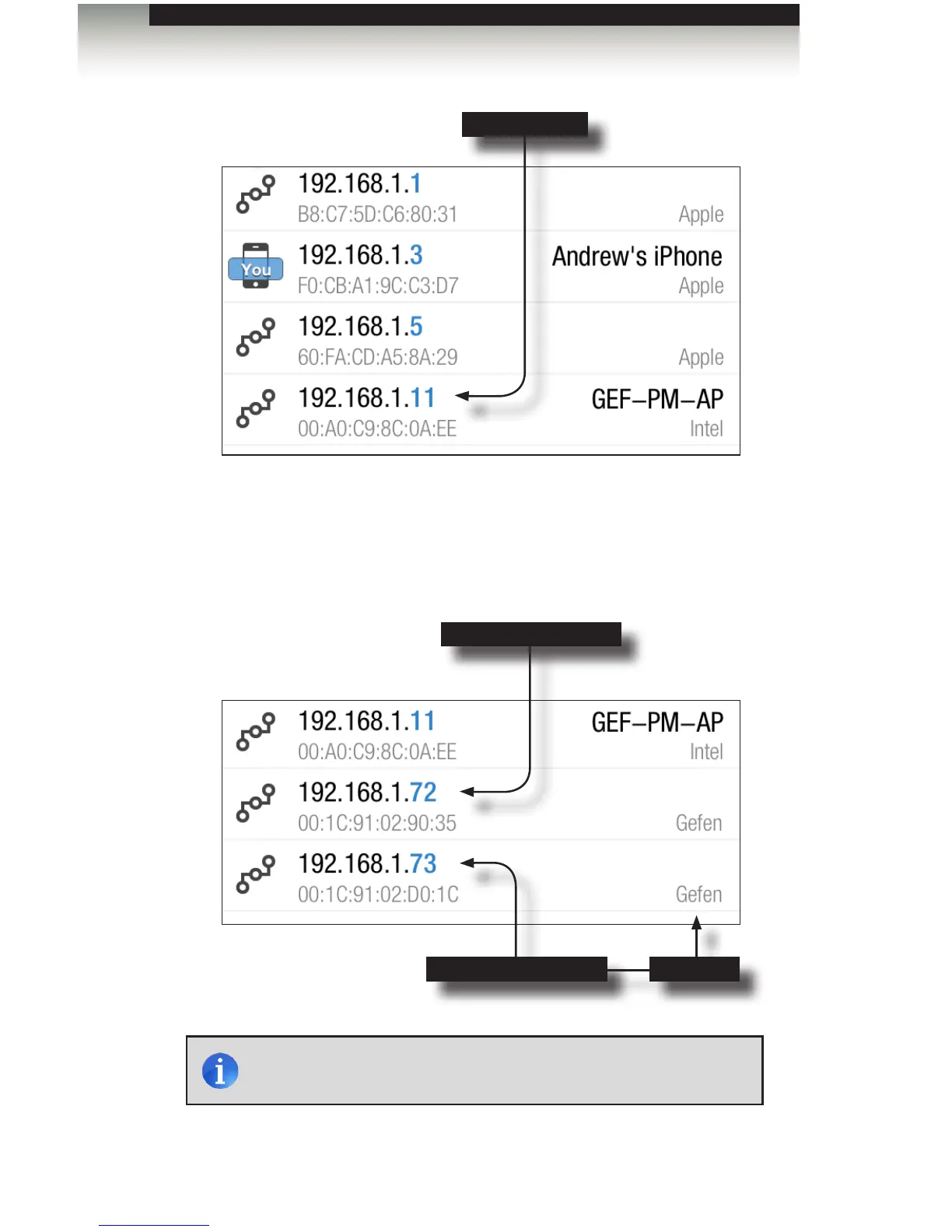
Once it is installed, make sure your iPod/iPad/iPhone device is connected to the same
network as your GAVA and PACS boxes, and click the “Fing” icon on your device.
Click on the “refresh” icon and a list will appear showing every device on the network.
The devices will initially be shown in order by IP address.
Computer
PACS unit (default IP)
NOTE: Some GAVA units may display “PC Engines” rather than
“Gefen”.
Installation
Getting Started
GAVA unit (default IP) “Gefen”
page | 8



 To Next Page