page | 25
Basic Conguration
Using the GAVA Wizard
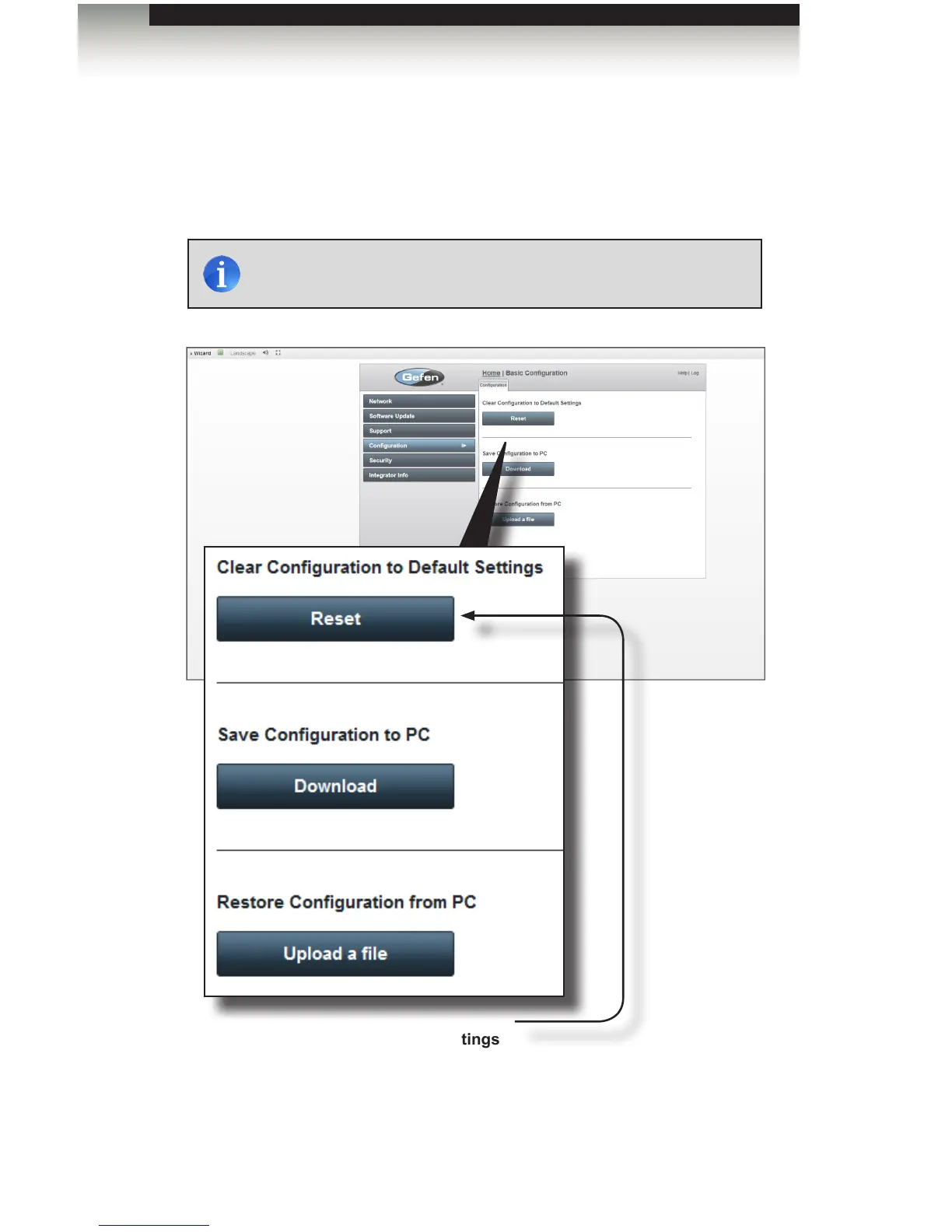
Conguration
The Conguration sidebar button allows you to Reset the GAVA back to Factory defaults,
save the conguration data to a le on your computer, or restore an existing GAVA
conguration le to the GAVA Controller.
(continued on next page)
NOTE: GAVA network (TCP/IP) settings are preserved and will not
be erased if the GAVA is reset or powered-down.
Clear Conguration to Default Settings
Click the Reset button to erase all programmed devices from the GAVA.
All TCP/IP conguration settings will be preserved.



 To Next Page