page | 26
Basic Conguration
Using the GAVA Wizard
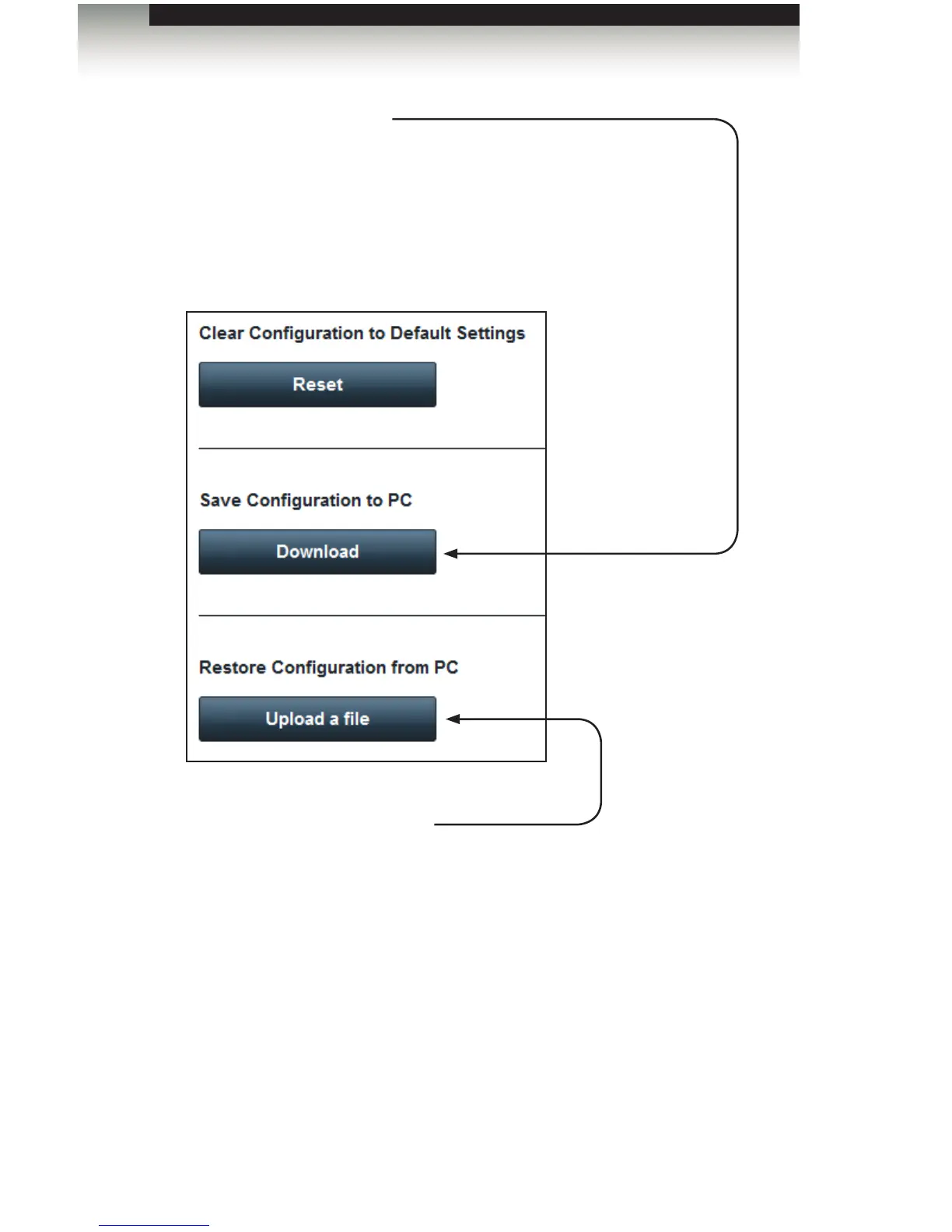
Save Conguration to PC
Click the Download button to save the entire GAVA conguration to
an XML le on your computer. This le may be saved as a backup, or
transferred to another GAVA to copy the entire program (it does not copy
or change the GAVA IP Address).
The lename will be “conguration.xml”. You should ALWAYS change
this name to a unique name before saving it, or you will overwrite any
existing GAVA conguration les on your computer.
Restore Conguration from PC
Click the Upload a le button to restore the entire GAVA programming from
an XML le on your computer. This le may be used as a backup, or run on
another GAVA to copy the entire program (it does not copy or change the GAVA
IP Address).
You may create a “Master Program” with equipment and settings you frequently
use, and then customize it for different customers.



 To Next Page