page | 68
Adding Rooms
Using the GAVA Wizard
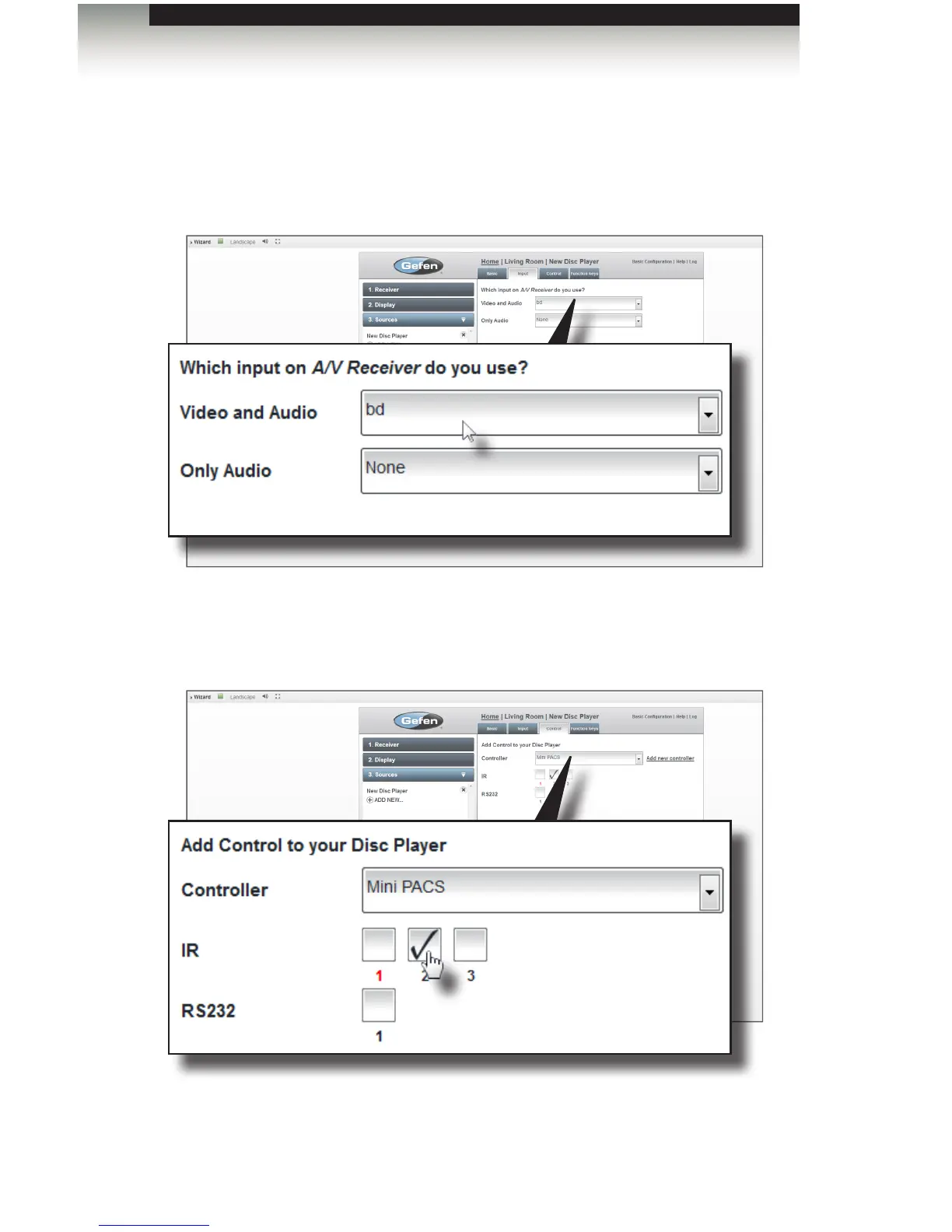
5. Select the input for the display device from the Video and Audio drop-down list.
In this example, the display device is using bd (Blu-ray Disc).
The Only Audio drop-down list is used when an audio distribution system is also
being added to the system (future feature).
6. Click the Next button in the lower-right corner to continue to the Control tab.
Since the Gefen Mini PACS is our controller, we will select it from the
Controller drop-down list.
7. In our example, an IR emitter is connected from IR port 2 on the Mini PACS to the
set-top box. Therefore, we will check IR port 2 as the control port.



 To Next Page