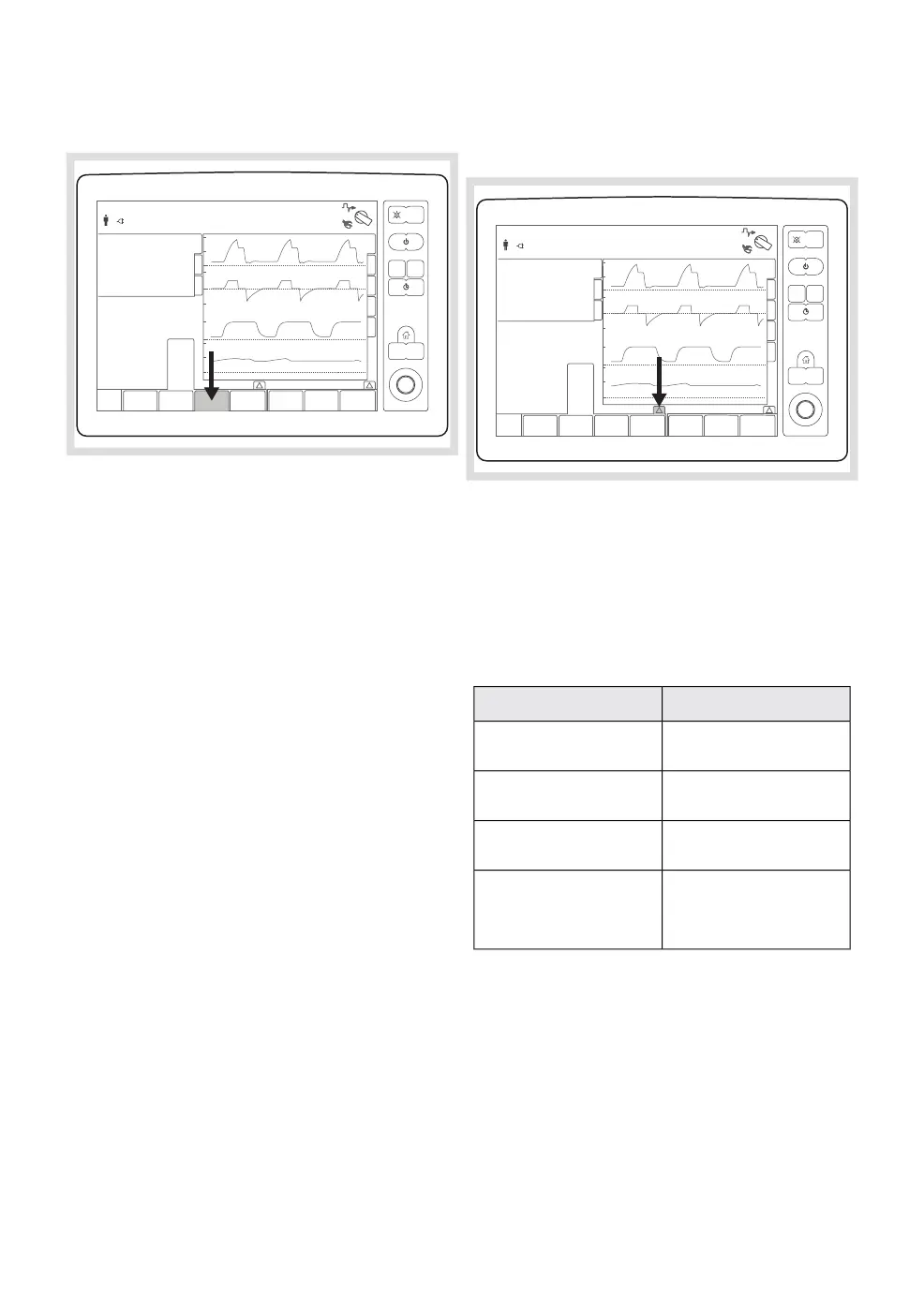
5.3.3 Setting O
2
concentration
312
01-01 13 00
Percentage oxygen set in the fresh gas
mixture. The range of the fresh gas
concentration is 28-100% for O
2
/N
2
O and
21-100% for O
2
/Air.
The O
2
flow can never be less than 200 ml/min
for any patient category. The current O
2
concentration in the gas mix is automatically
adjusted to match this requirement if the fresh
gas flow is decreased sufficiently. In addition,
the O
2
concentration touch pad is highlighted
to inform of this adjustment, and a system
message is displayed for as long as the
limitation is active: 'O
2
lower limit reached'.
Confirming the new fresh gas flow will also
confirm the new O
2
concentration.
5.3.4 Setting anesthesia agent
concentration
312
01-01 13 00
Sets the anesthesia agent concentration for
the selected vaporizer.
The name of the selected vaporizer agent is
shown on the touch pad.
The agent concentration can have four states:
DescriptionState
No connected vaporizer
in the selected slot
No agent
Vaporizer ready to be
disconnected
OFF
Pressurized and active
vaporizer
0 %
Selected vaporizer/
agent concentration
range
0.3 - 5 % (ISO)
0.3 - 8 % (SEV)
1.0 - 18 % (DES)
Agent concentration values on the screen are
grayed out when the vaporizer lid is open.
FLOW-i 4.2, User's Manual
81
| System functionality |
5 |


 To Next Page
 Loading...