1
Introduction
Product overview
20 / 106
VOLISTA
IFU 01781 EN 19
NOTE
Use only one camera per configuration.
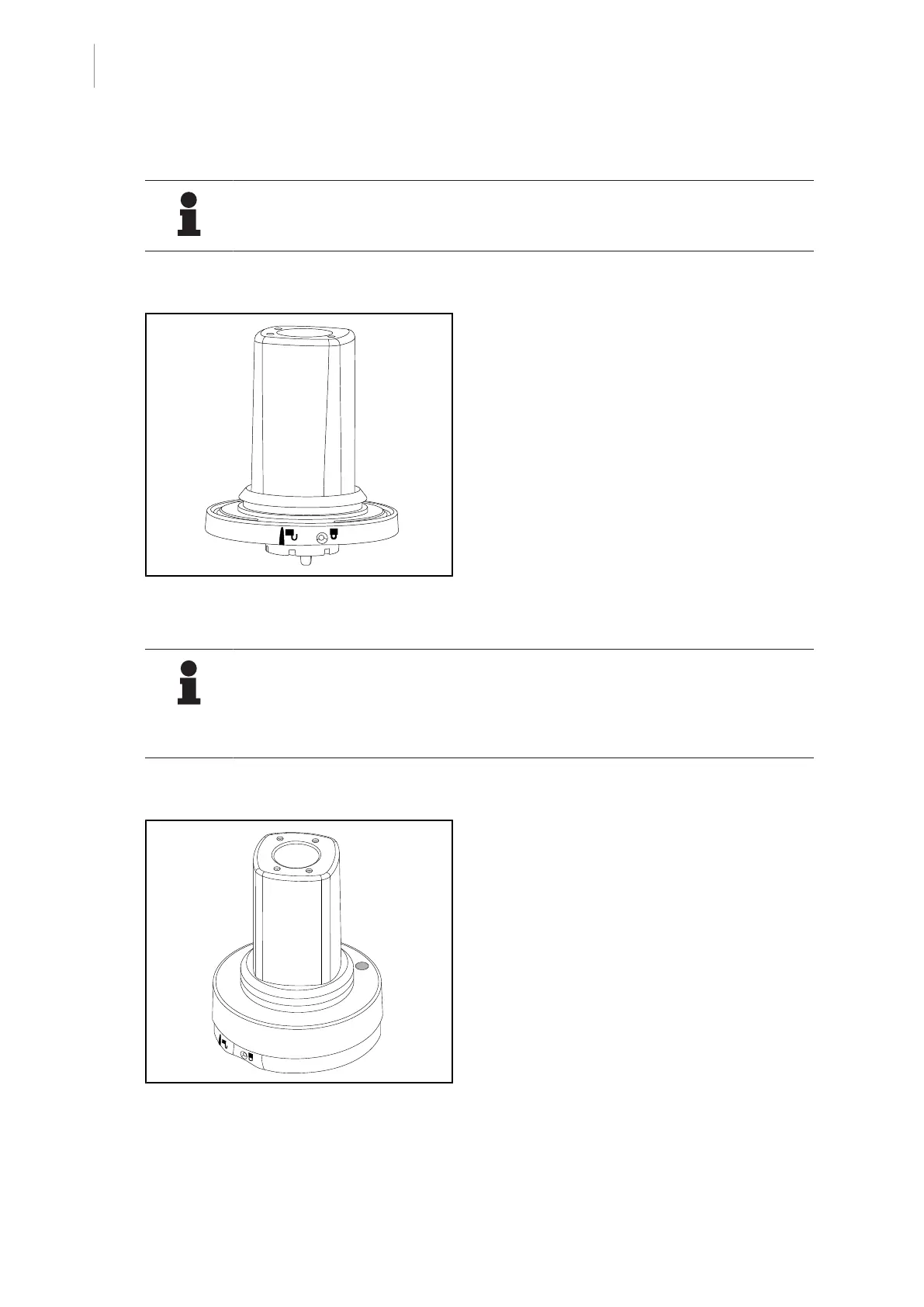
Wired camera: OHDII FHD QL VP01 (on VSTII only)
Fig.13: OHDII FHD QL VP01 camera
This camera features a quick lock system en-
abling it to be moved from one operating
theatre to another, and offers genuine benefits
for the surgical team. It ensures operating
fluidity by keeping the surgical area clear dur-
ing training phases, and facilitates monitoring
of surgeons’ actions, enabling their needs to
be better anticipated. It can be installed only
on a lighthead that is pre-wired for video.
NOTE
Before installing a wired camera, make sure the lighthead is pre-wired for video by
checking the label on the lighthead. The label must bear the indication "VP". If the
camera is installed on a lighthead that is not pre-wired for video, the camera will be
detected, but no viewing of the video will be possible.
Camera with remote control functionalities: OHDII FHD QL AIR03 E/U
Fig.14: OHDII FHD QL AIR03 E/U camera
This camera features a quick lock system en-
abling it to be moved from one operating
theatre to another, and offers genuine benefits
for the surgical team. It ensures operating
fluidity by keeping the surgical area clear dur-
ing training phases, and facilitates monitoring
of surgeons’ actions, enabling their needs to
be better anticipated.











 To Next Page