4
Use
Settings and functions
76 / 106
VOLISTA
IFU 01781 EN 19
4.6.1 Screen brightness
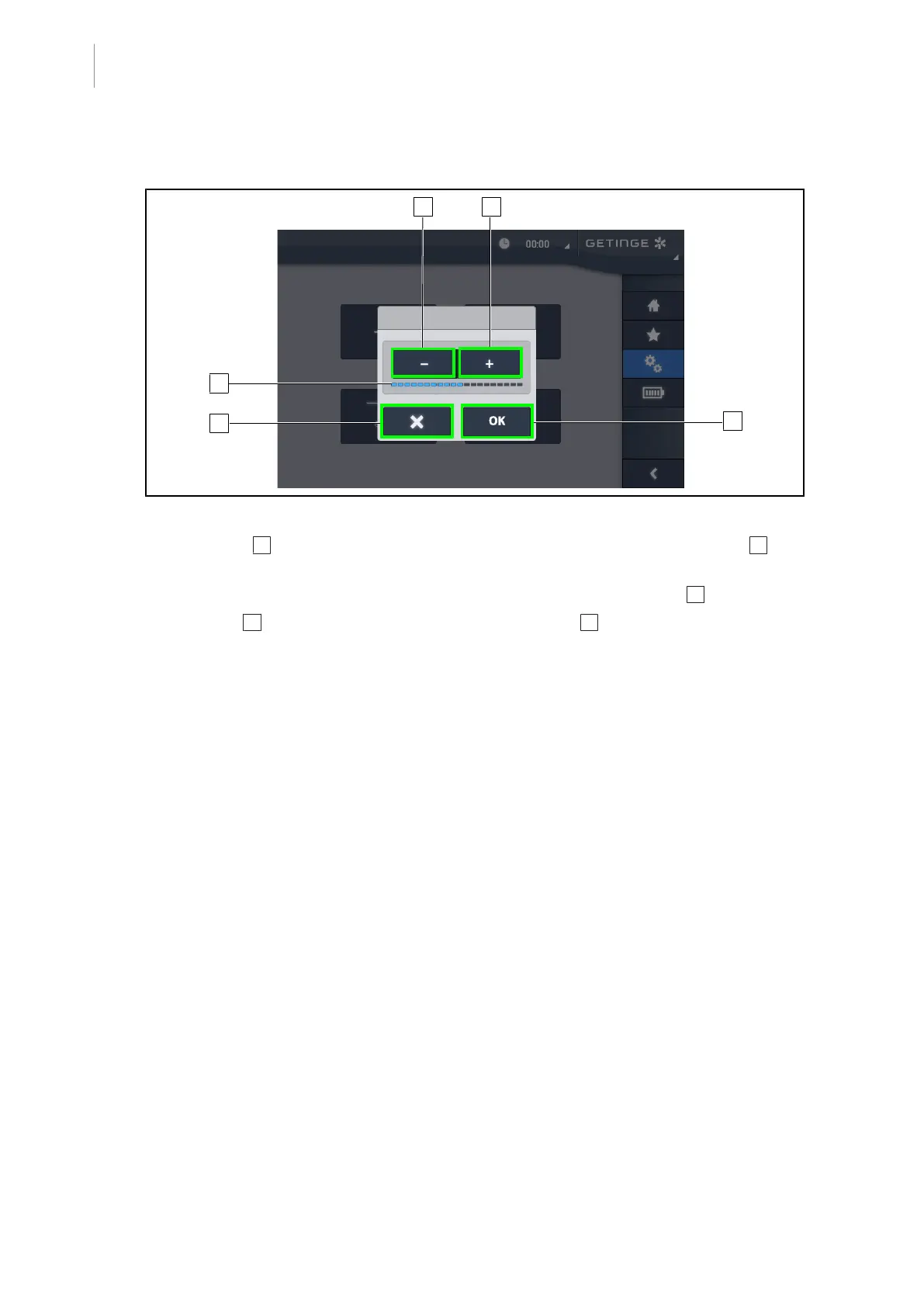
Fig.93: Adjusting the screen brightness
1. Press Plus 2 to increase the brightness of the touchscreen control panel or Minus 1 to de-
crease the brightness.
Ø The screen brightness varies as shown by the brightness level indicator 3 .
2. Press OK 5 to confirm the brightness changes, or Cancel 4 to cancel the changes in pro-
gress.
Ø The configured brightness is stored and applied.











 To Next Page