4
Use
Installing or removing a Quick Lock device (camera, LMD or handle mount)
68 / 106
VOLISTA
IFU 01781 EN 19
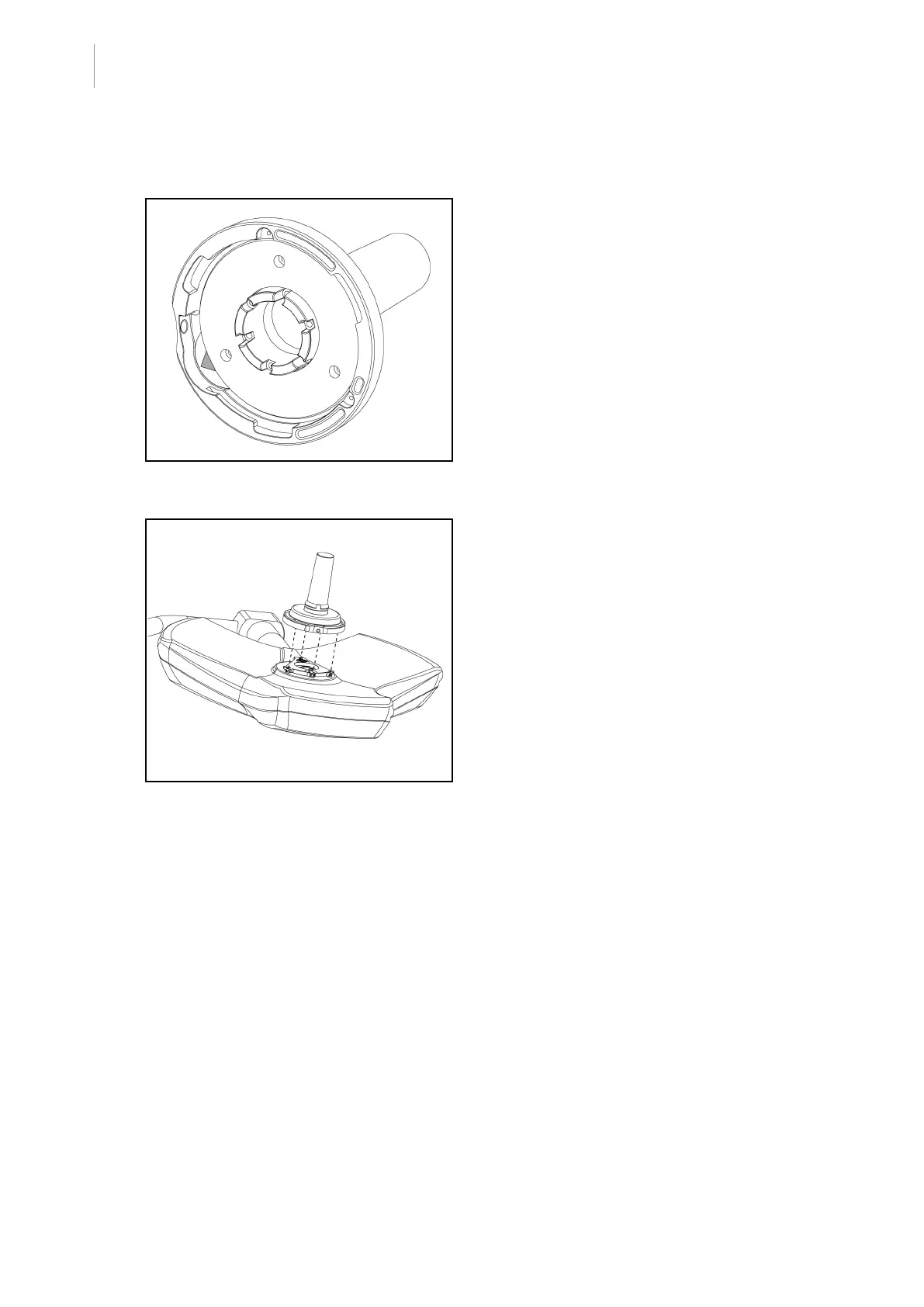
4.4.4 Quick Lock handle mount
Fig.81: Quick Lock handle mount
1. The handles are positioned in the same
way as the camera.
2. The green arrows must be aligned and the
connector oriented properly.
Fig.82: Presenting the handle
1. Align the green arrows and insert the
handle (there is no pin on the handle).
2. As with the camera, twist the base of the
handle clockwise and then check that the
latch has clicked into place.
Ø The handle mount is installed.











 To Next Page