4
Use
Using the camera
74 / 106
VOLISTA
IFU 01781 EN 19
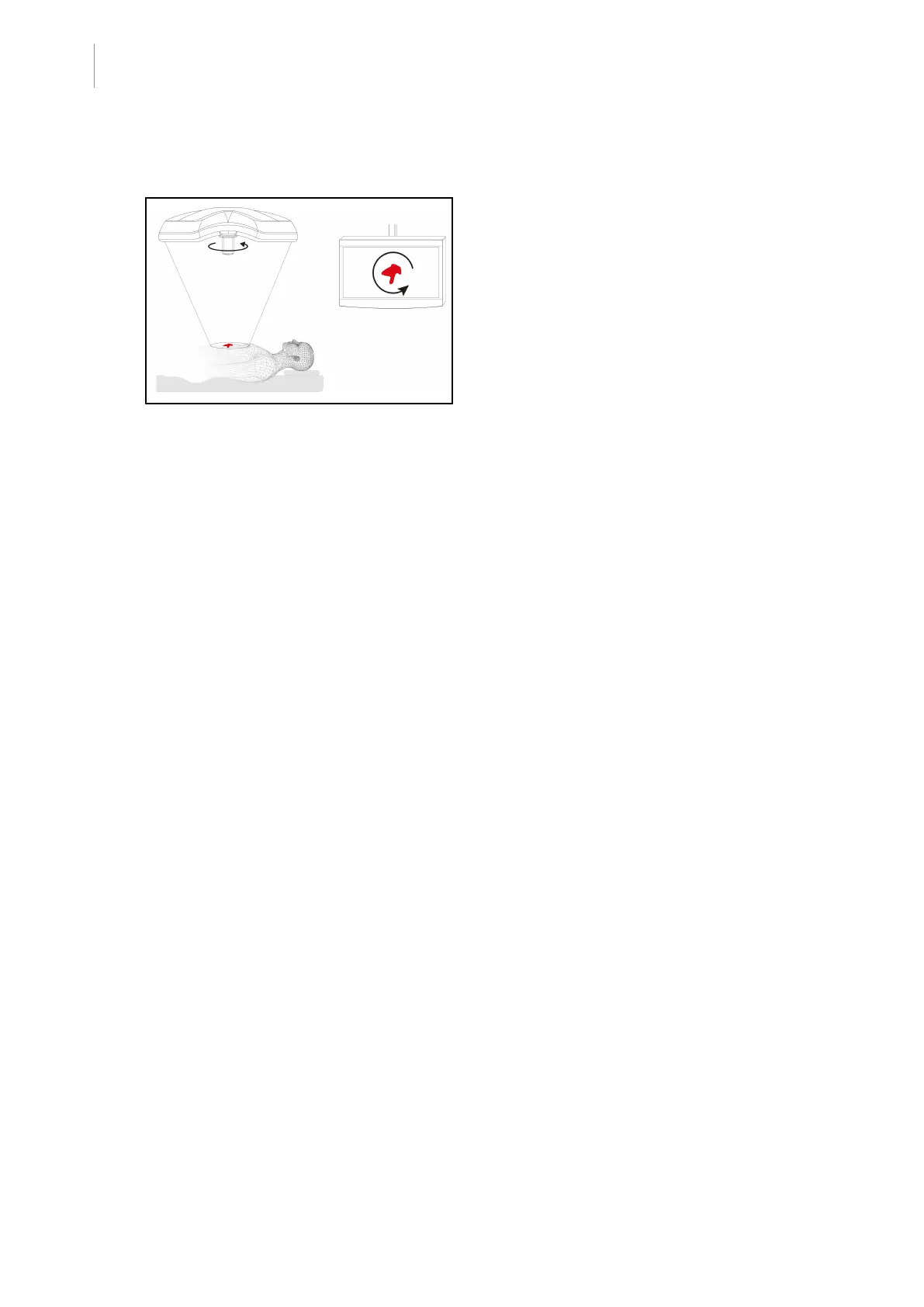
4.5.3 Orienting the camera
Fig.91: Orienting the camera
Optimise the orientation of the image on
screen to suit the observer’s position
1. Install a handle on the camera. Installing
and removing a sterilisable handle for use
with cameras on the lighthead
2. Use the handle to rotate the camera.
Ø The image is rotated on the screen.











 To Next Page