7
Maintenance
Maintenance schedule
94 / 106
VOLISTA
IFU 01781 EN 19
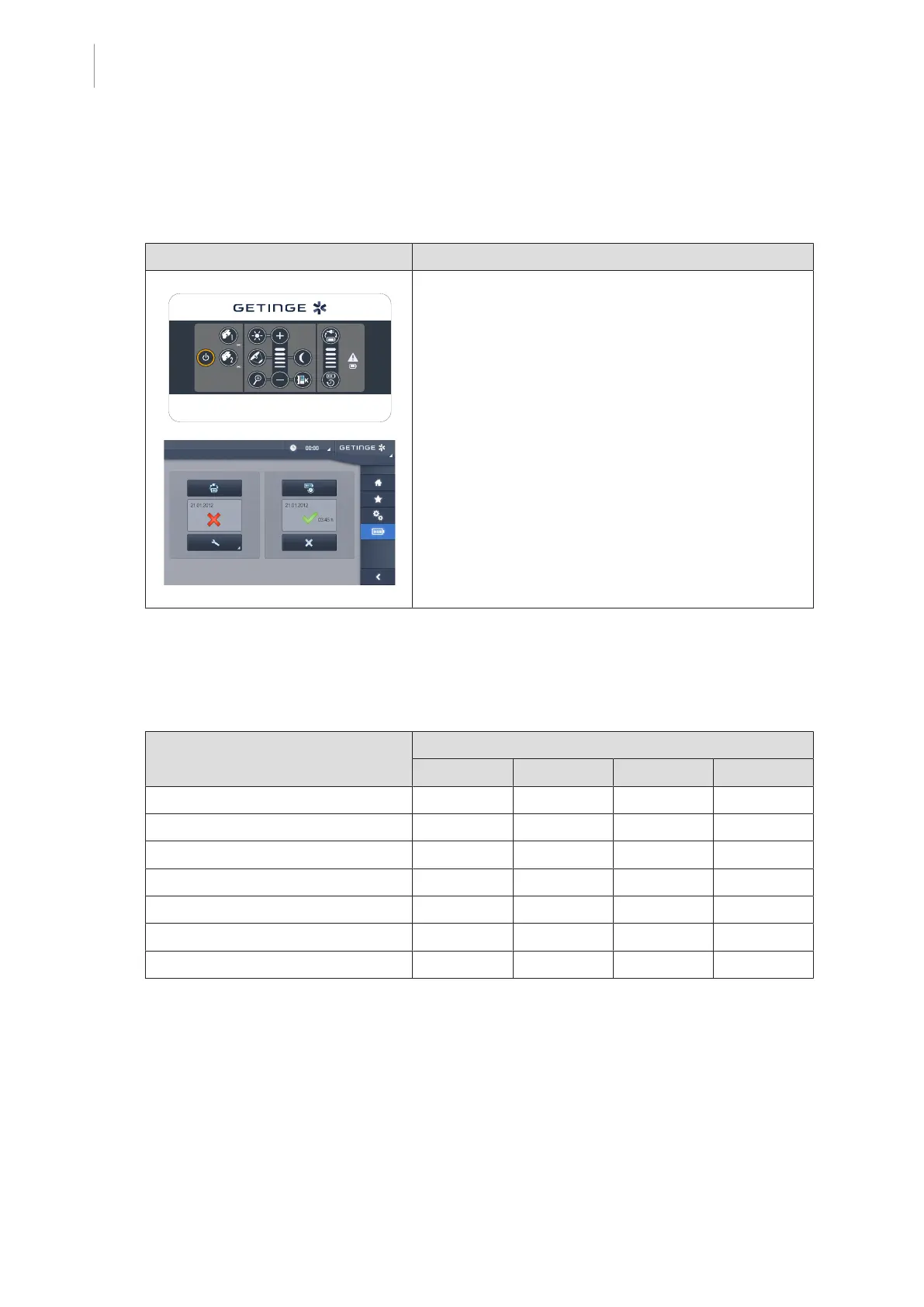
If the device has a Getinge backup system, perform a battery lifetime test. To test from the wall-
mounted control keypad, the lightheads must be turned off and the test start button must be
backlit to enable the test to be started. To test from the touchscreen control panel, the battery
icon must be displayed in the status bar.
Illustration Action
Battery lifetime test (only for a battery-backed sys-
tem)
1. Perform a battery lifetime test via the wall-mounted
control keypad (From the wall-mounted control
keypad (on VCSII only) [8Page84]) or via the
touchscreen control panel (From the touchscreen
control panel [8Page85]).
2. If the test fails, contact technical support.
Tab.30: Battery lifetime test
See also
2 Performing battery tests [}84]
7.2 Maintenance schedule
This table summarises the main maintenance steps to be performed during the product lifetime.
Description Maintenance interval
1 year 3 years 6 years 10 years
General maintenance of the device X
All brakes on the device X
Suspension mounting screws X
Spring arm locking screws X
VSTII spring arm safety segment X
VCSII spring arm safety segment X
Batteries X
Tab.31: Maintenance schedule
7.3 Contact
The contact details of your local Getinge representative can be found on https://
www.getinge.com/int/contact.











 To Next Page