4
Use
Controlling the light
46 / 106
VOLISTA
IFU 01781 EN 19
4.2.3 Ambient light
4.2.3.1 From the lighthead or wall-mounted control keypad
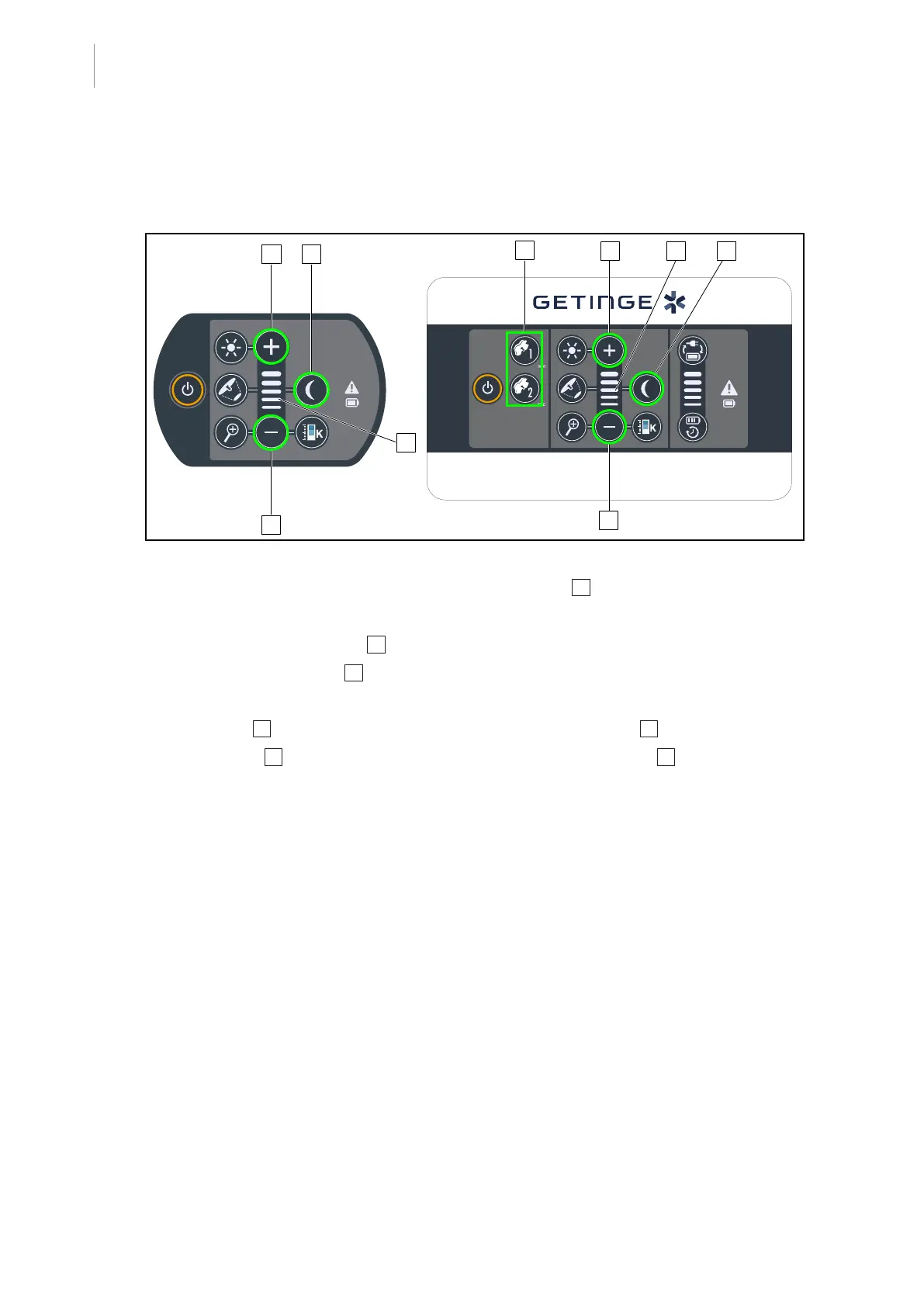
Fig.46: Ambient light via the keypads
For the wall-mounted control keypad, first select the lighthead 2 to be adjusted.
Turning on and adjusting the illumination level of the ambient light
1. Select the desired lighthead 2 .
2. Press the Ambient light 10 button.
Ø Ambient lighting is on and the button is backlit on the keypad.
3. Press Plus 7 to increase the light intensity level of the lighthead(s) 8 .
4. Press Minus 9 to decrease the light intensity level of the lighthead(s) 8 .











 To Next Page