Use
Using the camera
4
VOLISTA
IFU 01781 EN 19
69 / 106
4.5 Using the camera
NOTE
To use the OHDII VP01 QL FHD camera, no setup is necessary once the camera
is installed on the lighthead (see Installing or removing a Quick Lock device (cam-
era, LMD or handle mount) [8Page65]. This camera requires a pre-wired video
configuration, as well as the prior installation of a VP01 receiver.
NOTE
The OHDII AIR03 QL FHD camera with wireless system requires a pairing step
during the first use, and an intermediate procedural step during subsequent uses.
Getinge offers a camera version pre-fitted with a GEFEN® wireless transmission
key; refer to the instructions supplied with the wireless system or see the Wireless
video system [8Page69] section.
See also
2 Installing or removing a Quick Lock device (camera, LMD or handle mount) [}65]
4.5.1 Wireless video system
CAUTION!
Risk of malfunction of the device
The presence of other wireless devices nearby may affect the quality of the
transmitted image.
The user must refer to the instructions for the wireless system in order to
learn its conditions of use.
CAUTION!
Risk of malfunction of the device
The use of wireless accessories other than those supplied or specified by the
manufacturer can affect the operation and performance of the device.
Use only the wireless accessories specified by Getinge.
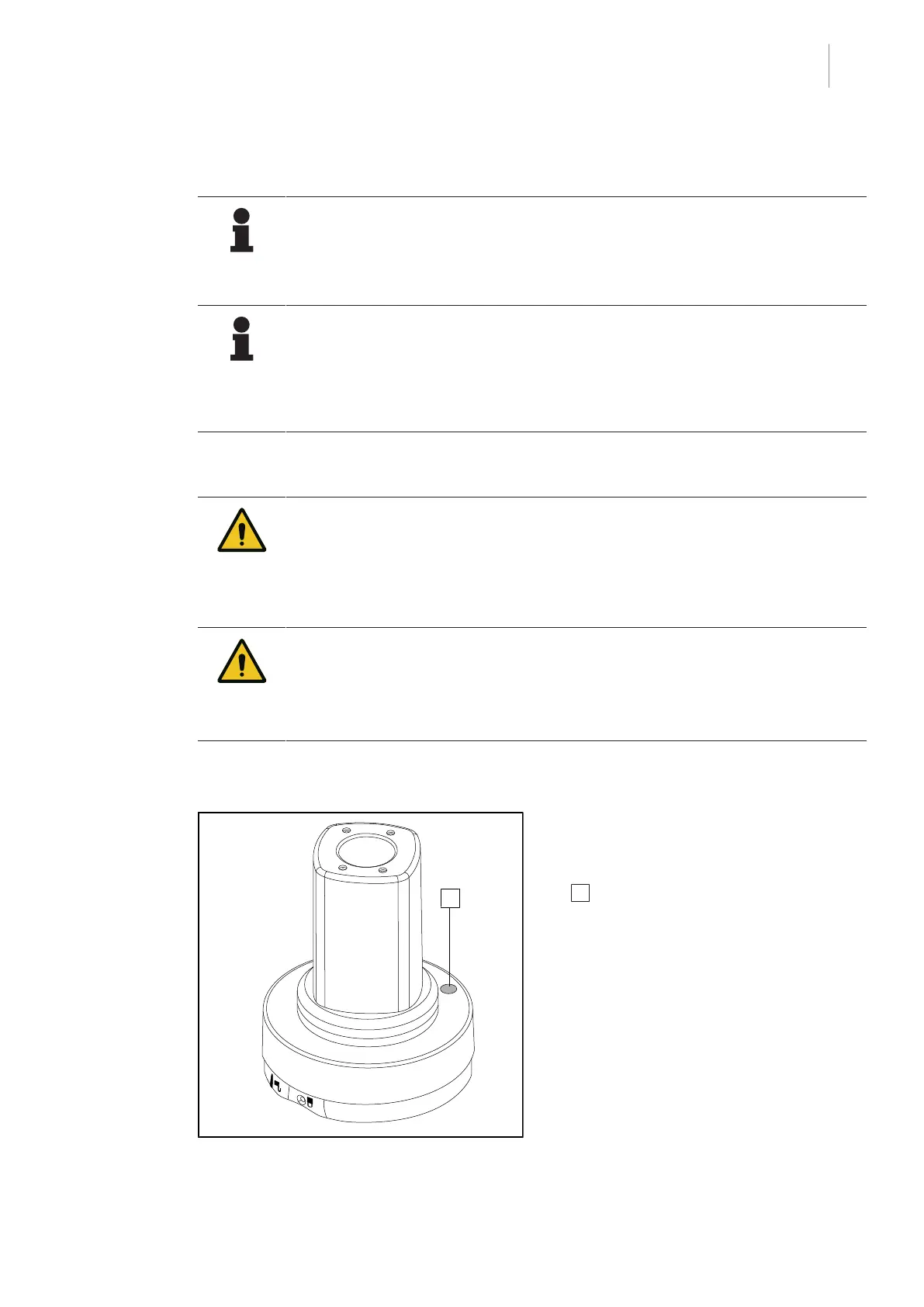
4.5.1.1 Registering the camera
Fig.83: Wireless camera
To pair the camera with its wireless system,
refer to the manufacturer's instructions sup-
plied with the wireless device. During the pair-
ing process, press the camera transmitter but-
ton 1 to enable camera detection during the
signal search phase.











 To Next Page