Use
Daily inspections
4
VOLISTA
IFU 01781 EN 19
41 / 106
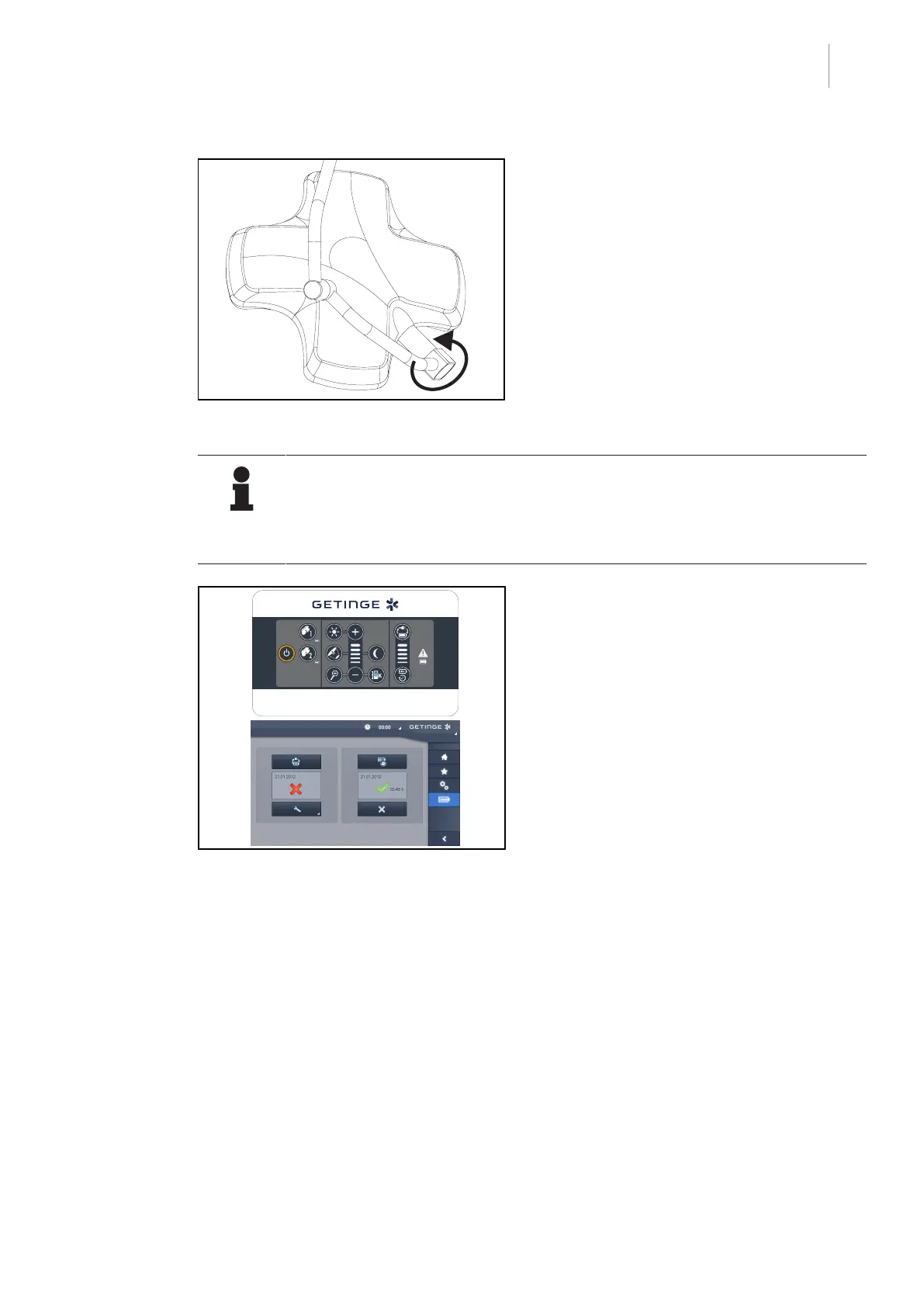
Fig.40: Integrity of the lighthead
Integrity of the lighthead
1. Check the lightheads for chipped paint, im-
pact marks and any other damage.
2. Check that the lighthead rotates correctly.
3. Check that the lighthead does not drift.
4. If a problem is noted, contact technical
support.
NOTE
If the device has a backup system, perform a battery backup test. To test from the
wall-mounted control keypad, the lightheads must be turned off and the test start
button must be backlit to enable the test to be started. To test from the touchscreen
control panel, the battery icon must be displayed in the status bar.
Fig.41: Battery backup test
Battery backup test (only for a battery-
backed system)
1. Perform a battery backup test via the wall-
mounted control keypad (From the wall-
mounted control keypad (on VCSII only)
[8Page84]) or via the touchscreen con-
trol panel (From the touchscreen control
panel [8Page85]).
2. If the test fails, contact technical support.











 To Next Page