4
Use
Controlling the light
54 / 106
VOLISTA
IFU 01781 EN 19
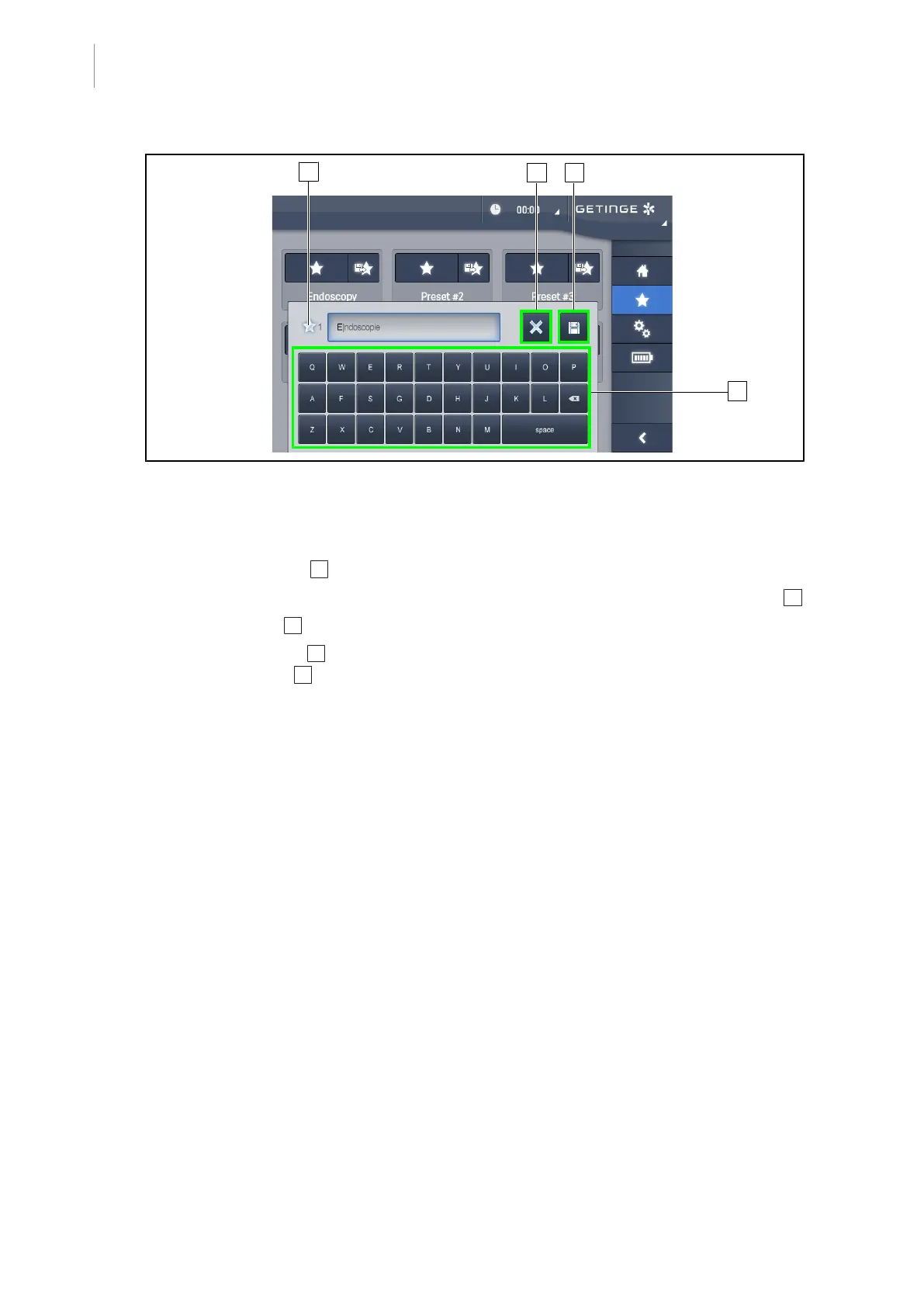
Fig.54: Store preset
Storing a preset
1. Adjust the light settings to the configuration desired for the preset.
2. Press Store preset 3 .
Ø The preset data entry window is displayed (see opposite) showing the selected preset 5 .
3. Use the keypad 8 to enter the preset name.
4. Press Save preset 7 to store the preset. Changes can always be cancelled by pressing
Cancel changes 6 .
Ø A pop-up window is displayed to confirm that the preset has been stored, before returning
to the presets page.











 To Next Page