8003 Precision Scalar Analyzer
2-86 Manual 20791, Rev. C, June 2001
2.10.1 Hints on Simplified Scaling
The proper choice of REF POSition for the reference line can greatly simplify scaling. For device
characteristics that only vary in one direction (for example, the gross characteristics of a filter, or almost
any return loss trace), a convenient choice of the REF POS might be the top graticule line. Then,
choose the REF LEVEL to be the maximum level of the trace. Now, when the trace is scaled, the zero
return loss point or filter pass band will always remain on the screen, and the trace can always be
conveniently scaled to fill the screen.
When measuring a device’s characteristics that vary around a fixed level (pass band ripple, attenuation
or gain vs. frequency, etc.), it may be best to choose the middle graticule line for the reference line’s REF
POSition. Then choose the REF LEVEL to be the average level of the device characteristic. This allows
as much of the trace as possible to remain on the screen while scaling.
2.10.2 Using the Cursor to Set the Reference Level
Sometimes it is very convenient to indicate the desired reference level with the cursor. For example, you
may want to examine the fine detail around a local maximum point you have previously identified with
the cursor.
Make sure you have activated the cursor by pressing the
[CURSOR]
key. Now press
[SCALE]
to get
back to the SCALE softkey menu. Use the spin knob to set the cursor at the desired level. Press the
[REF LEVEL] softkey to bring up the REF LEVEL softkey menu. Now, press the [REF-CURSOR]
softkey. The REFerence LEVEL will automatically be set to the cursor level.
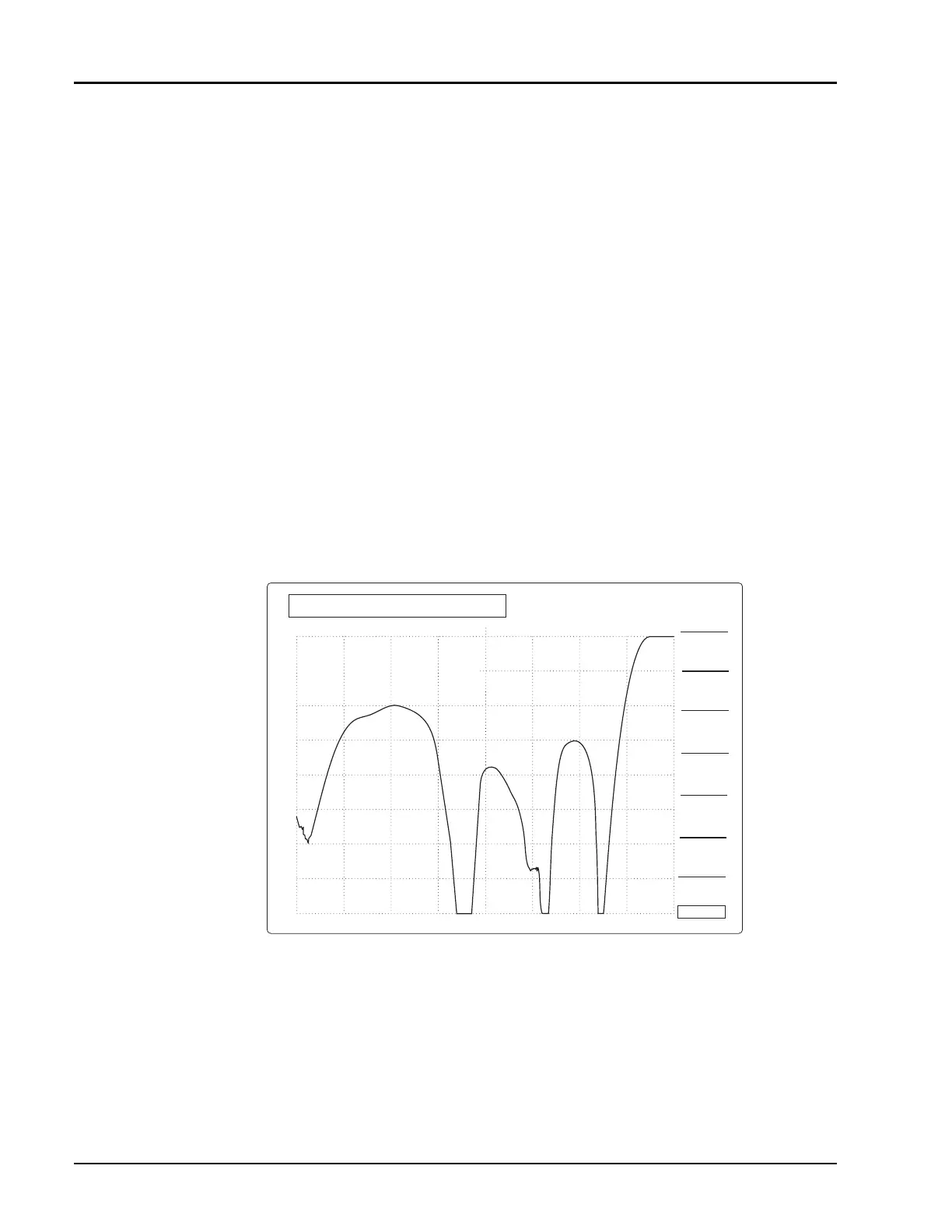
Figure 2-41: REF
→
CURSOR Function puts Local Maximum Reference Point at the
Reference Point for Easy Scale Factor Expansion
CH1:SW B -PC CRSR -26.51 dB
10 dB/ REF -26.51 dB
CURSOR
STRT 2.000 GHz
CRSR 6.172 GHz
STOP 18.000 GHz
1
CRSR -26.51 dB
6.172 GHz
CURSOR
ON/OFF
∆
SEARCH
CURSOR
ON/OFF
CURSOR
FREQ
CURSOR ->
MRKR N
DEFINE
MRKR N
REF ->
CURSOR
+



 To Next Page