8003 Precision Scalar Analyzer
2-52 Manual 20791, Rev. C, June 2001
2.6.4 Key Operation
2.6.4.1 UPDATE SWEEPER ON/OFF Key
[
UPD SWP ON/OFF
]
The UPD SWP ON/OFF (Update Sweeper On/Off) softkey function appears in all of the Source
Control menus. Its purpose is to enable or disable the source sweeper configuration update. The default
is ON (enable). For example: If it were desired to display a range of 1 to 10 GHz on the 8003 but the
sweeper output is from 2 to 5 GHz, the following procedure would be accomplished:
• Set 2 to 5 GHz using the source Start and Stop functions
• Turn OFF the UPD SWP function
• Set the 8003 frequency for a range of 1 to 10 GHz
2.6.4.2 START Key
[START]
The SOURCE
[START]
key initiates source frequency changes by specifying the desired start, center,
or CW frequencies depending upon the mode of operation.
When
[START]
is pressed, the entry area of the display will show the current start, center, or CW
frequency depending upon whether the source is in the start/stop, center/
∆
F, or CW mode, respectively.
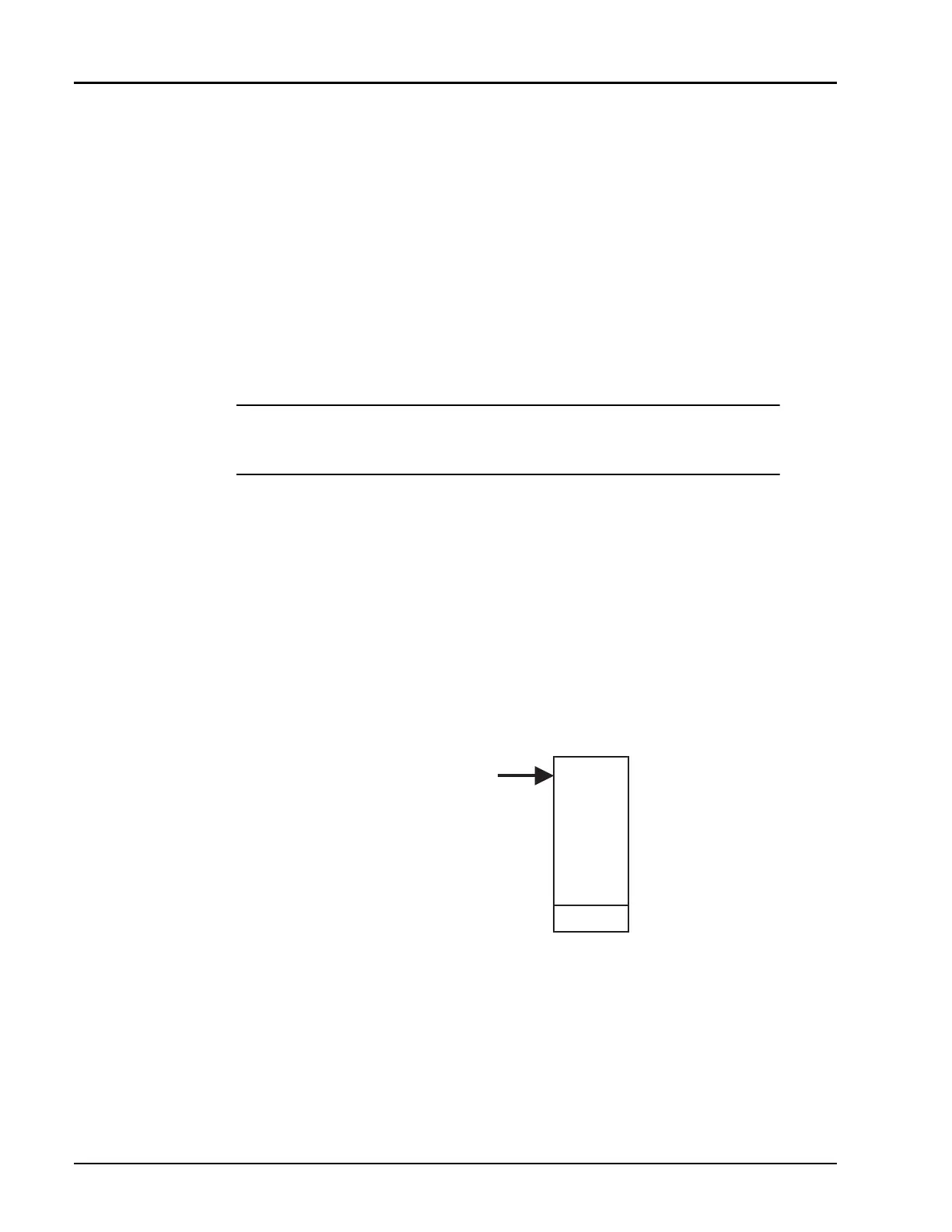
A prompt will be displayed to change the frequency if desired, and the softkey menu will change to the
one illustrated in Figure 2-13.
[
START
], [
CENTER
], and [
CW
]
These softkeys change the mode and frequency of the source. The softkey label that corresponds to
the mode currently in use (START for Start/Stop, CENTER for Center/
∆
F and CW) will be in
light blue. The other two options will be shown in standard menu green.
Pressing a softkey with a standard menu green label will cause the source to immediately switch to
measuring in the mode indicated by the softkey. The current value for the frequency associated with
NOTE:
A potential problem may occur when the 8003 and sweeper have different
configurations after the above is performed. Be sure to preset the instrument for
consistent operation.
Figure 2-13: Softkey Menu Change from Frequency Change Prompt
☛
☛☛
☛
START
START
KEY
START
CENTER
CW
UPD SWP
ON/OFF



 To Next Page