Operation
Manual 20791, Rev. C, June 2001 2-91
2.11.4 Bandwidth Searches
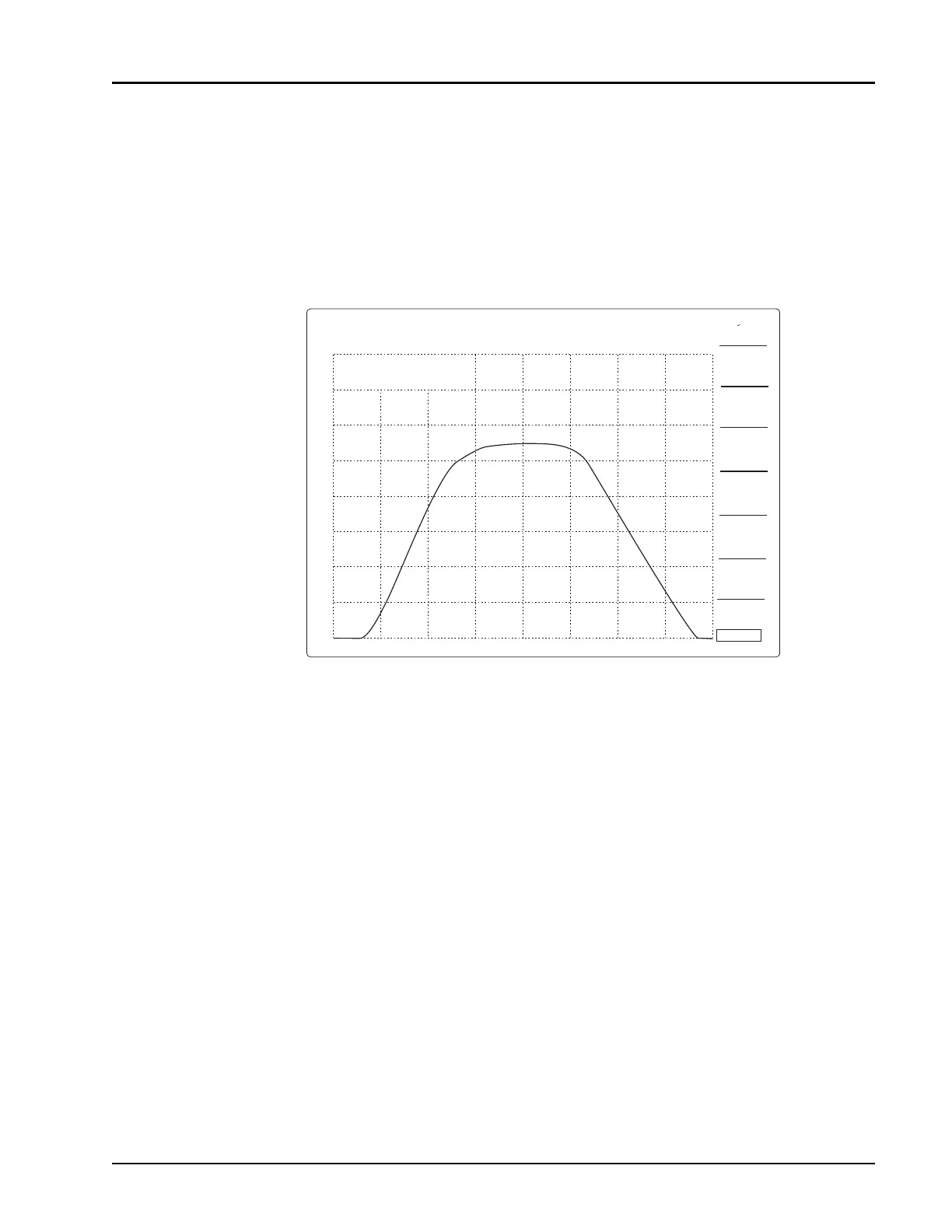
The 8003 Analyzer can also find the bandwidth of frequency selective devices. Press
[CURSOR]
followed by the [SEARCH] softkey. Then press the [BANDWIDTH] softkey. The analyzer will
automatically find the maximum point in the pass band of the device, then find the -3 dB points on the
right and left of the maximum, and calculate the bandwidth.
Once the [BANDWIDTH] softkey is pressed, the search level can be changed by simply entering a new
value on the numeric entry keypad and pressing
[GHz/dB]
.
Figure 2-47: Automatic Bandwidth Movement (Very Narrow Bandpass Filter)
SEARCH
RIGHT
BAND-
WIDTH
SEARCH
LEFT
SEARCH
VALUE
CURSOR
RETURN
STRT
1.711 GHz
STOP
SRCH -3.00 dB
7.193 GHz
CH1: SW A -PC CSR -0.00 dB
5.0 dB/ H REF -0.00 dB
∆
20.000 GHz
MAX
1
∆CSR 7.193 GHz
MIN
VALUE FOUND: TRACE HOLD
+
∆



 To Next Page