8003 Precision Scalar Analyzer
2-54 Manual 20791, Rev. C, June 2001
2.6.5 POWER Key
[POWER]
See the description of the UPD SWP ON/OFF softkey in section 2.6.4.1.
The frequency ranges of the sweeps defined by the start/stop frequencies and the center/
∆
F frequencies
are completely independent. Whenever one frequency mode (start/stop or center/
∆
F) is changed to the
other, the instrument will always revert to the frequency range last defined for the mode to which the
instrument was switched. Similarly the frequency of the source CW output is also independent of the
start, stop, center, and
∆
F frequencies.
The SOURCE
[POWER]
key initiates source power level changes. When pressed, the entry area of
the display will show the power level the source is set to output and present a prompt to change the level
as desired. The softkey menu will change to the menu on the left in Figure 2-15.
[
POWER
]
The entry area of the display will show the currently defined output power for the source and
present a prompt to change the power as desired.
This is the same type of data entry that is used when the POWER function key is pressed. It is pro-
vided here in case another parameter in the Power key menu is changed, and it is then desired to
change the power level. Changing the power level can be selected here as another option in the
softkey menu without the necessity of going from the softkey menu to the Source Control keys.
[
RF POWER ON/OFF
]
Turns the RF power output of the source on or off. The state that the source output power is cur-
rently in (On or Off) will be displayed in light blue. The other state that the source would enter if
the softkey were pressed will be displayed in standard menu green.
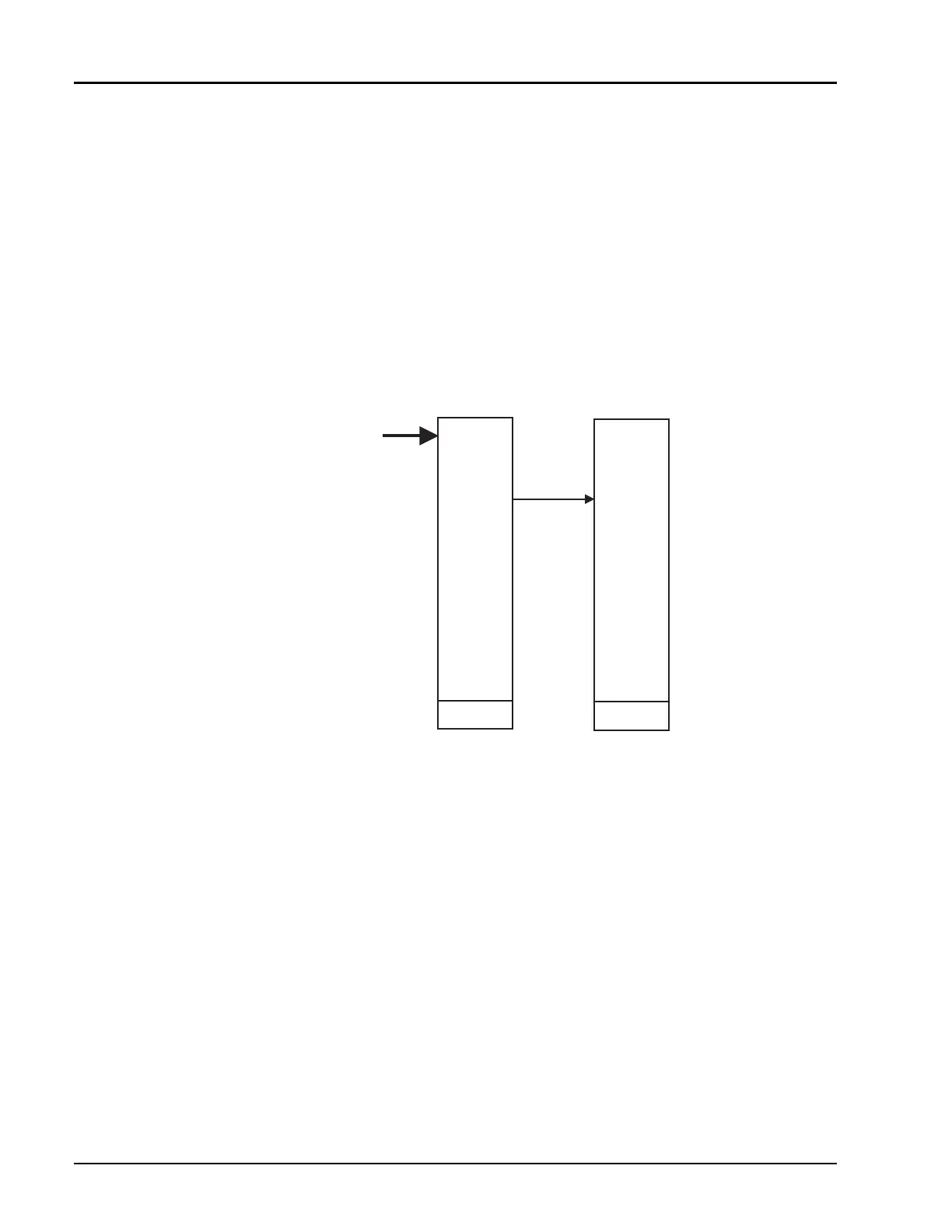
Figure 2-15: Power Softkey Menu Prompt
POWER POWER
POWER
KEY
POWER
RF POWER
ON/OFF
POWER
SWEEP
UPD SWP
ON/OFF
PWR SWP
ON/OFF
START
POWER
STOP
POWER
FREQ
SWEEP
TIME
ANALOG /
DIGITAL
STEP
SIZE
RETURN



 To Next Page