8003 Precision Scalar Analyzer
B-8 Manual 20791, Rev. C, June 2001
B.4.3 LaserJet Family RS-232 Cable Interconnections
B.4.3.1 RS-232 Electrical Description
Since the HP LaserJet printer is designed to operate through either RS-232 or RS-422 cable
interconnections, there is a switch (SW 1- Switch 1) and a jumper (JP 2- Jumper 2) on the printer's rear
panel that must be properly set. The diagrams on the next page will show the location and proper
positioning of these components.
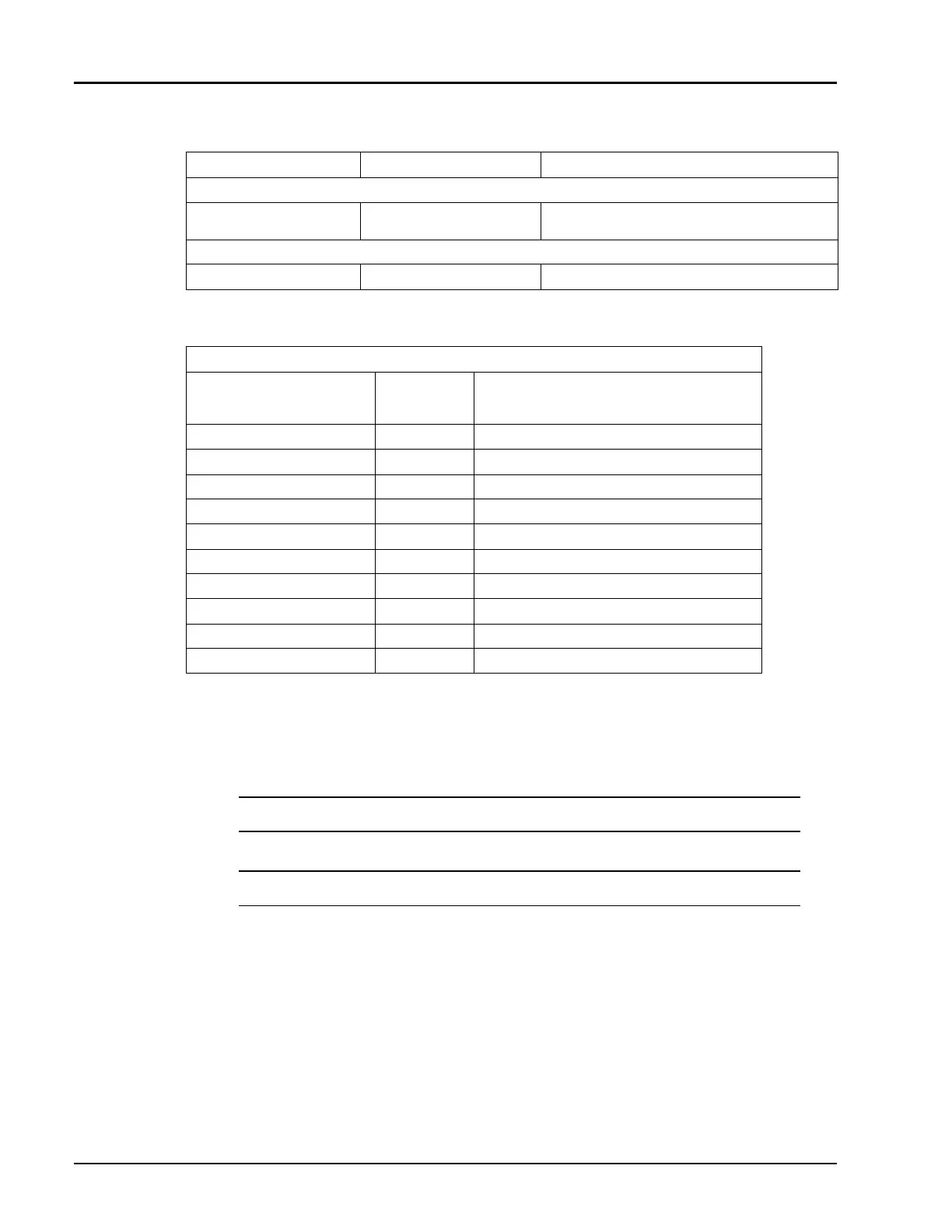
Instrument Connector Label To Set Printer Address
CONNECT FROM:
8003 Analyzer RS-232 Port (rear panel
female connection)
N/A – Direct Connection
CONNECT TO:
HP LaserJet Family RS-232 N/A – Direct Connection
M -M Cable
Printer Connection:
Pin Number Function
1FG – Frame Ground
2TD – Transmit data to the 8003
3RD – Received data from the 8003
7SG – Signal Ground
20 DTR – Data Terminal Ready
8003 Connection: 1 FG – Frame Ground
2TD – Received Data from the printer
3RD – Transmit Data to the printer
7SG – Signal Ground
20 DTR – Data Terminal Ready
NOTE:
The 8003 Analyzer operates only at a Baud rate of 9600.
NOTE:
After setting the address, the printer must be turned OFF and then ON again.
☛
☛☛
☛
☛
☛☛
☛



 To Next Page