8003 Precision Scalar Analyzer
2-94 Manual 20791, Rev. C, June 2001
2.11.7 Markers
Markers are useful to keep track of key points on a trace. The 8003 analyzer supports up to 10 internally
generated markers. Markers are indicated by small circles on the trace.
Markers, like cursors, have many uses. One common use is to mark specific points of importance when
tuning devices. For instance, filters must be tuned to an exact cutoff frequency. A marker indicates this
cutoff frequency. The user then tunes for the proper amplitude at the marked frequency.
To place a marker on the trace, first move the Cursor to the desired marker location. Then press
[CURSOR]
and the [DEFINE MRKR N] softkey. Enter a number from 0 to 9 on the numeric entry
keypad and press the
[GHz/dB]
units key. A small marker circle will appear at the cursor location
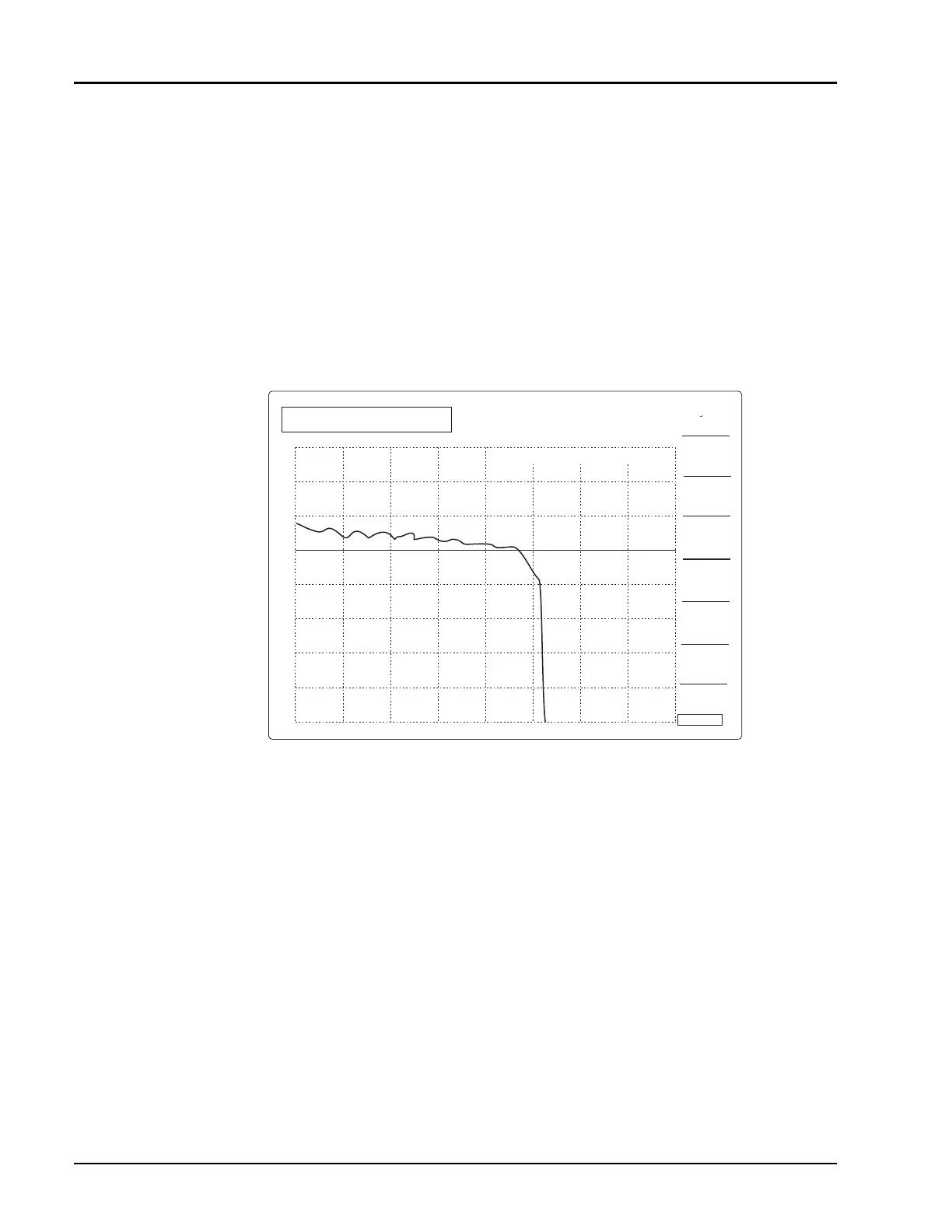
(Figure 2-50). The cursor can then be moved to set up another marker. Markers can be individually
turned on and off using the [MRKR N ON] and [MRKR N OFF] softkeys.
The analyzer does not support sweeper-generated z-axis (or intensity) markers. It does, however, support
sweeper-generated amplitude blips since these are amplitude spikes that actually appear on the output
signal. Sweeper generated markers are often crystal-generated to improve the frequency accuracy of the
trace. The frequency accuracy of the internally generated markers on the 8003 analyzer is generally
limited by the accuracy of the sweeper’s sweep ramp.
Figure 2-50: Filter Passband (Tuned Until Amplitude is -0.5 dB at the Marker)
CURSOR
ON/OFF
∆
CURSOR
ON/OFF
CURSOR
FREQ
CURSOR
STRT
2.000 GHz
STOP
MARKER AT 8.4 GHZ
CH1:SWA -PC
0.5 dB/ REF 0.00 dB
CURSOR ->
MRKR N
DEFINE
MRKER N
REF ->
CURSOR
12.000 GHz
1
SEARCH
CH1: FAIL



 To Next Page