Operation
Manual 20791, Rev. C, June 2001 2-101
in the SWEPT mode. You must change it to the CW mode using the
[DEFINE]
key as described
Section since MAX and MIN hold work only in the CW mode.
The RELative mode for CW measurements is similar to path cal for Swept measurements. Use the
RELative mode to make CW measurements relative to a fixed reference level. To use the RELative
function, first set your desired reference level using the CW Power reading as a guide. Then, to activate
the RELative mode, press
[MEAS]
and select the [CW OPTION] softkey. Press the [RELON/OFF]
softkey to read power relative to the reference level.
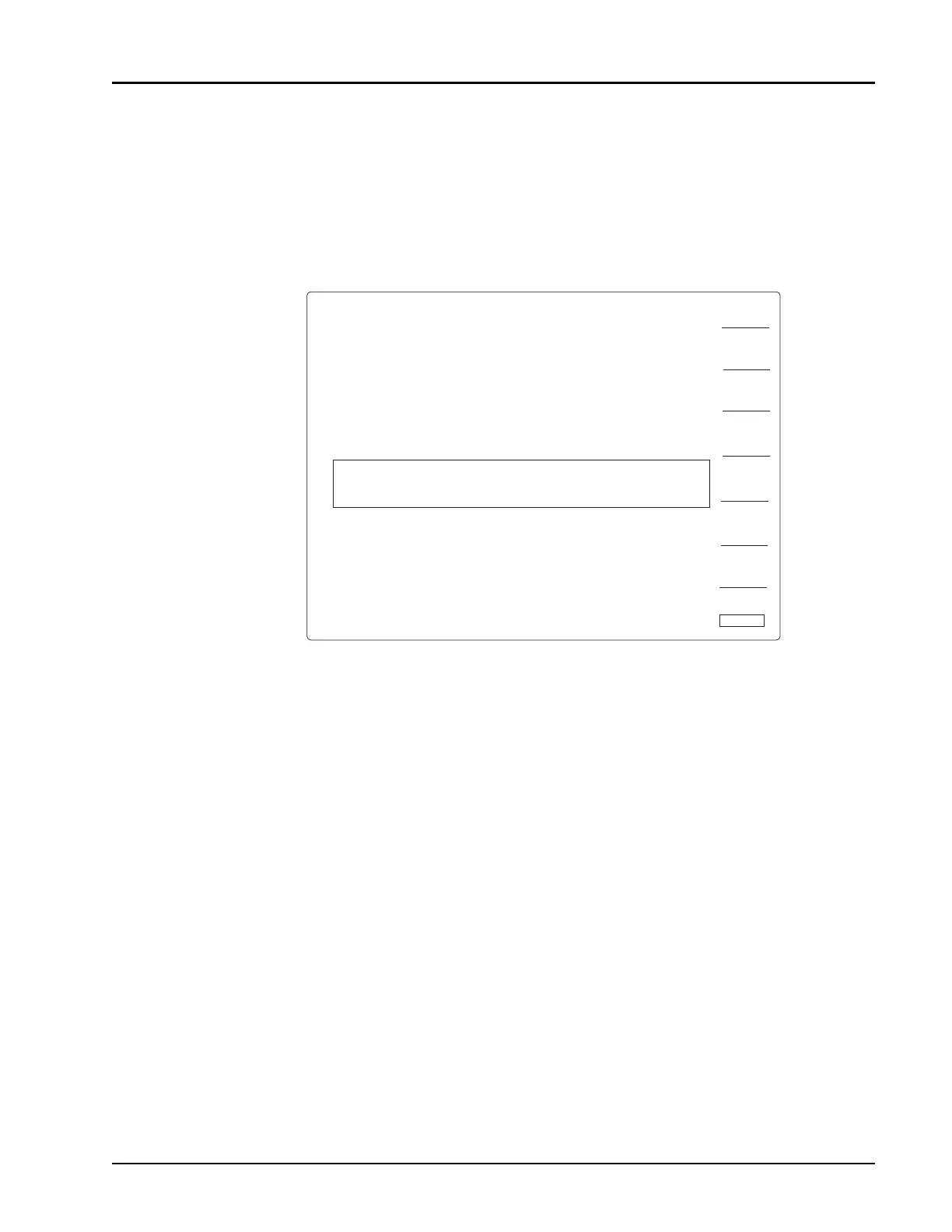
Figure 2-58: Reference Level & Corresponding Relative Reading
MAXHOLD
ON/OFF
REL
ON/OFF
MEAS
SEN A OFFS 0.00 dB
FREQ 5.00 G z
-26.77 dBm
RETURN
CH1 - ABSOLUTE READING
CH2 - RELATIVE READING
H
SEN A OFFS 0.00 dB
REL FREQ 5.00 G z
0.00 dBr
H
MINHOLD
ON/OFF



 To Next Page