Operation
Manual 20791, Rev. C, June 2001 2-27
[
HOLD ON/OFF
]
Menu F3: Stops the measuring of data and the update of the channel display to cause a hold or
freeze of the display. The channel will remain frozen until the key is pressed again to toggle it back
into the normal update mode.
When a channel is in the Hold mode, its status is indicated by the character
H
on the second line
of its channel summary area on the display.
[
PLOT & PRINT
]
Menu F3: Accesses a series of sub-menus that offer you a variety of formats for the configuration of
hardcopy printouts. This function is normally used when the system is operating in the Graph Dis-
play mode. If the instrument is in the CW mode, the function can address the [PRINT] softkey (see
page 2-28) to allow the printing of a screen dump of the power meter readouts.
[
PLOT ALL
]
Menu F3-3: A standard plot is normally composed of a grid to define the scale, alphanumeric
labels describing information pertaining to the trace data being presented, and the trace itself.
The [PLOT ALL] softkey causes all of these elements to be printed on the hardcopy in a stan-
dard (8-1/2 x 11") format. If the 8003 has trace data available on all four channels, the data
from each of channel can be printed in a different color on a 4 (or more) pen plotter.
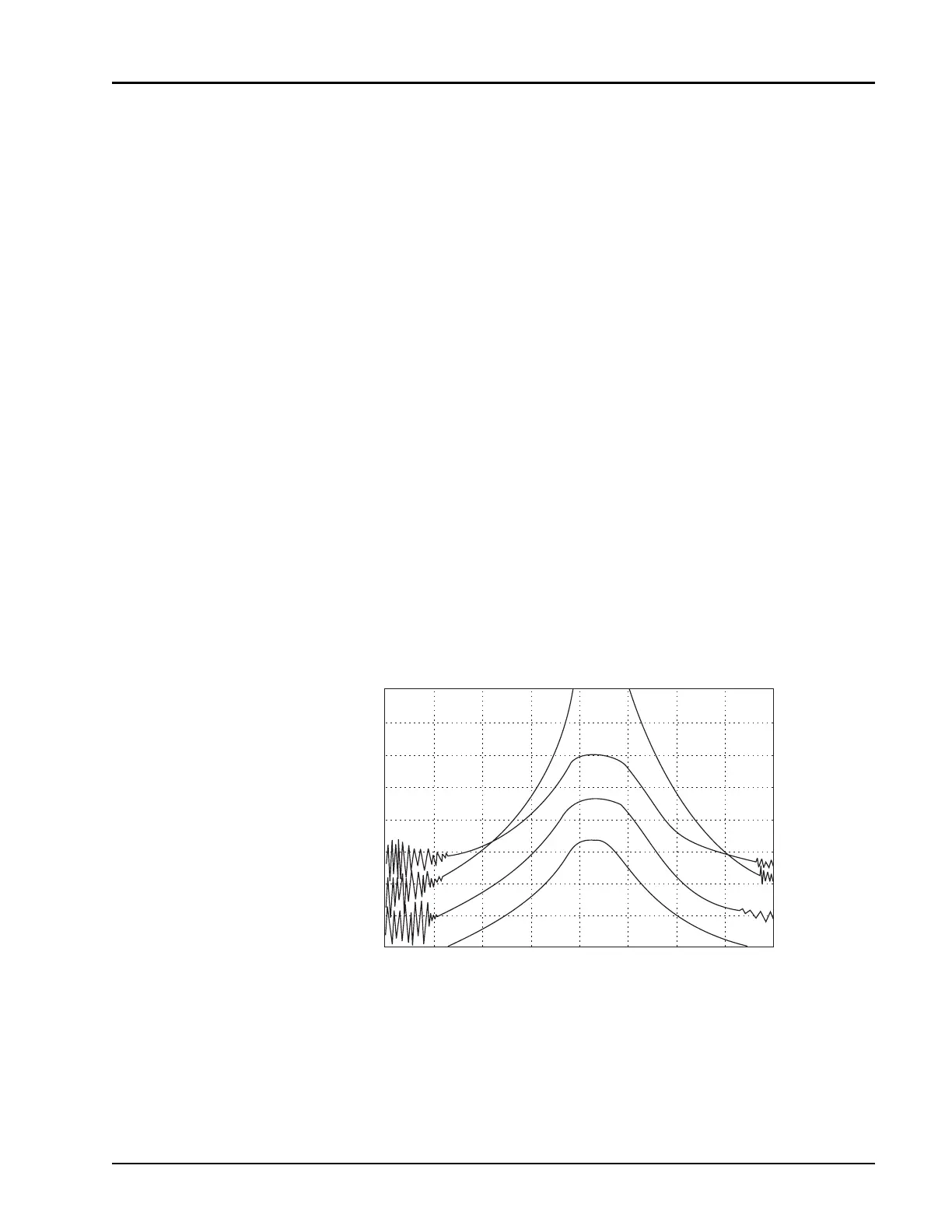
Figure 2-8 shows a typical PLOT ALL graph configuration.
Figure 2-8: PLOT ALL Function Hardcopy Printout (Typical)
+
+
+
+
START 40.000 GHz
CRSR 67.022 GHz
STOP 99.000 GHz
GIGA-TRONICS Precision Scalar Analyzer Model 8003 Jun 25, 2001 15:23:49
CH1: SW A CRSR -2.15 dBm CH2: SW A CRSR -2.68 dBm
10 dB / REF -27.47 dBm 20 dB / REF 0.00 dBm
CH3: SW A CRSR -2.70 dBm CH4: SW A CRSR -2.71 dBm
20 dB / A REF 24.61 dBm 20 dB / REF 32.28 dBm
CH4
CH1
CH2
CH3
4321



 To Next Page