8003 Precision Scalar Analyzer
2-18 Manual 20791, Rev. C, June 2001
2.5 FUNCTION Controls
The major functions of the 8003 are controlled by the six FUNCTION keys. These keys access the
measurement functions of the instrument and change measurement parameters when required. Each of
the primary functions and the menus and sub-menus accessible by these six keys are described in this
section.
2.5.1 MEAS Key
[
MEAS
]
The FUNCTION
[MEAS]
key accesses specific functions related to making ratio or comparison
measurements with other selected measurements. When
[MEAS]
is pressed, softkey menu F1 shown in
Figure 2-6 will be displayed.
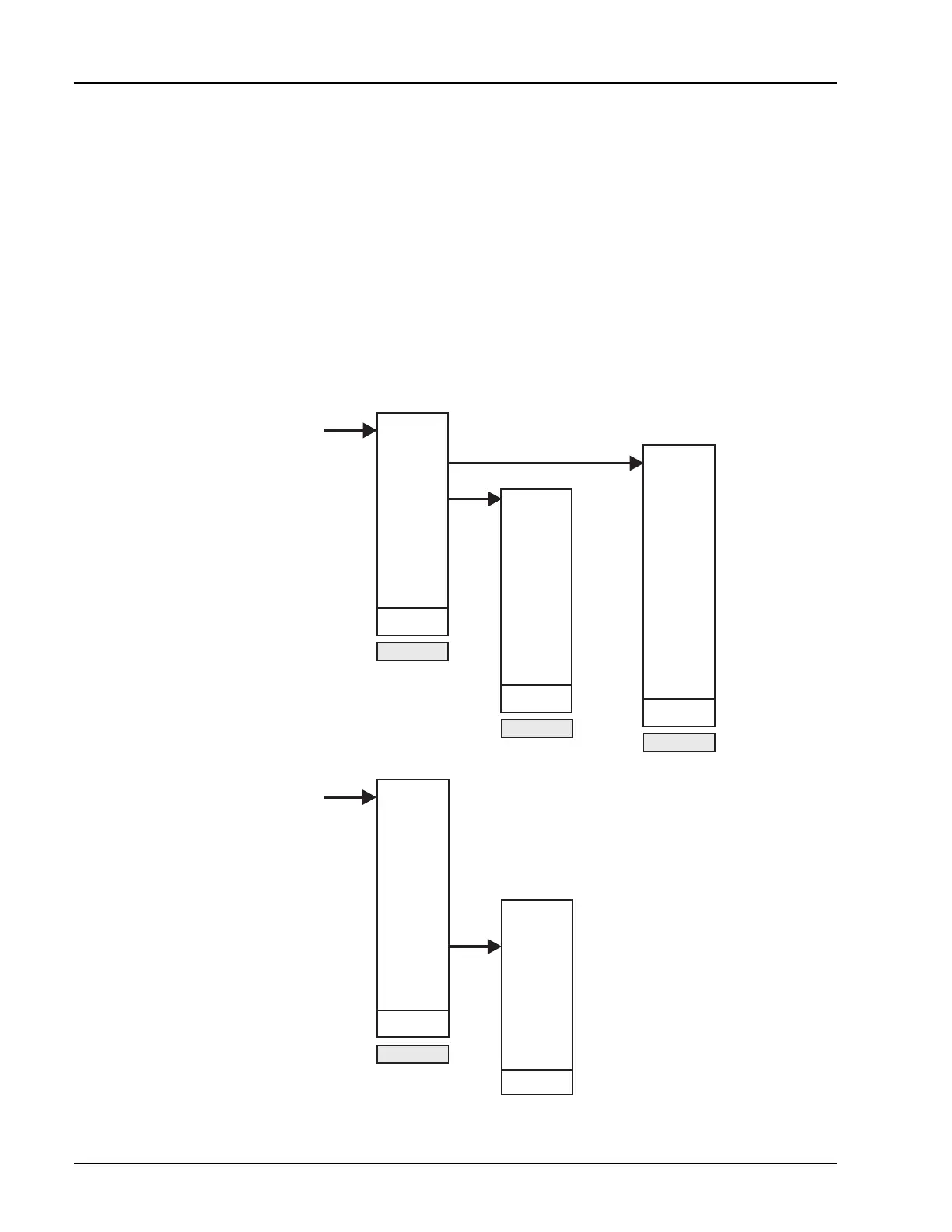
Figure 2-6: Function Menus Accessed with the MEAS & SCALE Keys
F1
F1-2
F1-1
MEAS
MEAS
MEAS
KEY
ABS PWR
PAT H CA L
TRACE
MEMORY
CW
OPTION
ALL
SWEPT
ALL CW
*ALL
NF
MEAS
TRACE N
MEAS
TRACE N
DIPSPLAY
TRACE N
CLEAR
TRACE N
CLEAR ALL
TRACES
RETURN
F2
SCALE
SCALE
KEY
SCALE
FACTOR
AUTO
SCALE
CONT
AUTOSCL
REF
POSN
REF
LEVEL
REF
LEVEL
CURSOR
MAX
RETURN
MEAS
REL
ON / OFF
MAX HOLD
ON / OFF
MIN HOLD
ON / OFF
RETURN
SCALE
→
→
REF
REF
→
TRACE



 To Next Page