Operation
Manual 20791, Rev. C, June 2001 2-29
[
PLOT CUSTOM
]
Menu F3-3: Activates a printout containing the plot parameters that were selected using the
[DEFINE CUSTOM] softkey.
[
DEFINE CUSTOM
]
Menu F3-6: The Define Custom function allows you to select specific plot parameters to be
shown on the hardcopy printout. [DEFINE CUSTOM] will bring up menu F3-6.
[
DEFINE TRACE
]
Menu F3-6: Displays menu F3-7 wherein any of the four channels can be defined to be ON or
OFF (trace information printed or not printed on the hardcopy plot). Menu F3-6 also allows
the selection of whether or not the background GRID, channel SUMMARY (alphanumeric
information describing channel parameters), TITLE, and frequency labels (FRQ LBL) will be
printed along with the plot of the channel trace configuration.
[
SC P1P2
]
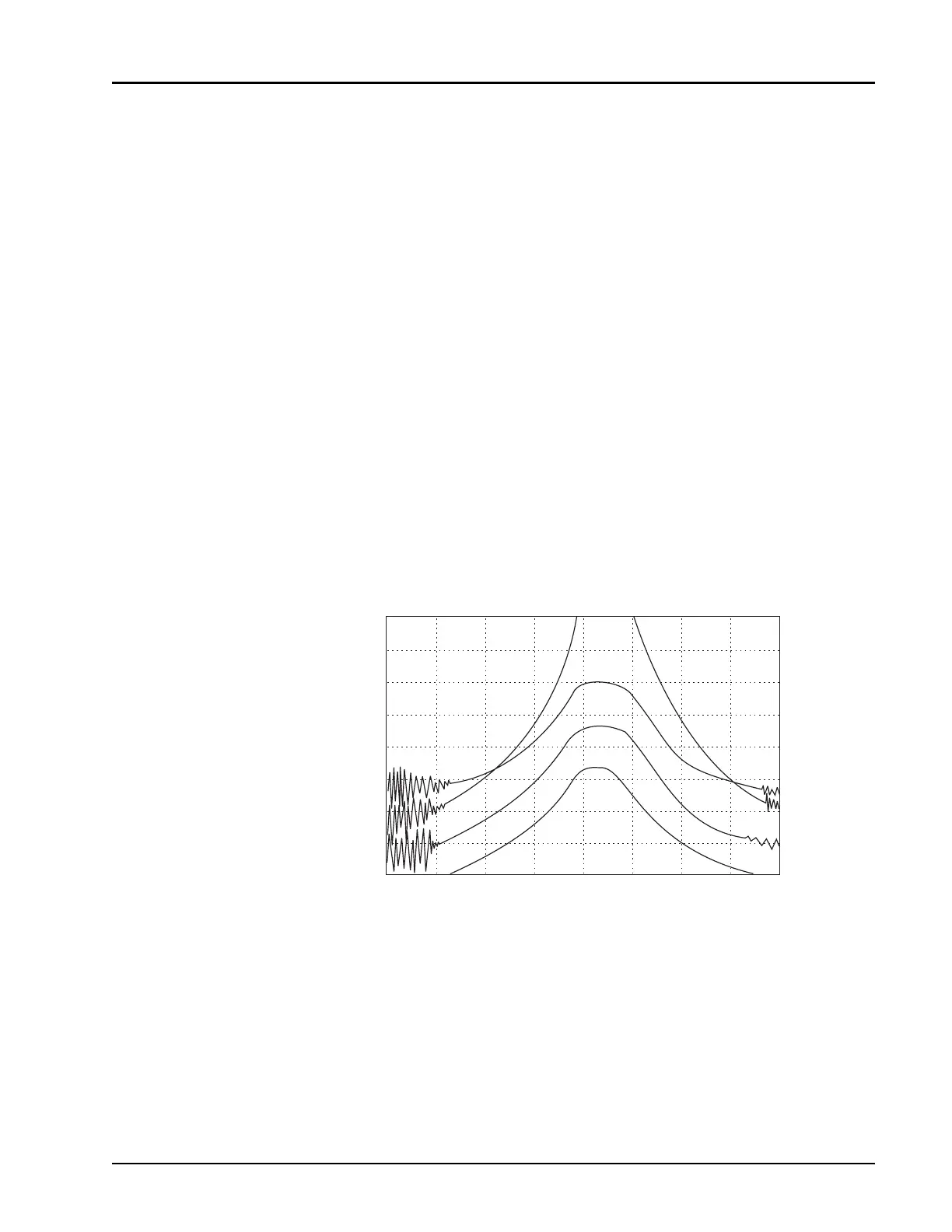
Menu F3-6: Sets usage of the scaling parameters set up on the plotter itself for the hardcopy
printout. Figure 2-10 is a similar function printout.
[
SPECIAL PLOT
]
Menu F3-3: Causes menu F3-8 to display. You can then define the channel TRACES,
LABELS, or the background GRID to be printed with no other information appearing on the
hardcopy.
Figure 2-10: SC P1P2 Function Screen Hardcopy Printout
+
+
+
+
START 40.000 GHz
CRSR 67.022 GHz
STOP 99.000 GHz
Jun 25, 2001 16:13:06
CH1: SW A CRSR -1.88 dBm CH2: SW A CRSR -1.91 dBm
10 dB / REF -27.47 dBm 20 dB / REF 0.00 dBm
CH3: SW A CRSR -2.02 dBm CH4: SW A CRSR -1.94 dBm
20 dB / A REF 24.61 dBm 20 dB / REF 32.28 dBm
CH4
CH1
CH2
CH3
4321



 To Next Page