Installation
2
2-4 Gilson 157/159 UV-VIS Detectors User’s Guide
Rear Panel Connections
Events and Remote Control Terminal Strip
Pin Header Assignments
Connecting the Connector Strip with the Cable
To control one device through another, you use the pin header. The single ports are used to exchange control
signals.
To use remote control, you have to connect cables to the pin header. First connect the cables to the spring strip
and then push the spring contacts of the spring strip onto the pins of the pin header.
Tools
Depressor tool
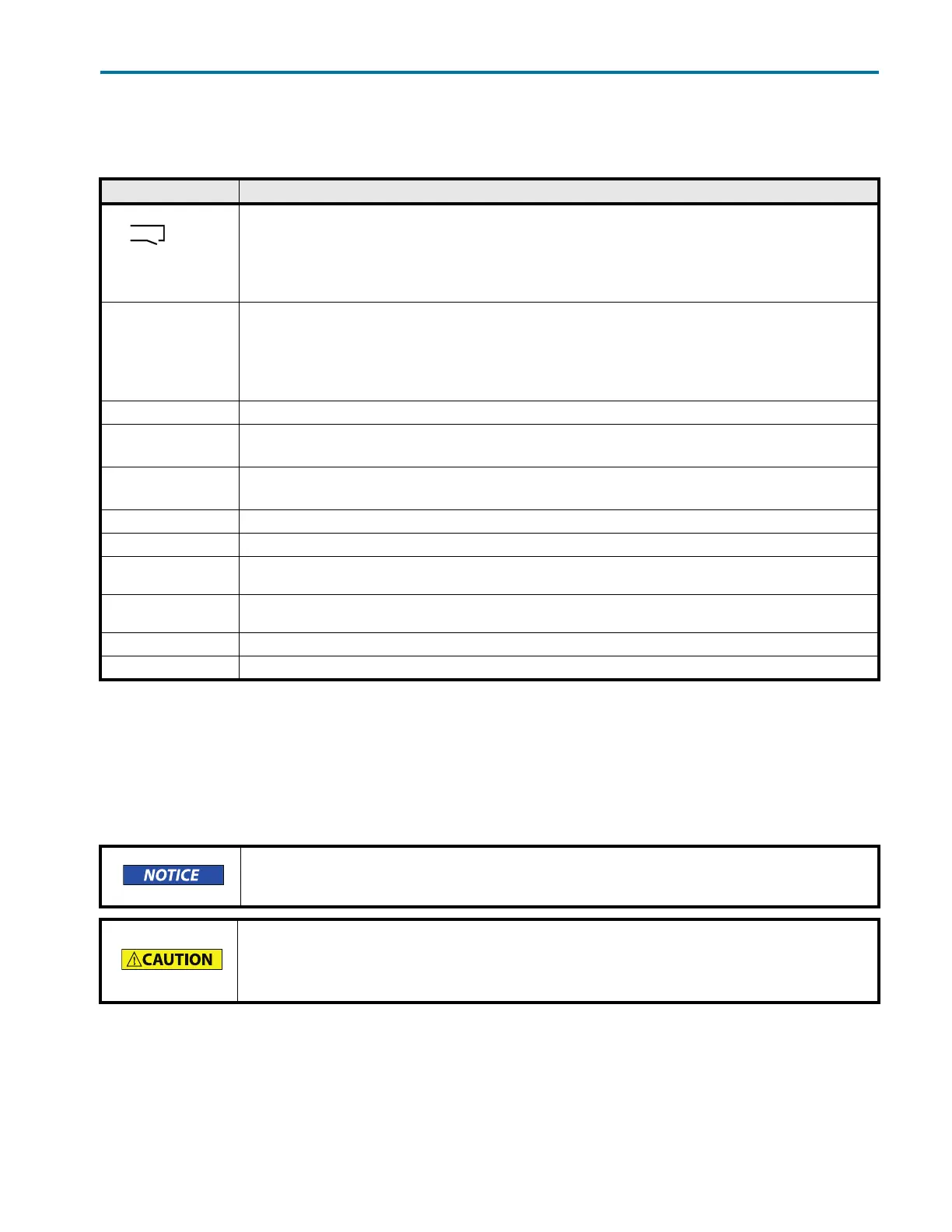
Connection Function
EV 1
Relay contact
Contact open 0
Contact closed 1
Pulse: (contact end 1000 ms)
Permissible contact load 1A/30 V.
EV 2 TTL output
Low (<0.4 V)
High (>2.4 V
Pulse (high for 1000 ms)
The load resistance should be >10 k
EV 3 Same as EV 2.
Error IN TTL input
With a high level, running programs are terminated and the message Error input activated appears.
Start IN TTL input
With a high level, a program is started in hold mode or a link with the corresponding wait parameter is started.
Autozero Carry out zero balance.
GND Reference point for the TTL level.
+5 V Provides a voltage of 5 V with respect to GND. This makes it possible to supply a consumer switched with event EV 1 (relay).
The output is secured at 62 mA.
+24 V Valve Event-controlled switching of 24 V against GND. The output is secured at 250 mA. This output can be used to operate a
fraction valve.
External Allows external analog control over the detector. The control voltage must be applied against AGND.
AGND Reference point of the voltage at the input external
Electrostatic discharge hazard, damages to system, device, or components can occur.
Wear an electrostatic discharge (ESD) grounding strap.
Short-circuit hazard.
Turn off the detector and disconnect the power cord before connecting it to the pin
header.














 To Next Page