Front Panel Control
B
B-2 Gilson 157/159 UV-VIS Detectors User’s Guide
Touchscreen
Touchscreen
The touchscreen is suitable for the following procedures:
• Monitoring the module functions
• Using special programs for laboratory work:
• Scan program (159 UV-VIS Detector only)
• LAN configuration program
• Combination of programs (in the Link menu)
• Checking the system conditions as part of quality assurance measures in accordance with good
laboratory practices (in the GLP menu)
• Standby and wake-up programs (Wake Up)
• Configuring programs for the device (Setup menu)
With the touchscreen it is possible to input data and commands by touching certain areas on the screen. These
areas are highlighted in gray.
Touching such buttons often calls up a menu with further, self explanatory buttons.
Overview of the Function Buttons
Navigation
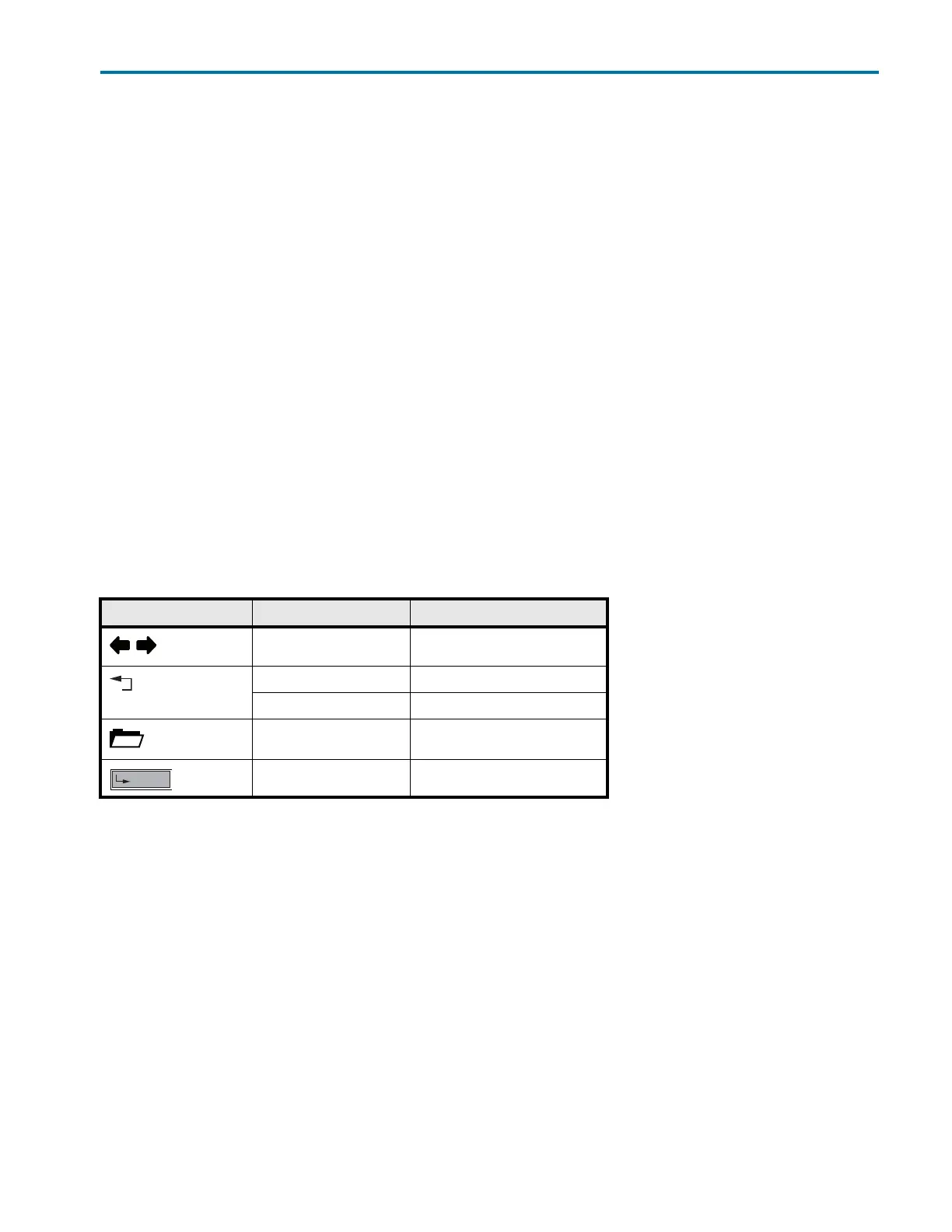
The display has buttons to perform the following functions:
Button Function Explanation
Scroll Scroll through all functions
One level higher up Touch briefly to move up one level
Go to device status display Press and hold for 2 seconds
Go to Main menu Touch to go to the Main menu
Save the entry Touch to save the entry














 To Next Page